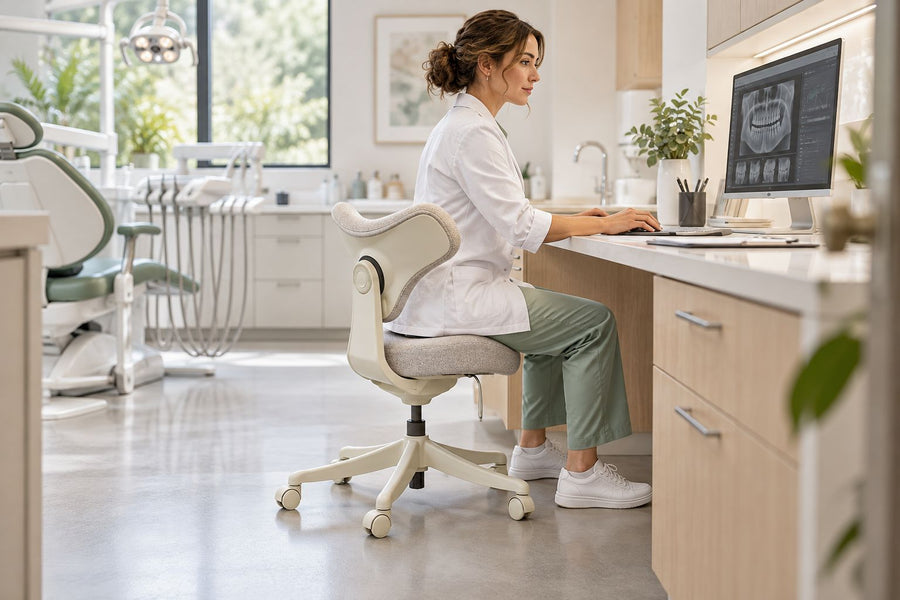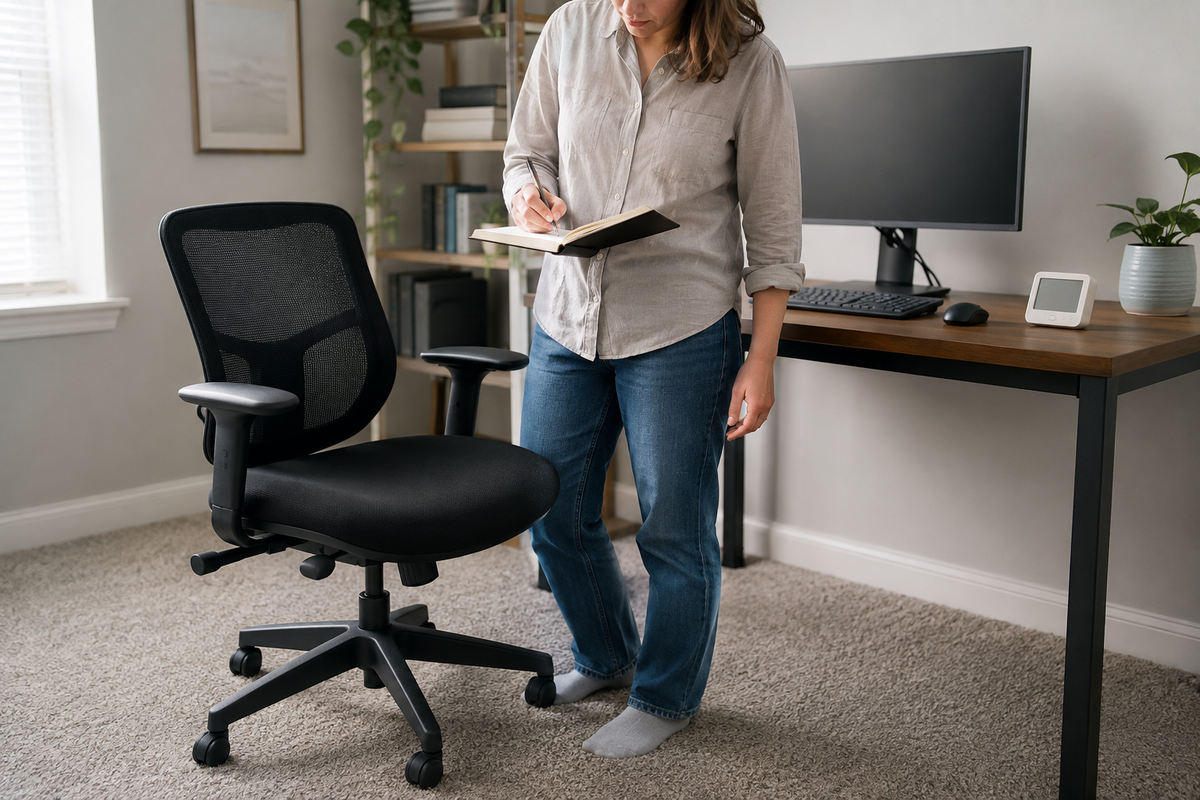
The right ergonomic setup should adapt to your body, support frequent movement, and stay comfortable through a full workday.
A brief snap after you roll, shift in the seat, stand up, and touch metal is often a static discharge. Do not begin by wiring the chair to an outlet, pipe, or radiator. First check whether the event behaves like static electricity, then change one environmental or material variable at a time.
Treat the event as a possible electrical fault—not a chair-static problem—if the sensation continues while contact is maintained, occurs without prior movement, is tied to powered equipment, or appears with a damaged cord, heat, burning odor, arcing, or breaker/GFCI activity. Stop using the suspect equipment and have facilities staff or a qualified electrician evaluate it. If you handle exposed electronics in an ESD-protected area, follow that facility’s tested control program rather than home-office advice.
Start With the Event, Not the Chair
The chair may be part of the charge-generating combination, but it is not automatically the source of every shock felt at a desk. The Canadian Centre for Occupational Health and Safety explains that static charge can be generated by friction or repeated contact and separation between different materials. In an office, the relevant combination can include clothing, seat upholstery, casters, footwear, carpet or mat, and the final conductive object you touch.
Use the pattern below as a routing screen. It is not an electrical diagnosis.
| Observed pattern | What it suggests | Next action |
|---|---|---|
| One brief snap after rolling, sliding against the seat, or standing, usually when you next touch metal | Static-like charge and discharge pattern | Record the movement, materials, room humidity, and contact object; test one low-risk variable. |
| The same snap appears mainly with one pair of shoes, garment, floor area, or chair mat | A repeatable material interface may be contributing | Compare that single variable during normal use; do not deliberately shock yourself. |
| Tingling or a shock continues while touching a powered device, happens without movement, or appears near damaged electrical parts | Possible current from an electrical fault | Stop contact and use; keep others away; route the equipment to qualified inspection. |
| A monitor flickers, a computer resets, or exposed electronic assemblies are being handled | An ESD-sensitive equipment problem may exist even if the person feels little or nothing | Pause handling and involve the organization’s IT, equipment owner, or ESD coordinator. |
CCOHS distinguishes surface charge from dynamic electric current flowing through a circuit. That distinction matters because a nuisance snap and an energized metal enclosure require different controls. OSHA also directs workplaces to remove damaged portable electrical equipment from service until necessary repairs and tests make it safe. A chair hack cannot correct a damaged cord, plug, outlet, power strip, charger, or device.
Why “Ground the Chair” Is Not a Complete Answer
Grounding works only when there is a continuous, appropriate path through materials selected for the job. A typical office chair is a chain of different interfaces: fabric or mesh, foam or polymer, metal frame parts, painted or coated connections, a gas lift, a base, plastic or mixed-material casters, and the floor. A wire attached to one visible metal part does not prove that the seat surface, person, base, casters, and building ground form a controlled path.
The EOS/ESD Association notes that insulators cannot shed electrostatic charge merely by being connected to ground. In a protected electronics area, it calls for defined common-point grounding, suitable conductive or dissipative materials, compatible floor-and-footwear systems, appropriate casters or wheels, and regular testing. That is a system, not a loose wire under a chair.
Do not attach a bare wire to the chair, an outlet ground opening, a power-strip case, a water pipe, or a radiator. Do not remove a plug’s ground pin. Do not wrap foil around a caster or scrape protective coatings from the frame. These changes can create snag, cut, electrical, structural, warranty, and floor-damage risks without proving that charge is controlled.
Run a One-Variable Observation Test
Only use this process when the event has the brief, movement-linked pattern of ordinary static and none of the electrical warning signs above are present. The aim is to find a repeatable combination during normal work, not to manufacture shocks.
- Write down the event. Note the date and time, room, chair, floor or mat, footwear, outer clothing, movement immediately before the snap, object touched, and whether any device behaved abnormally.
- Check the room condition. Record relative humidity from a suitable room instrument if one is available. Do not treat one reading as proof; location, calibration, HVAC cycles, and outdoor weather can change it.
- Inspect without disassembly. Look for a damaged power cord, plug, power strip, outlet faceplate, charger, or equipment enclosure near the chair path. Also check whether casters roll over or pinch cables. If you see damage, stop and escalate.
- Choose one comparison. For example, wear a different pair of ordinary shoes, change the outer garment, temporarily remove a removable chair mat if the floor remains protected and the chair can be used safely, or compare a different normal seating location.
- Keep the rest stable. Do not change shoes, clothes, mat, cleaning product, and humidity on the same day. Multiple changes may stop the symptom while hiding which interface mattered.
- Observe over several normal sessions. Record whether the event recurs under similar movement and environmental conditions. Stop the test immediately if powered-equipment warning signs appear.
A “no shock” session is useful but not conclusive. Static generation varies with contact, separation, movement speed, materials, and humidity. Look for a pattern across repeated ordinary use rather than a single dramatic demonstration.
Reduce Static Without Damaging the Chair
Check humidity as one input
Low relative humidity can make static buildup more noticeable. CCOHS reports that low office humidity may contribute to static buildup and affect some office equipment. OSHA’s computer-workstation guidance gives 30% to 60% relative humidity as an office-environment range. Neither source promises that a particular reading will eliminate chair-related discharge.
Ask facilities staff to check the HVAC system in a managed workplace. At home, follow the humidifier manufacturer’s placement, water, cleaning, and operating instructions, and keep moisture away from electronics and upholstery. Do not chase a number that creates condensation, damp carpet, or mold risk. If the building or sensitive equipment has its own humidity requirements, those requirements control.
Clean only with material-approved methods
Dust and residue can change how surfaces behave, but that does not justify coating the chair. Follow the chair and floor manufacturers’ care instructions. The OdinLake guide to cleaning an office chair separates mesh, fabric, plastic, and metal care instead of applying one solution everywhere.
Avoid homemade fabric-softener mixtures, dryer sheets rubbed over upholstery, and unverified “anti-static” sprays. They may leave residue, change appearance or grip, interact with fabric finishes, irritate occupants, or conflict with care instructions. If a manufacturer approves a specific treatment, follow its label, safety data, ventilation, spot-test, and reapplication directions exactly.
Change the material interface deliberately
If the log points to one shoe, garment, carpet zone, or mat, change only that item and observe. Natural versus synthetic is not a reliable yes/no rule by itself; the result depends on the actual pair of materials and the complete path. A different shoe or outer layer may reduce events in one setup and make no difference in another.
A chair mat can protect carpet and change caster behavior, but an ordinary plastic mat is not automatically an ESD-control product. Choose it first for floor type, chair load, edge safety, dimensions, and caster compatibility. The OdinLake guide to using an office chair on carpet explains the floor-protection and movement questions. For a claimed anti-static or ESD mat, require documented electrical properties, grounding method, maintenance, and compatibility with the rest of the system.
ESD-Sensitive Workplaces Need a Tested System
A home-office nuisance snap and an electronics production area do not share the same success criterion. In a normal office, the practical goal is to remove warning signs of an electrical fault and reduce uncomfortable, repeatable discharges. In an electrostatic protected area, the goal is to protect items with a defined ESD susceptibility through verified controls.
The ESD Association describes personnel grounding, common-point grounding, dissipative work surfaces, floor-and-footwear systems, compatible casters, and verification as coordinated elements. A wrist strap is not a casual accessory: the organization specifies its resistance, connection point, permitted task, inspection, and test schedule. Its guidance also warns that wrist straps must not be used where personnel are exposed to circuits of 250 volts or higher.
If your work involves exposed circuit boards, component repair, electronics assembly, flammable vapor, or combustible dust, stop improvising. Ask the ESD coordinator, safety manager, facilities team, or qualified electrician to define and test the control path. A chair advertised as “anti-static” should still be evaluated as part of that system; its label alone does not validate the floor, footwear, workstation, or ground.
What Counts as a Successful Fix?
Success is not “I touched metal once and felt nothing.” Use the same log for several work sessions and look for all of the following:
- the movement-linked snap no longer recurs, or its frequency clearly falls under comparable conditions;
- the chair still rolls, supports, adjusts, and cleans as intended, with no improvised wires or coatings;
- floor protection and walkway safety are unchanged;
- there is no tingling, continuous sensation, heat, odor, arcing, visible electrical damage, or breaker/GFCI behavior; and
- sensitive electronics show no resets or unexplained behavior, or the ESD program’s formal verification passes.
If the problem returns, do not add several remedies at once. Review the event log for a seasonal humidity change, new clothing or footwear, a replacement mat or caster, altered cleaning practice, or new powered equipment. Escalate any electrical warning sign immediately.
Frequently Asked Questions
Why does my office chair shock me when I stand up?
Rolling, shifting against upholstery, and separating clothing from the seat can contribute to charge generation. The discharge may occur only when you next touch a conductive object, so the chair can appear to “shock” you even though the final spark jumps elsewhere. Check the movement-material-contact pattern before choosing a remedy.
Can I ground an office chair?
Purpose-built ESD seating can be integrated into a tested system with compatible materials, casters, flooring, and grounding. A normal office chair should not be grounded with a homemade wire. Insulating upholstery, coatings, plastic parts, and ordinary flooring can interrupt the path, while an unsafe connection can introduce other hazards.
Does increasing humidity stop static shocks?
Higher humidity may reduce static buildup in some conditions, but it is not a guaranteed cure or proof of cause. Check the current room condition, follow building and equipment guidance, and avoid excessive moisture or condensation. Continue evaluating clothing, footwear, floor, mat, chair materials, and powered-equipment warning signs.
Will an anti-static chair mat stop office-chair shocks?
Not by name alone. A product must have documented properties and be compatible with the floor, footwear, casters, load, grounding method, and intended environment. An ordinary clear plastic chair mat may protect carpet yet provide no validated ESD-control path.
Can static from a chair damage a computer?
Electrostatic discharge can damage ESD-sensitive components, sometimes at levels a person does not notice. Avoid deliberately discharging onto ports or exposed electronics. If equipment resets, flickers, or behaves abnormally, stop handling it and involve IT, the equipment owner, or an ESD specialist rather than relying on a home remedy.
How can I tell static electricity from an electrical fault?
A brief snap after movement and on first contact is static-like. A sensation that persists during contact, occurs without movement, follows one powered device, or appears with damaged cords, heat, odor, arcing, or protective-device activity must be treated as a possible electrical fault. Stop use and obtain qualified inspection; do not use the chair as a test instrument.
The safest next step is small and observable: document one normal-use event, rule out electrical warning signs, change one verified variable, and compare several sessions. If the setting protects sensitive electronics—or the pattern does not clearly behave like ordinary static—hand the problem to the person responsible for electrical or ESD safety.