Creating an effective home office requires furniture that explicitly supports ergonomics, productivity, and the efficient use of available space. The optimal setup prioritizes physical comfort, workflow functionality, and long-term health over purely visual appeal. By strategically selecting high-quality...
The right ergonomic setup should adapt to your body, support frequent movement, and stay comfortable through a full workday.
Creating an effective home office requires furniture that explicitly supports ergonomics, productivity, and the efficient use of available space. The optimal setup prioritizes physical comfort, workflow functionality, and long-term health over purely visual appeal. By strategically selecting high-quality desks, chairs, lighting, and storage, remote workers can build a professional environment that prevents fatigue and enhances daily output.
Why Choosing the Right Home Office Furniture Matters
The right home office furniture directly improves physical health, daily productivity, and work-life boundaries by providing necessary ergonomic support and spatial organization. Investing in purpose-built office furniture is a preventative health measure and a critical professional tool.
-
Physical Health: Ergonomic furniture significantly reduces the risk of chronic back pain, cervical neck strain, and physical fatigue. Desks and chairs designed for proper posture maintain the spine's natural curve and promote healthy blood circulation during extended periods of sitting.
-
Productivity: A comfortable and systematically organized workspace directly correlates with sustained concentration. When physical discomfort is eliminated and tools are easily accessible, workers can maintain deep focus and complete tasks with greater efficiency.
-
Work-Life Separation: Utilizing dedicated office furniture creates a clear psychological boundary between professional duties and personal life. A specific desk and chair signal to the brain that it is time to work, while stepping away facilitates mental decompression at the end of the day.

Assess Your Space and Work Requirements
Assessing your workspace requires measuring exact room dimensions, identifying structural constraints, and meticulously evaluating your daily workflow equipment. The physical limitations of a room should be clearly defined before selecting furniture dimensions.
-
Map the Physical Space: Measure the exact square footage of your intended office area. Identify the permanent locations of key constraints, including windows (which affect screen glare), doors (which dictate clearance space), and electrical outlets (which determine desk placement).
-
Evaluate Workflow Requirements: Catalog the technology and materials you use daily. A professional utilizing dual 27-inch monitors requires a fundamentally wider and deeper desk setup than a worker relying solely on a single 15-inch laptop.
-
Account for Video Conferencing: If your role requires frequent video calls, assess the background of your proposed desk location. Ensure your setup allows for a clean, professional backdrop and favorable, front-facing lighting angles.
Key Factors to Consider When Choosing Home Office Furniture
The best home office furniture balances strict ergonomic standards, high material durability, strategic budget allocation, and cohesive aesthetics. When evaluating potential purchases, apply these four criteria to ensure long-term satisfaction.
-
Ergonomics: Always prioritize physiological posture support over modern design trends. Furniture must adapt to the human body, and using an ergonomic desk with chairs setup ensures proper alignment, adjustable support, and long-term comfort.
-
Durability: Choose solid materials constructed to withstand 40+ hours of weekly use. Look for scratch-resistant laminates, steel frames, and high-density foam that will not degrade or compress over time.
-
Budget Allocation: Invest the clear majority of your budget into your desk and office chair. These are the primary touchpoints of your daily routine; secondary items like shelving can be sourced more economically.
-
Style Consistency: Maintain a cohesive design language throughout the workspace. Uniform aesthetics reduce visual clutter and create a calming professional environment.
Essential Home Office Furniture
Building a functional workspace requires carefully selecting core pieces that interact seamlessly with your body and workflow.
Choosing the Right Desk
The best home office desk provides a minimum depth of 24 to 30 inches to ensure a safe monitor viewing distance, alongside sufficient surface area and built-in cable management. The desk serves as the command center of the office and must be selected based on specific operational tasks.
-
Standard Desks: Suitable for basic, single-monitor tasks and limited equipment. They offer a fixed height and are generally the most space-efficient option for compact rooms.
-
L-Shaped Desks: Ideal for multitasking and maximizing corner spaces. They provide distinct operational zones, allowing a user to dedicate one side to digital monitor work and the perpendicular side to physical paperwork.
-
Standing Desks: Height-adjustable standing desks mitigate the severe health risks associated with a sedentary lifestyle by allowing users to effortlessly alternate between sitting and standing. Research on topics like whether standing desks are good for you shows that alternating between sitting and standing can improve energy levels and reduce the risks of prolonged sedentary behavior.
Size and Functionality: A desk must accommodate your hardware while leaving enough room for your arms to rest comfortably at a 90-degree angle. Integrated cable routing trays are essential for preventing cord tangles and maintaining a clean visual space.
For a seamless sit-stand transition, A high-quality standing desk should provide stable height adjustment, sufficient surface area, and minimal vibration during operation. Models like the Odinlake S2 offer these features.
Selecting an Ergonomic Office Chair
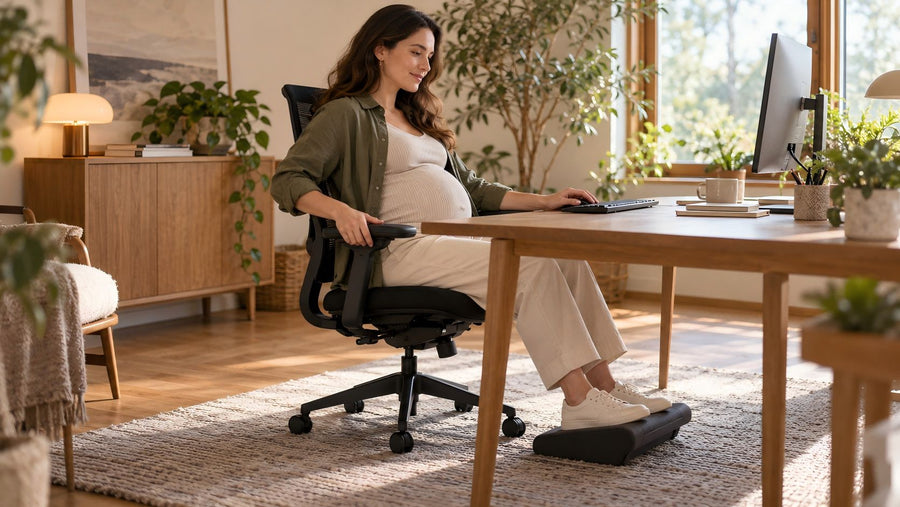
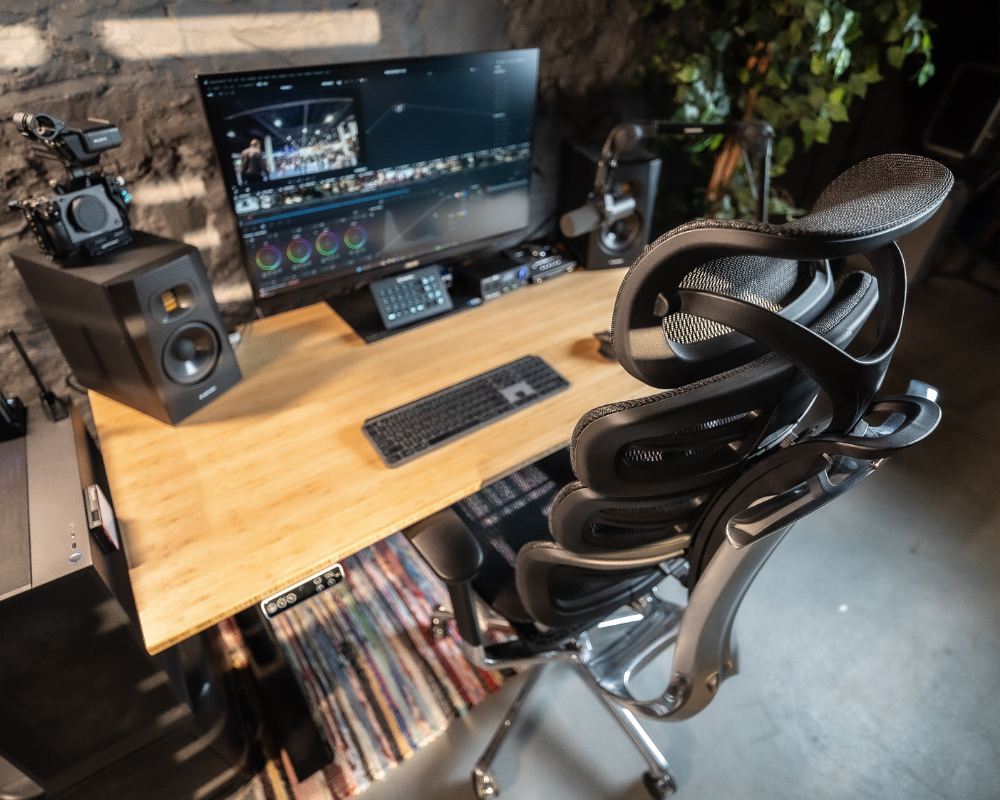
An Ergonomic Office Chair is the single most important financial investment in a home office, requiring dynamic lumbar support, highly customizable adjustment points, and breathable materials. A standard dining chair will rapidly cause musculoskeletal pain; an ergonomic chair is a specialized tool engineered for long-term health.
-
Lumbar Support: The human spine features a natural inward curve at the lower back. A proper ergonomic chair includes pronounced lumbar support that fills this gap, preventing the user from slouching and relieving pressure on the spinal discs.
-
Adjustability: Because body proportions vary wildly, a chair must be highly customizable. Essential adjustments include seat height, 3D or 4D armrests, tilt tension, and seat depth to ensure feet rest flat on the floor.
-
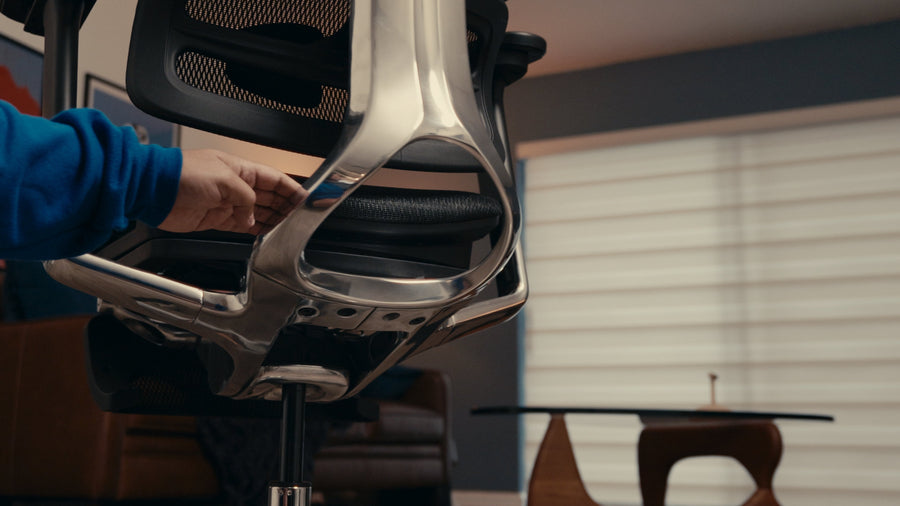
Comfort for Long Hours: The material of the chair dictates temperature regulation. Elastomeric mesh backs are highly recommended for optimal airflow, while high-resilience foam seats distribute pelvic weight evenly. When comparing options, reviewing guides such as Best Home Office Chair 2026 can help identify models that meet current ergonomic standards and long-term comfort requirements.
Top Recommendations:
-
Odinlake Ergo MAX (O3): A premium choice featuring dynamic lumbar tracking, 4D armrests, and a breathable mesh back tailored for marathon work sessions.
-
Odinlake Ergo (O2): An excellent value option delivering robust essential adjustability, targeted lumbar support, and a highly comfortable seat cushion for daily professional use.
Lighting for a Productive Workspace
A highly productive workspace utilizes a layered lighting strategy—combining natural daylight, overhead ambient light, and targeted task lighting—to eliminate screen glare and reduce ocular fatigue. Poor lighting is a primary cause of tension headaches and afternoon energy crashes.
-
Natural vs Artificial Light: Natural light is the optimal primary source. Position your desk perpendicular to windows to maximize daylight exposure while actively avoiding direct backlighting (which darkens your face on video calls) or direct front-lighting (which washes out screens).
-
Desk Lamps: Implement a dedicated LED desk lamp for targeted task lighting. The best models offer adjustable color temperatures: use cooler light (4000K–5000K) during midday to promote alertness, and transition to warmer light (2700K–3000K) in the late afternoon to reduce eye strain.
Storage Solutions to Keep Your Home Office Organized
Effective home office storage utilizes a combination of secure filing cabinets, vertical shelving, and modular desk organizers to eliminate visual clutter and improve mental clarity. A disorganized physical space directly contributes to a distracted mental state.
-
Cabinets: Filing cabinets remain the best solution for securely storing sensitive physical documents and bulky technological hardware completely out of sight.
-
Shelves: Floating shelves or tall bookcases maximize vertical wall space without consuming valuable floor square footage, ideal for frequently referenced books.
-
Desk Organizers: Micro-storage solutions (drawer dividers, pen cups) keep essential daily tools within immediate arm's reach while preventing them from encroaching on the active computer workspace.
Storage Solutions Comparison Table
|
Storage Type |
Best Used For |
Primary Advantage |
Spatial Impact |
|
Filing Cabinets |
Sensitive documents, bulky hardware. |
Maximum security and visual concealment. |
Consumes floor space; best tucked under desks. |
|
Shelves |
Books, decor, reference binders. |
Maximizes unused vertical wall space. |
Requires neat arrangement to avoid looking cluttered. |
|
Desk Organizers |
Pens, cables, sticky notes, daily tools. |
Keeps the workspace immediately tidy. |
Consumes minimal desk surface area. |

Common Mistakes to Avoid
The most detrimental home office design mistakes include prioritizing visual aesthetics over ergonomic functionality, neglecting cable management, and purchasing oversized furniture that restricts room navigation.
-
Choosing Style Over Ergonomics: Purchasing a highly stylized, rigid chair simply because it matches room decor will inevitably lead to physical pain and require a costly replacement.
-
Ignoring Cable Management: Failing to plan for the routing of power strips and monitor cords results in a tangled, visually stressful environment.
-
Selecting Disproportionate Furniture: Forcing a massive executive desk into a small spare bedroom makes the space feel claustrophobic. The furniture scale must strictly align with the room's square footage.
Conclusion
The best home office furniture actively supports your physiological health, streamlines your daily workflow, and utilizes your available space efficiently. By strictly prioritizing ergonomic investments—such as the Odinlake O2 or O3 chairs and the S2S standing desk—and implementing layered lighting and smart storage, you construct a professional environment that maximizes both high-level performance and personal well-being.
FAQ
What are the four rules in furniture arrangement?
The four foundational rules of furniture arrangement are:
-
Identify a focal point (such as a window or primary desk) and arrange the room around it.
-
Ensure clear movement paths by directing foot traffic around, not through, the workspace.
-
Balance visual weight by evenly distributing large and small pieces of furniture across the room.
-
Maintain proper scale by ensuring the size of the furniture is strictly proportionate to the dimensions of the room.
How to know if furniture is too big for a room?
Furniture is definitely too large for a room if it physically blocks natural walking pathways, overlaps with architectural features like doors or windows, or leaves less than 30 to 36 inches of clearance space for bodily movement. Visually, if a single piece of furniture immediately dominates the sightline and makes the room feel cramped, its scale is too large.
How to create a good Home Office?
A highly effective Home Office setup includes a quiet, dedicated physical location, ergonomic furniture (specifically a highly adjustable chair and a sit-stand desk), a layered lighting system that prevents screen glare, and sufficient modular storage to eliminate visual clutter and maximize daily productivity.