A practical, feedback-led method for getting used to a standing desk: make both positions usable, anchor one easy task, and progress one variable at a time.
The right ergonomic setup should adapt to your body, support frequent movement, and stay comfortable through a full workday.
You get used to a standing desk by treating standing as one additional work position, not a replacement for sitting. Make both positions usable, attach standing to one easy recurring task, return to sitting before discomfort builds, and change only one variable—frequency, duration, or task—at a time. The goal is easy switching without losing work quality, not a fixed standing quota.
That approach matters because remaining upright without moving is not automatically better than remaining seated. The practical benefit of a sit-stand desk is that it makes position changes easier. A useful transition therefore builds a repeatable switching habit while preserving a comfortable keyboard, screen, and work area in both positions.
Make sitting and standing equally usable before you add time
Begin with the desk, not the clock. If standing makes you reach for the keyboard, bend toward the screen, or reorganize cables every time, extending the session only rehearses a poor setup. Adjust the workstation so the same task can continue after the desk moves.
Set the keyboard and pointing device first
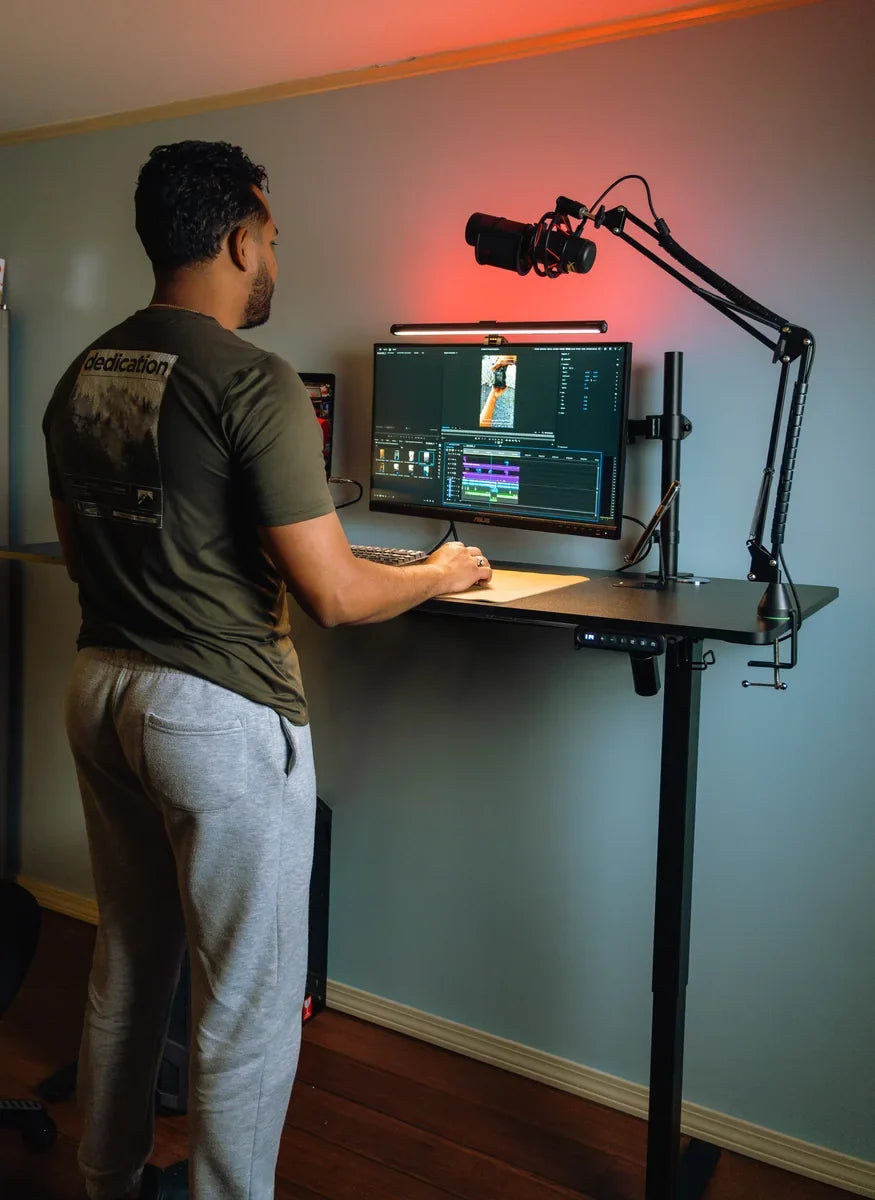
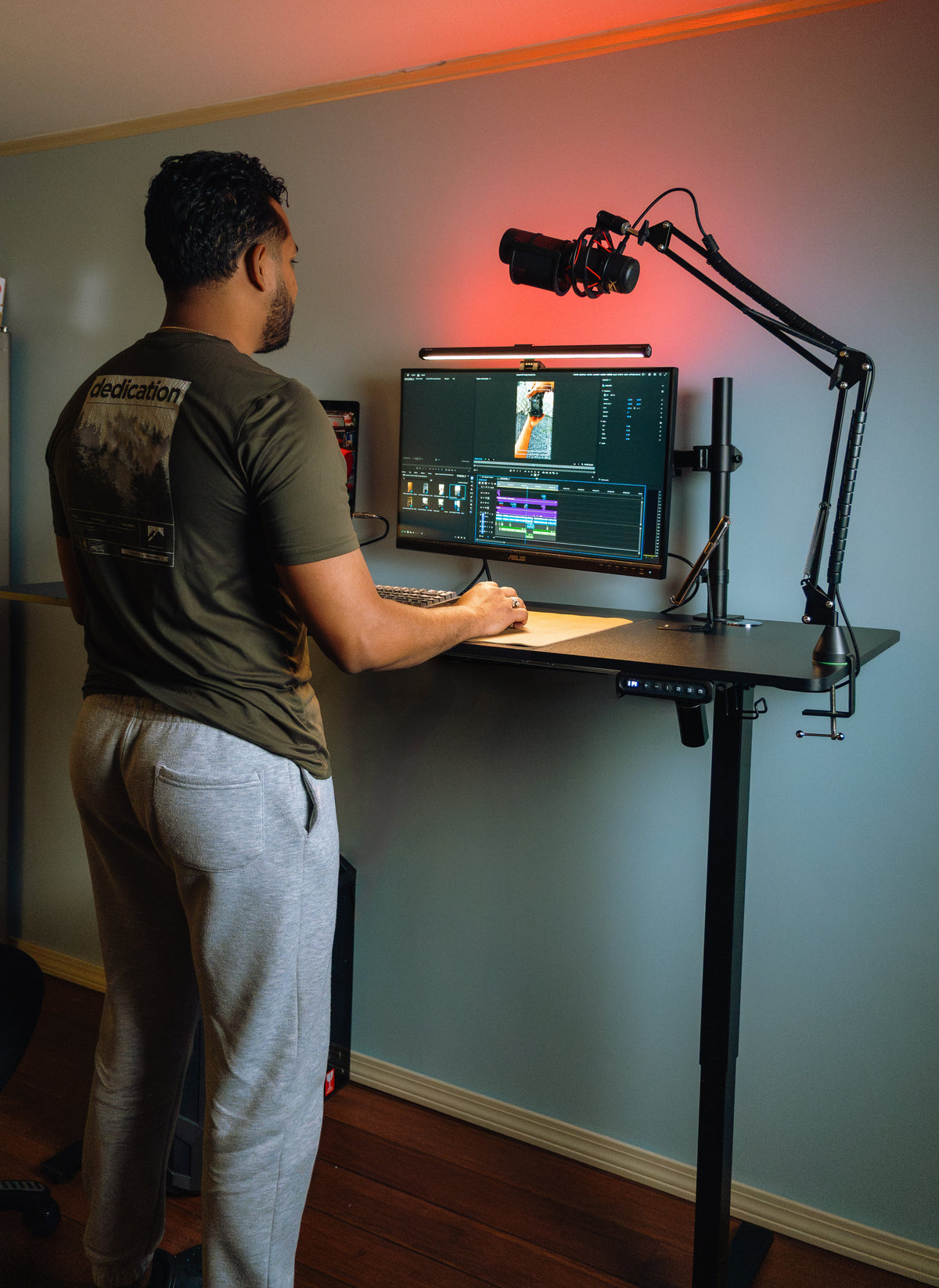
At standing height, place the keyboard and mouse where your shoulders can remain relaxed and your elbows can stay close to your sides. Your forearms should have a natural route to the controls without lifting the shoulders or reaching forward. Keep the mouse close enough that using it does not pull one shoulder ahead of the other.
Then check the seated position separately. A standing setting that works well does not guarantee the seated setting does. Save or note a usable height for each position, and verify that the chair, armrests, and knees clear the underside of the desk.
Move the screen after the desk height is usable
Once the input devices feel natural, position the primary screen directly in front of you at a comfortable viewing distance. Raise, lower, or tilt it so you can read your normal work without repeatedly dropping your head or leaning toward the display. A laptop used by itself often forces a compromise between screen height and keyboard height; an external keyboard and mouse can separate those two needs.
The Canadian Centre for Occupational Health and Safety advises adjusting the keyboard and monitor for both sitting and standing, and emphasizes alternating positions rather than holding one posture. Its guidance also notes that cables and the surrounding layout should not interfere with adjustment. See the CCOHS sit-stand desk guidance.
Clear the entire travel path
Move the chair far enough away that you will not trip over its base when you stand. Check the route of power, monitor, charger, and accessory cables while the desk moves. Nothing should tighten, catch, or pull a device toward the edge. Also look above the desk for shelves, window hardware, or wall-mounted objects that could collide with a screen at standing height.
Run the desk once from your seated setting to your standing setting while watching the cables and nearby objects. This short setup check removes a common source of hesitation: if raising the desk feels risky or inconvenient, you will use the adjustment less often.
Start with one low-friction task, not a daily quota
Choose one task that already happens most workdays and does not demand your highest concentration. Reviewing the inbox, joining a routine call, reading a short document, or planning the next block of work are useful starting anchors. When that task begins, raise the desk. When the task ends—or when your posture starts to feel less natural—sit again.
This is easier to repeat than trying to remember a timer unrelated to your work. It also lets you judge the standing position under real conditions. You can notice whether you keep shifting away from the keyboard, whether the screen is difficult to read, or whether a cable blocks movement without also struggling through a demanding task.
Use work quality as part of the test
A standing block is not successful simply because you stayed upright. If accuracy drops, you start leaning on the desktop, or the task takes noticeably longer, switch back and adjust the next attempt. You may need a different task, a shorter block, or a change to the setup.
Early standing sessions are usually a poor time to learn new software, do precision drawing, complete dense spreadsheet work, or write through a difficult problem. Those tasks already consume attention. First make the position change ordinary during lower-demand work; add more demanding tasks only after the controls and setup stop distracting you.
Change one thing at a time
After several comfortable repetitions, decide what to change next. You can stand a little more often, continue one familiar block a little longer, or try a second type of task. Do not increase all three at once. If discomfort or lost focus appears after several simultaneous changes, you will not know which change caused the problem.
- Establish a baseline. Use the same easy task and stop while the position still feels manageable.
- Repeat before progressing. A routine that works once may still contain friction that appears on a busy day.
- Select one change. Add another occurrence, a modest amount of time, or a slightly more demanding task.
- Observe the result. Note comfort, concentration, and how easily you returned to sitting.
- Keep, reduce, or reverse the change. Progress is not lost when you shorten a block; you are refining the routine.
There is no single transition timetable that fits every body, task, floor, shoe, and workstation. CCOHS notes that published recommendations for sitting and standing vary widely and that people need time to adjust. A 2024 systematic review of workplace sit-stand interventions found reductions in workplace sitting, but also reported uncertainty about longer-term effects and activity outside work. Use schedules as prompts, not promises.
Read the signal before you add more standing
Mild, general fatigue that settles after you sit is different from sharp, worsening, or unusual symptoms. Do not use a target time to override what is happening. The next action should match the signal.
| What you notice | What it may mean for the routine | What to try next |
|---|---|---|
| Mild general fatigue that clears after sitting | The current block may be enough for now | Repeat it before adding time |
| Discomfort arrives early in each attempt | Setup, footwear, floor, or block length may need attention | Shorten the block and recheck the workstation |
| Concentration drops before physical discomfort | The task may demand more attention than the new position allows | Use a simpler task or switch sooner |
| You repeatedly lean to one side or lock one knee | You may be holding a static or uneven stance | Move, change stance, and recheck desk height and reach |
| Sharp or worsening pain, swelling, numbness, weakness, or dizziness | This is not a signal to push through | Stop the standing session and seek appropriate professional advice if the symptom persists or concerns you |
The National Institute for Occupational Safety and Health reports that prolonged standing is associated with low-back pain, leg pain, fatigue, and discomfort, and notes that movement and the ability to sit or lean are commonly recommended. Read the NIOSH summary on prolonged standing at work. The lesson for a beginner is straightforward: standing still for longer is not the objective. Change position and keep ordinary movement in the day.
Small movements count, but they do not replace breaks
Shift your weight, unlock your knees, take a few steps during a call, or walk to complete a small task when practical. These changes can interrupt a static stance. They do not turn desk standing into exercise, however. Keep normal walking, breaks, and physical activity separate from your standing-desk target.
Remove the friction that makes switching easy to skip

A transition often fails for a mundane reason: changing position interrupts the work. Reduce that interruption until raising or lowering the desk takes less thought than ignoring it.
Save two reliable heights
If your desk has memory presets, store one verified seated height and one verified standing height. Test both with the chair, footwear, keyboard, and current desktop accessories in place. A preset is a starting point, not a guarantee; adjust it when your equipment or footwear changes.
If the desk uses manual controls, write down the displayed heights or mark a repeatable reference. The OdinLake S2 standing desk, for example, includes a height controller that can make returning to known positions easier. Always confirm features and instructions for the exact model you own.
Make the floor and footwear workable
Wear stable, comfortable footwear appropriate for your floor and work setting. A mat may make a hard floor more forgiving for some people, but it is not mandatory and should not become a trip hazard. If you add one, choose a stable surface with edges that do not interfere with the chair or your walking path. CCOHS similarly recommends considering supportive footwear, an anti-fatigue mat where appropriate, and a safe way to shift position.
Keep sitting immediately available
Do not make sitting feel like failure. Keep the chair close enough to return to it safely, but outside the standing path. If you must move equipment, reconnect cables, or rebuild the desk every time you sit, the routine is too complicated. Both positions should support the work you actually do.
Know what a successful transition looks like
You are adapting well when the desk change no longer feels like an event. You can move between two usable positions, continue the task without reorganizing the workstation, and respond to fatigue before it becomes a distraction. Some days may include more standing and other days less. That variation is compatible with the purpose of a sit-stand desk.
Avoid measuring success only in accumulated minutes. Better questions are: Did I change position before getting stiff? Could I work accurately in both settings? Was the switch easy enough to repeat? Did standing add variety without replacing walking and breaks? If the answers improve, the routine is working.
If your next question is how much standing to include across a full workday, use our separate guide to how long to stand at a standing desk. Keep the transition itself flexible: set up both positions, anchor one easy task, repeat, and change one variable only when the current version works.
Frequently asked questions
How long does it take to get used to a standing desk?
There is no reliable universal number of days. The adjustment period depends on your previous routine, workstation setup, tasks, footwear, floor, and how aggressively you increase standing. Judge progress by whether you can switch positions without discomfort or a drop in work quality. If a routine still causes the same problem, correct the setup or reduce the block instead of waiting for your body to accept it.
How long should a beginner stand at first?
Start with one short, easy task rather than an arbitrary time target. Sit again before fatigue changes your stance or concentration, then repeat that workable block on another occasion. Once it feels routine, change either the frequency, duration, or task—not all three together. People who need a day-level schedule can use our standing-duration guide, but it should not override individual signals.
Is it normal to feel tired or sore when starting?
Mild, general fatigue can occur when you introduce a new position, especially if it clears after sitting or moving. Repeated early discomfort calls for a setup and routine check. Sharp or worsening pain, swelling, numbness, weakness, or dizziness is a reason to stop rather than push through; seek appropriate professional advice if symptoms persist or concern you.
Should you stand at a standing desk all day?
No. A standing desk is most useful as a way to change positions. Prolonged static standing can also produce fatigue and discomfort. Alternate among sitting, standing, and ordinary movement according to the task and your response instead of replacing an all-day seated posture with an all-day standing posture.
Do you need an anti-fatigue mat?
Not necessarily. A suitable mat may improve comfort on a hard floor, but the bigger priorities are a usable desk height, supportive footwear, position changes, and a clear walking and chair path. If you use a mat, make sure it stays stable and does not introduce a raised edge where you move the chair or step away from the desk.
Should you wear shoes at a standing desk?
Choose stable, comfortable footwear that suits the floor and your workplace; there is no single required shoe. Avoid assuming that standing barefoot, in soft slippers, or in a particular shoe will work for everyone. If changing footwear changes your standing height, recheck the desk setting and monitor position.