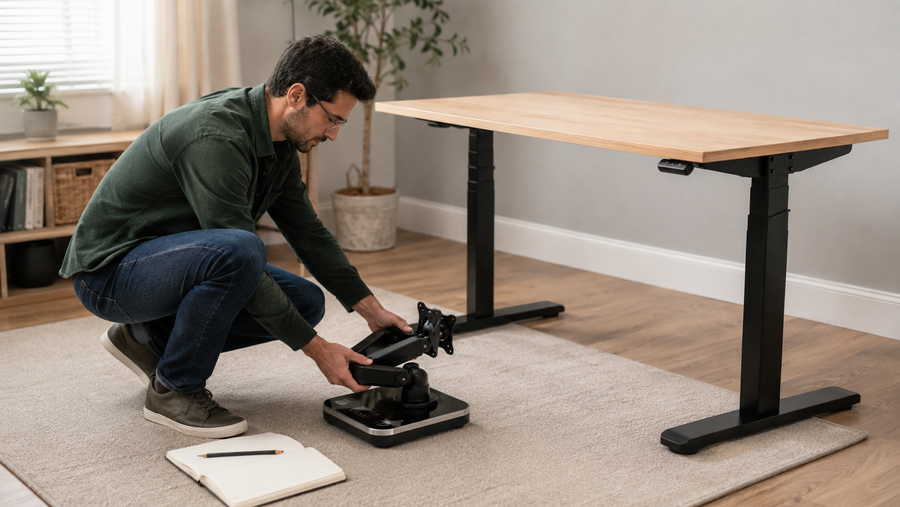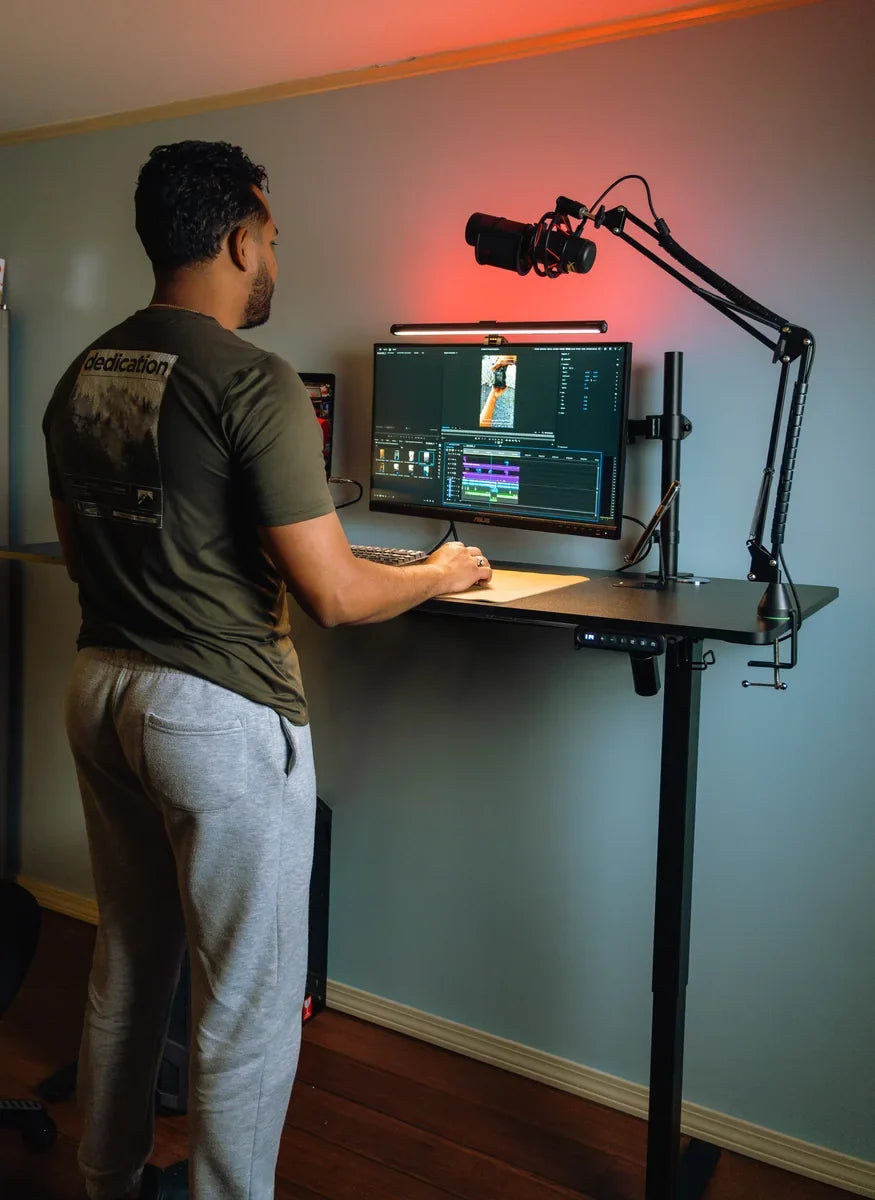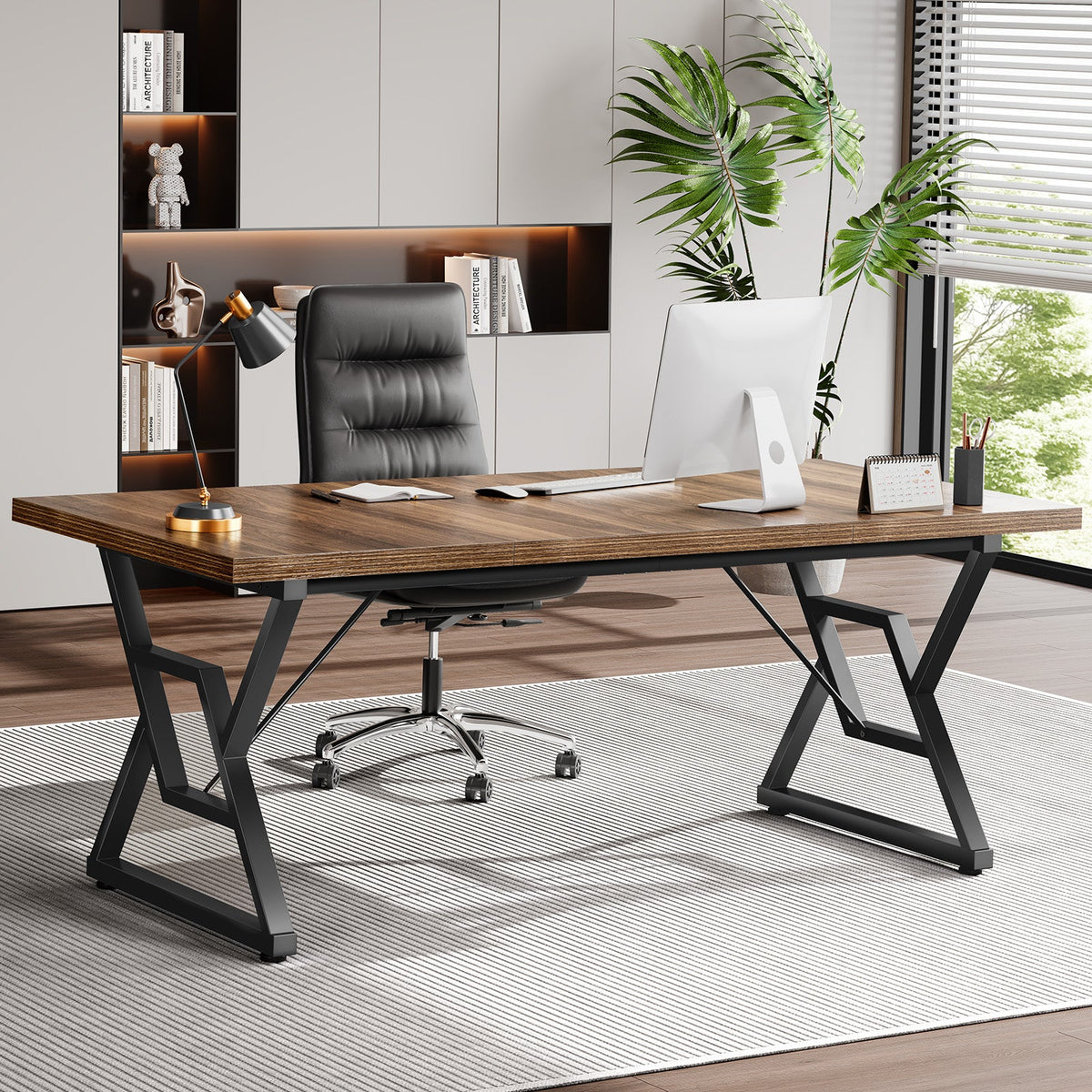
Build your real equipment row, add the side space your tasks require, and verify the clear opening below before choosing a computer desk width.
The right ergonomic setup should adapt to your body, support frequent movement, and stay comfortable through a full workday.
A computer desk should be wide enough for the equipment you will actually place side by side, plus the work space you need on the left and right. There is no single width that fits every setup. A compact laptop station may work on a much narrower surface than two angled monitors, speakers, a desktop tower, and an open notebook.
The reliable way to choose is to build your intended equipment row first, measure its outermost points, add only the lateral task space you will use, and then check the desk's clear width underneath. This turns “How wide should my desk be?” into a measurement you can verify before buying.
Minimum usable top width = occupied equipment row + left-side task allowance + right-side task allowance.
The allowances in that equation are not fixed industry numbers. They come from your work: a notebook opened beside the keyboard, a drawing tablet, reference papers, a lamp, or nothing at all.
Width is a row of equipment, not a category label
Retail descriptions such as “compact,” “computer desk,” or “executive desk” do not tell you what will fit. The useful number is the clear left-to-right span available on the top after you account for raised edges, shelves, cable openings, fixed organizers, and other intrusions.
Start with the items that must share the same horizontal row:
- monitor screens in their intended angle, including bezels;
- monitor stands or arm posts when they occupy the same row;
- a laptop or vertical laptop stand;
- speakers, a dock, control surface, or microphone base;
- a desktop computer tower, but only if it will remain on the top;
- a lamp or document holder that cannot sit behind another item.
Do not estimate monitor width from the advertised diagonal screen size. A 27-inch display is measured diagonally, not from left bezel to right bezel. Use the manufacturer's overall dimensions or, better, place the actual screens in position and measure the row.
Build a life-size equipment row before shopping
- Choose the real display arrangement. Put the main display directly in front of the working position. Angle a second display as you intend to use it instead of measuring two screens laid flat.
- Add the equipment that must stay beside it. Include a laptop stand, speakers, dock, or on-desk tower only when those items will remain in the same row during normal work.
- Check moving and service positions. Open the laptop, rotate a vertical display, reach the monitor's ports, and turn any speaker or lamp that needs to move. Measure the widest normal position, not the narrowest parked position.
- Mark the outermost points. Measure horizontally from the leftmost object to the rightmost object. Record this as the occupied equipment row.
- Add task space by side. Measure the actual object or activity that needs room—a notebook, paper stack, drawing tablet, or charging area. Add it to the side where it will be used.
This method follows the practical principle in the OSHA computer-workstation purchasing guide: the work surface should accommodate the monitor, keyboard, input device, and additional work items that are genuinely needed. It does not require a larger desk merely because a larger size exists.
Calculate a target, then keep the assumptions visible
A measurement is useful only when you remember what it includes. Write the equipment and allowances next to the result so a later hardware change does not turn the number into a false promise.
| Input | How to measure it | What can change it |
|---|---|---|
| Occupied equipment row | Outermost left-to-right points in the normal working arrangement | Screen angle, laptop position, speakers, tower, lamp, arm post |
| Left task allowance | Width of the item or task used to the left of the equipment row | Handedness, paper use, reference material, controls |
| Right task allowance | Width of the item or task used to the right of the equipment row | Notebook, drawing tablet, document holder, charging area |
| Minimum usable top width | Add the three measured inputs | Fixed desktop features that reduce the clear surface |
Illustrative example: Two monitors in their intended angle plus a vertical laptop stand create a 48-inch (122 cm) equipment row. The user wants a 10-inch (25 cm) notebook area on the right and no separate task area on the left. The target is therefore 48 + 0 + 10 = 58 inches (147 cm) of usable top width. This is an example of the method, not a universal recommendation for two monitors.
The test fails if the advertised width is 58 inches but a fixed shelf, raised side panel, or organizer leaves less than 58 inches of uninterrupted usable space. It also fails if the equipment fits only when a screen, tower, or lamp sits at an unstable edge or blocks a control or port that must remain accessible.
Change the row when the setup changes
Laptop or compact single-display setup
A laptop-only arrangement can be narrow because the screen and input area overlap. Once the laptop is raised and paired with a separate keyboard and mouse, the main width question becomes whether a notebook, second device, or lamp must sit beside it. Build the row in the working position, not with the laptop closed for storage.
Two displays or one ultrawide display
Measure the visible arrangement after setting the screen angle. Two displays angled inward can project a different horizontal span from two screens placed flat. An ultrawide monitor may reduce the number of stands, but its full external width still belongs in the row.
A monitor arm can recover surface area that would otherwise be occupied by stands, yet it does not automatically shrink the left-to-right screen span. Its post, clamp, range of motion, cable path, and desktop compatibility are separate checks.
On-desk tower, paper work, or creative equipment
If the computer tower stays on the desktop, include its external width in the row and preserve access required by the computer manufacturer's instructions. If it sits elsewhere, do not count it as desktop width—but do check cable reach and make sure it does not consume the leg and foot area below.
Paper-based or creative work needs a task allowance that many technology-only examples omit. Measure the open notebook, reference binder, control surface, or drawing tablet in use. A task zone that exists only in your head is easy to sacrifice when comparing product photos.
Measure the top and the clear space below it separately
A wide desktop can sit on a much narrower opening. Pedestals, angled legs, drawers, crossbars, a computer tower, and storage can reduce the clear width available for the chair, knees, and feet. Record both numbers:
- usable top width: the uninterrupted surface available for the equipment row and side tasks;
- clear under-desk width: the narrowest usable opening where the chair, knees, feet, and normal position changes need to fit.
The OSHA desk guidance warns that limited surface space can push frequently used devices into awkward positions and that clutter below the work surface can restrict leg and foot movement. The NIOSH Computer Workstation Checklist likewise asks whether a workstation has sufficient knee and foot space. These are reasons to verify the opening, not reasons to assume that total desk width equals usable clearance.
Measure between the closest structural points under the desk, not merely between the outside edges of the top. Then sit at the planned keyboard position and check whether the chair can approach without a pedestal or frame forcing the body off-center.
Check the room width after the desk width
The wall span is only the first room measurement. Mark the desk's full outer width and then test what operates beside it:
- a door, closet, or cabinet that swings into the desk zone;
- drawers that need to open without striking a wall or neighboring furniture;
- plugs and cable connectors that project from the side;
- baseboards, radiators, window trim, or floor vents;
- the route needed to bring in and assemble the top;
- a shared path that should not be narrowed by equipment hanging beyond the edge.
If the room limit is smaller than the target usable width, change the setup before forcing the desk: stack a secondary display, move a tower off the top without blocking leg space, replace a permanent paper zone with a pull-out or nearby surface, or remove equipment that is not part of the normal task. Rebuild and remeasure the row after every change.
Mock up the footprint before buying
Use painter's tape to mark the proposed outer width on the wall or floor, and use a table, flattened boxes, or cardboard to reproduce the intended top. Place the real equipment or paper templates on the mock-up.
Run a short task instead of judging the empty rectangle. Type, use the mouse, open the notebook, rotate the second screen, connect a cable, and reach the controls you use. Then test the room: open nearby doors and drawers, move the chair, and walk the normal path. A mock-up passes only when both the equipment row and the surrounding actions work without placing devices at unstable edges.
Use product sizes as choices, not standards
Product variants can help after the target is known. For example, the US OdinLake S6 Home Office Desk page, checked August 20, 2026, presents 31.5-inch-deep tops in 63-inch and 71-inch widths. Those are two product choices, not two universal rules. A 63-inch option may pass the illustrative 58-inch usable-width target above, but only after the actual uninterrupted top, under-desk opening, room fit, and equipment arrangement are verified.

Write your required usable top width and clear under-desk width before opening another product listing. Compare those numbers with the current diagram for each exact model and variant. If the unresolved constraint is front-to-back space rather than side-to-side space, use the separate guide to measure computer desk depth for your setup.
Frequently Asked Questions
What is a standard computer desk width?
There is no single computer desk width that fits every setup. Product lines may offer several widths, but “standard” does not tell you whether your monitors, laptop, tower, paperwork, or clear leg area will fit. Measure the occupied equipment row and the side task space, then compare that result with the exact product diagram.
Is a 40-inch desk wide enough for a computer?
It can be wide enough for a laptop or a compact single-display setup if the measured equipment row and required task space fit within 40 inches of usable surface. It is not automatically enough for a second display, an on-desk tower, speakers, or open paperwork. Mock up the 40-inch span and test the real task before buying.
Is a 48-inch desk wide enough for two monitors?
Possibly, but the diagonal monitor size cannot answer that question. Put both monitors in their intended angle, measure from the outermost left point to the outermost right point, and include any laptop, speakers, or side task zone. A 48-inch desk fails if that complete row does not fit securely inside its usable top width.
How do I measure desk width for two monitors?
Set the monitors side by side at the angle and orientation you will use, then measure the horizontal span between their outermost points. Add the width of equipment that must stay beside them and the actual paper or control space needed on either side. Do not calculate from the advertised diagonal screen sizes.
Does a monitor arm let me use a narrower desk?
A monitor arm can remove stand bases from the surface and may recover usable top area. It does not necessarily reduce the screens' horizontal span, and its clamp, post, rear movement, cable path, desktop thickness, and load compatibility still need to pass. Measure the display arrangement with the intended arm geometry.
Should I include the PC tower when calculating desk width?
Include the tower's actual external width when it will sit on the desktop, along with any access space required by the computer manufacturer. If the tower will be off the desktop, exclude it from the top-width equation but verify cable reach and keep it out of the chair, knee, and foot clearance area.