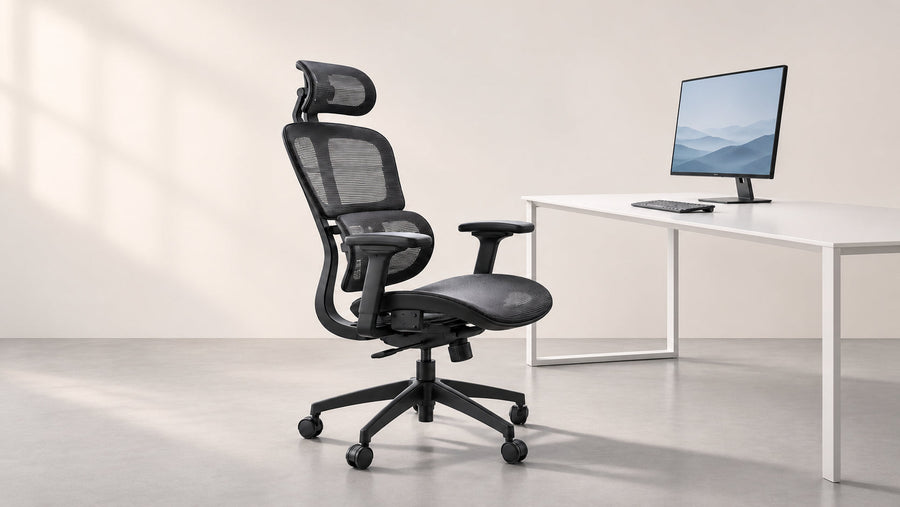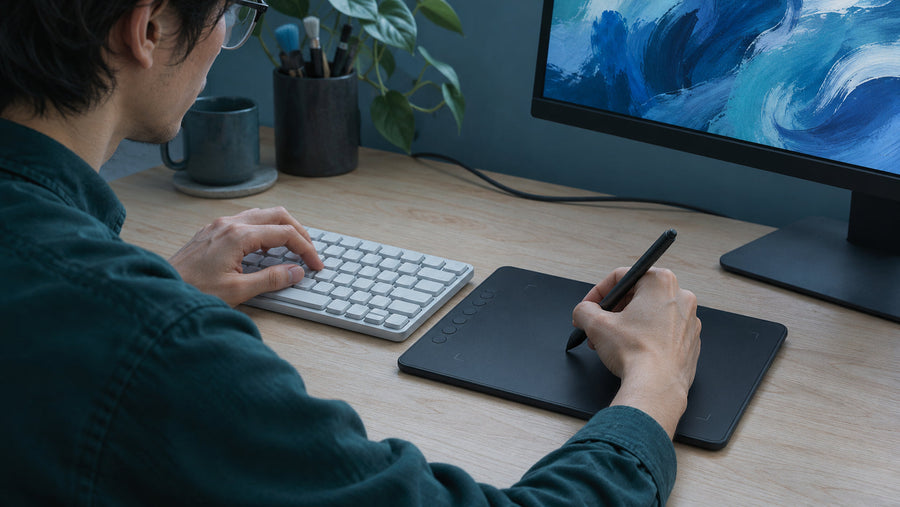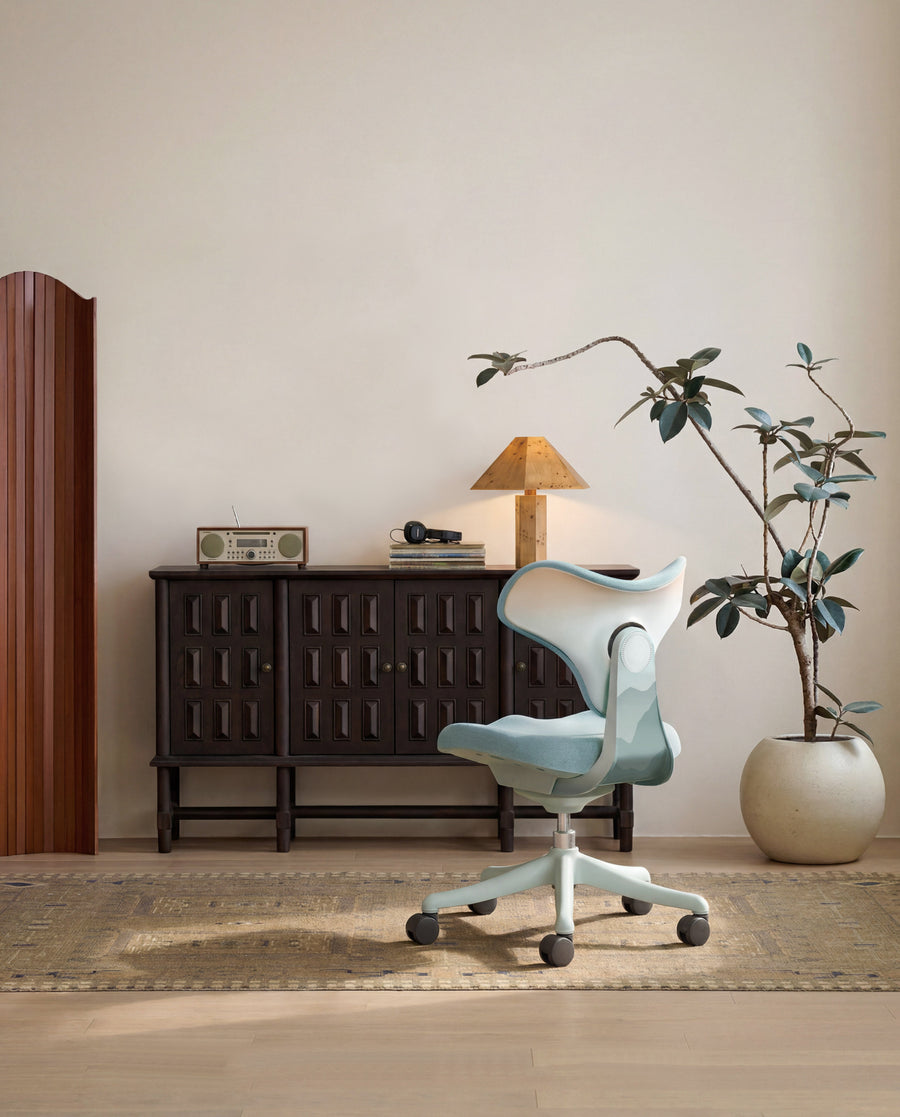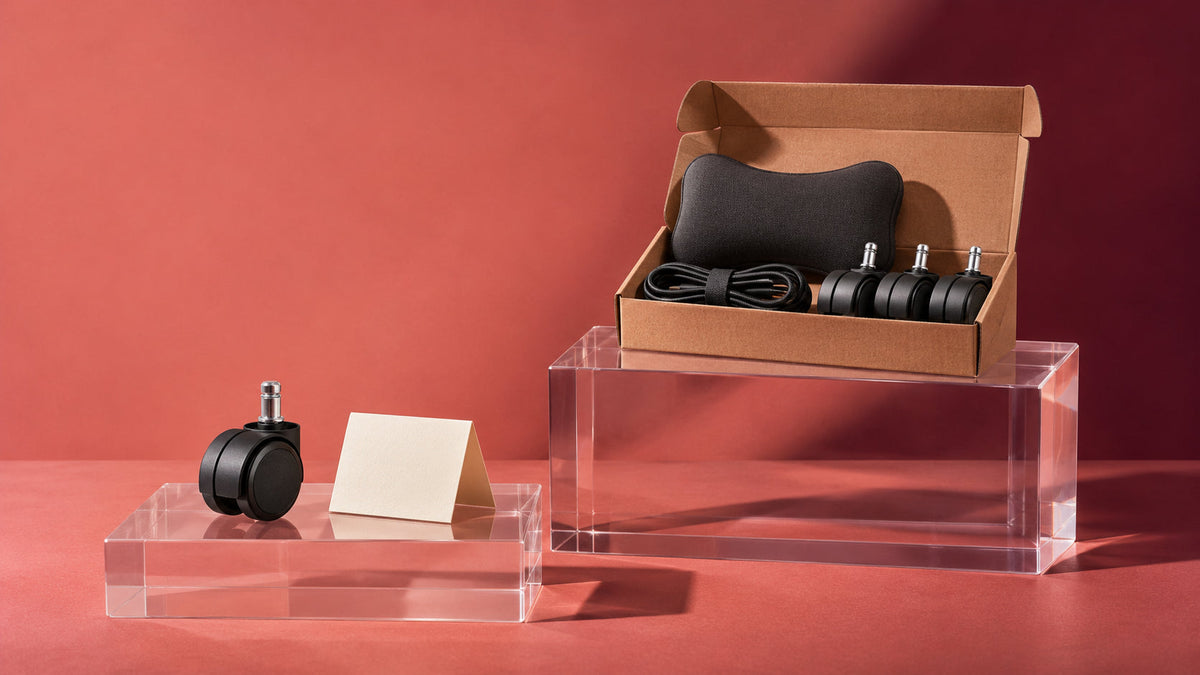
The right ergonomic setup should adapt to your body, support frequent movement, and stay comfortable through a full workday.
If you are replacing the chair at your home desk, a bundle can make checkout surprisingly complicated. The chair comes with a pillow, upgraded wheels, a footrest, or a desk discount. Which extras will you use after the boxes are gone? This guide helps first-time home-office buyers compare an office chair bundle with buying the chair alone, using their existing desk and a short list of actual needs.
Buy the bundle when its compatible extras solve problems you already have and cost less together than your planned purchases separately. Buy the chair alone when the extras duplicate equipment, need unverified installation, or push you into spending more to reach a discount threshold. This approach is for ordinary home desk work; specialized accessibility needs or persistent symptoms call for individual advice.
Start with the problem, before the offer
Shopping pressure is real, but a large saving is not the same as a useful purchase. In its November 19, 2026 holiday shopping survey release, the National Retail Federation reported that 82% of consumers were taking steps to manage holiday costs. That is a broad retail survey, not a study of office-chair buyers. It is a timely reason to decide what your workstation needs before browsing promotions.
Spend ten minutes at your current desk with the tasks you actually do. Open a document, type a paragraph, and move the mouse. Then write down three things: what makes you change position, what equipment gets in your way, and what already works. “My wheels catch on the rug” is useful. “I need every ergonomic accessory” does not tell you what to buy.
Give every extra a job
A bundled item earns its place by solving a specific problem. Use this quick check before assigning it any value:
| Extra | A reason to consider it | Check first |
|---|---|---|
| Floor footrest | Your feet lack support at a workable typing height. | Platform height, stability, and space around the chair base. |
| Retractable leg rest | You plan to recline during breaks. | Exact chair compatibility and clearance when extended. |
| Replacement casters | The supplied wheels are unsuitable for your floor. | Manufacturer-approved fit, wheel size, and floor suitability. |
| Monitor arm | Your screen stand cannot provide the position you need. | Screen mount, supported weight, desk thickness, and clamp clearance. |
| Chair-and-desk set | Both existing pieces need replacing. | Desk working height, room dimensions, and the chair's adjustment range. |
Do not count a spare pillow as essential just because it appears in a product photograph. If the chair already includes an adjustable headrest or lumbar support, find out what the additional cushion changes. It may be useful during a break, unnecessary for your typing position, or awkward with the chair's existing support.
A floor footrest and a reclining leg rest solve different problems
This distinction matters when comparing chair packages. OSHA's computer workstation chair guidance says the seat should allow your feet to rest flat on the floor or a footrest, and that chair, keyboard, monitor, and desk setup should be considered together. The guidance is undated; we checked it on November 23, 2026.
A separate floor footrest can provide a stable place for your feet during upright work. A chair's pull-out leg rest is generally a different purchase decision: whether you want support when leaning back for a break. Do not assume one will perform the other's job. Check the manufacturer's intended use and try your normal typing position.
If your main issue is a high fixed desk, start with our keyboard tray or footrest guide. Buying a reclining accessory does not establish that the desk-and-keyboard height problem is solved.
Compare the extra spending, not the advertised accessory value
Put two carts side by side, using the same chair model, material, color, and delivery address. Record the chair-only checkout total and the bundle checkout total, including any visible shipping charges. The difference is what you actually pay for the extras. Compare that amount with the cost of only the compatible accessories you would otherwise buy.
For example, suppose a chair-only cart is $300 and the bundle is $360. These are illustrative numbers, not OdinLake prices. If the only extra you need would cost $25 separately, the $60 upgrade does not save you money. If two necessary, compatible extras would otherwise cost $85, the same bundle could make sense. A retailer's stated accessory value should not replace that calculation.
Watch minimum-spend offers closely. Adding an unneeded $90 item to unlock $30 off raises your total spending by $60. Remove it and compare the final totals again.
Check configuration and delivery before paying
The OdinLake L3 FlexBreath® Ergonomic Chair is one option to examine if you want adjustable seat depth, a responsive backrest, and a choice between FlexBreath mesh and a CozyCloud cushioned seat. Its product page also distinguishes configurations with and without a footrest. Choose the seat and adjustment range that suit your work first; then decide whether the reclining accessory has a job in your day.
The L3's current page, checked November 23, lists certain configurations as preorders with estimated shipping starting December 2, 2026, and says chair and footrest ship separately. Recheck your selected option before ordering. That is an estimated shipping start, not a guaranteed arrival date. A package is unsuitable for an urgent replacement if its timing does not meet your needs.
Read bundle return conditions too. Ask whether gifts must be returned, whether keeping one changes the refund, and whether an accessory has its own compatibility restrictions. Keep the order's item list and the applicable offer terms.
Two questions before you close the cart
Should I replace the desk at the same time?
Only if the desk has a separate problem you need to fix. If it already supports your equipment and lets you work at a suitable height, a matching appearance alone is a preference, not a requirement.
Can I buy accessories later?
Often, but confirm availability and compatibility rather than assuming an add-on will remain available. When uncertain, ask the seller for the exact part or configuration in writing. The best package leaves you with a chair you would choose anyway and extras you can explain, one by one.