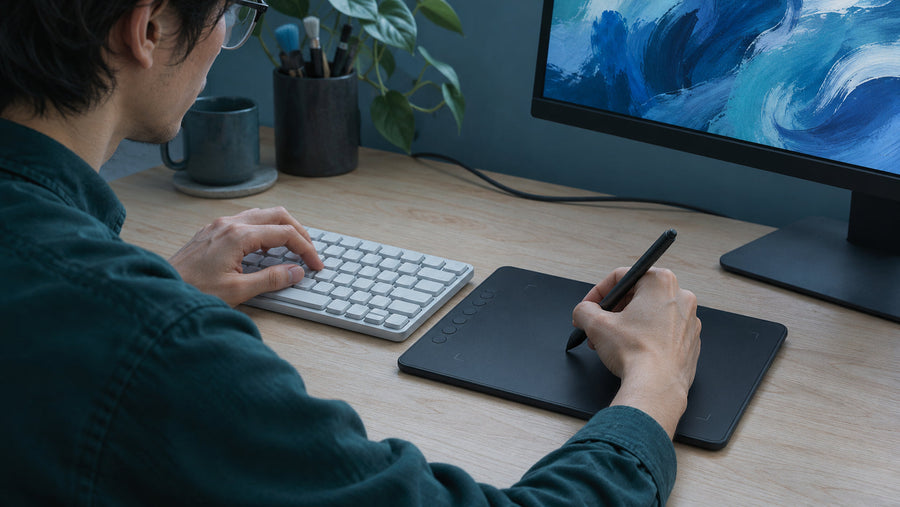
The right ergonomic setup should adapt to your body, support frequent movement, and stay comfortable through a full workday.
A home-office chair rarely serves just one purpose. The same seat may be used for morning emails, afternoon meetings, an evening gaming session, or a few minutes of guitar practice.
That overlap changes what matters when choosing an ergonomic office chair. Support during typing remains essential, but so do the seat feel, adjustment range, and space available for other activities.
The most useful starting point is your daily routine. What do you do at your desk, how does your sitting position change, and where does your current chair get in the way?
Here is how to turn those questions into a more practical shortlist, with the OdinLake L3 FlexBreath as one option to consider.
1. Start With Fit During Your Main Working Task
Before looking at reclining angles or accessories, check whether the chair can support your usual desk work.
Sit back against the backrest with your feet supported. Leave some space between the seat edge and the backs of your knees. Bring your keyboard and mouse close enough that you can work with relaxed shoulders.
Three measurements deserve particular attention:
- Seat height: Can the chair work with both your leg length and desk height?
- Seat depth: Can you sit against the backrest without the front edge pressing behind your knees?
- Armrest position: Can your forearms rest comfortably without lifting your shoulders or preventing you from approaching the desk?
A fixed-height desk may require a compromise. If the chair needs to be raised for comfortable typing, a separate footrest can help support your feet. A seat that is too deep, however, needs an appropriate seat-depth adjustment or a different fit.
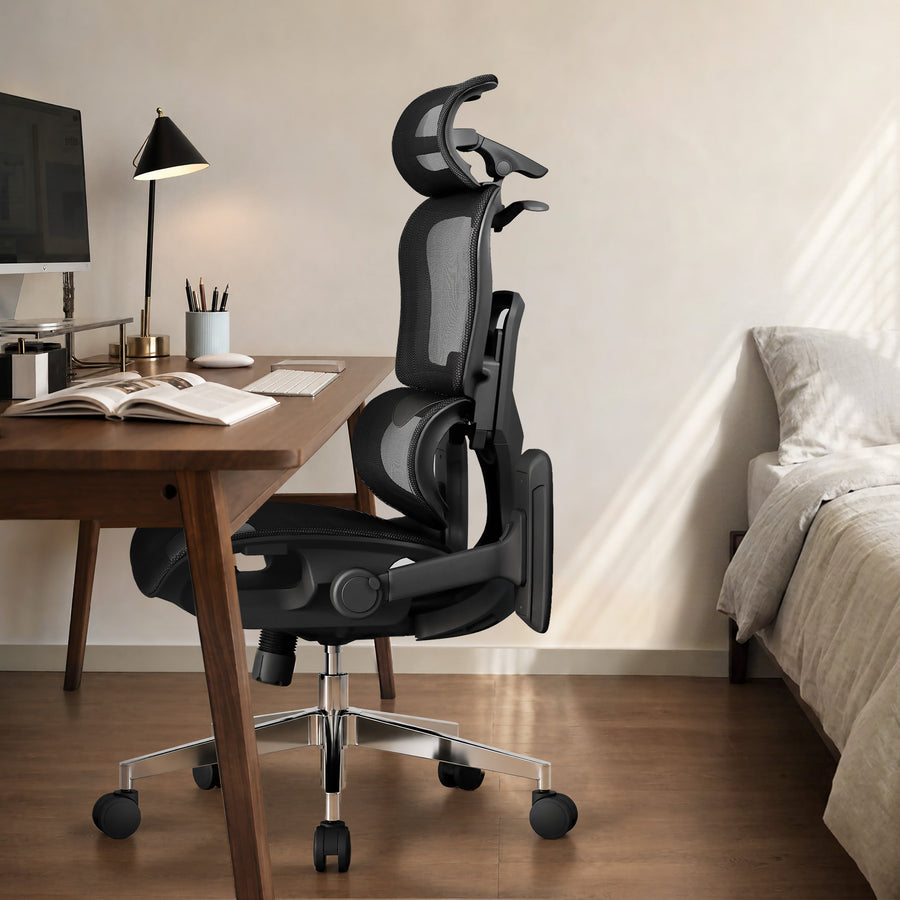
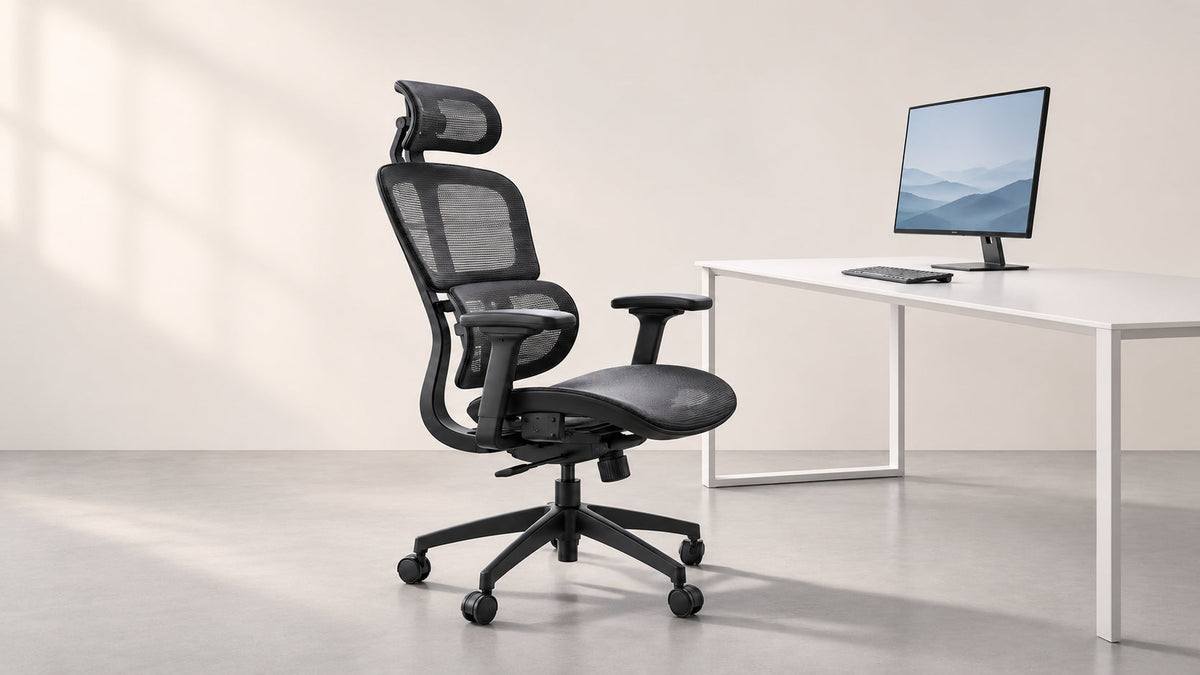
The L3 FlexBreath includes seat-depth adjustment, an adjustable headrest, and flip-back armrests. Check the dimensions of your selected configuration on the official OdinLake L3 product page.
For a closer look at how its support and adjustments work on a seated person, Kalkstein Chiropractic’s L3 video covers lumbar support, headrest positioning, armrests, and recline. Use the demonstration to understand the mechanisms, then compare them with your own proportions.
2. Choose a Seat Feel You Will Enjoy Throughout the Day
A chair’s appearance reveals little about how its seat will feel during an ordinary work session.
Some people prefer the flexible feel and airflow of mesh. Others enjoy the fuller contact of a padded seat. Neither preference makes a chair more ergonomic by itself; dimensions, support, and adjustment still matter.
Within the L3 range, there are two seat options:
| Seat option | Construction and feel | Preference to consider |
|---|---|---|
| L3 FlexBreath | Suspended mesh with an elastic sitting feel and an open structure for airflow | For people who prioritize breathability and enjoy mesh |
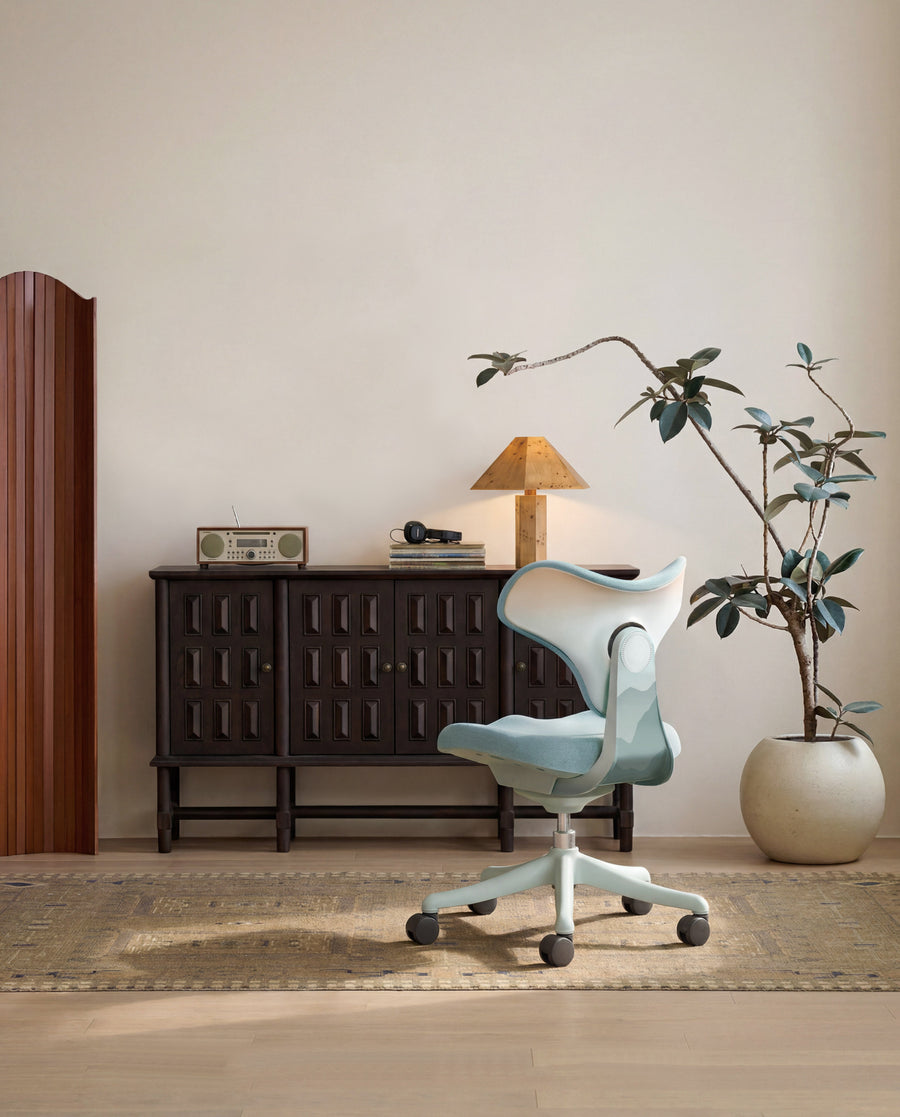
| L3 CozyCloud | Fabric-covered foam cushioning with a fuller, padded feel | For people who prefer a cushioned seat |
When trying a chair, notice how the seat feels while you type, read, and shift position. Pay attention to pressure near the front edge and whether you can remain comfortably in contact with the backrest.
It also helps to look beyond an initial unboxing reaction. Geeked Rehab’s L3 FlexBreath video includes feedback after Dr. Monte used the chair for several weeks at his desk setup. That follow-up offers useful context about regular use, although individual comfort will still vary.
The video focuses on FlexBreath. Its seat impressions should not be treated as a direct assessment of CozyCloud.
3. Match the Backrest to Both Focused Work and Breaks
Working at a computer and leaning back to read are different activities. A chair should let you find a supported position for each.
When checking a backrest, look at more than its maximum reclining angle. Consider whether you can adjust the recline resistance, find the locking positions, and return to your working position easily.
The L3’s responsive backrest is designed to glide with the user’s movement during recline. Watching the mechanism operate can make it easier to understand how it differs from a fixed backrest.
Moon Rider Tech’s L3 walkthrough includes separate sections on lumbar support, backrest movement, recline, headrest, armrests, and seat depth. It is a useful visual reference when comparing those adjustments with your daily tasks.
If you choose a configuration with an integrated footrest, think of it as support for reclining breaks. It serves a different purpose from a separate under-desk footrest used to support your feet during upright work.
4. Make Room for What You Do Away From the Keyboard
Armrests can be helpful while working and inconvenient during another activity.
A guitarist may need space beside the instrument. Someone using a shared room may want to tuck the chair closer to the desk after work. Other users simply prefer moving the armrests aside occasionally.
The L3’s flip-back armrests offer one way to create that clearance. Before buying, consider both how they support your arms during desk work and where they move when you do not need them.
Rich Bischoff’s L3 video places this feature in a guitar-playing setting. His demonstration provides a practical reference for musicians considering how a chair might work around an instrument.
For a smaller workspace, measure the desk opening as well. Drawers, support bars, and keyboard trays can reduce clearance. Moving the armrests aside may help, but the seat and base still need enough room.
5. Favor Adjustments You Can Understand and Use
An adjustment is most useful when you know what it does and can operate it without unnecessary effort.
Before ordering an ergonomic chair, find out:
- How the seat height and depth are adjusted.
- Where the recline lock and resistance controls are located.
- How the backrest and headrest move.
- Whether you need to stand up to reach particular controls.
Assembly is part of this experience too. Seeing the process can help you understand the chair’s components and prepare enough space to put it together.
Bodyworks DW’s L3 video brings together assembly and demonstrations of seat height, seat depth, recline tension, the responsive backrest, and flip-back armrests.
For the build alone, its separate real-time unboxing and assembly video shows the process in more detail.
Once the chair arrives, adjust it around your main working task first. Then explore the settings you might use for reading, calls, or breaks.
6. Compare Value Alongside Warranty and Return Terms
A useful chair purchase starts with a comfortable fit and a price that works for your budget.
More expensive chairs may offer materials, mechanisms, finishes, or service arrangements that some buyers value. More affordable chairs can also provide useful ergonomic adjustments. Price alone cannot establish how well either will fit a particular person.
Focus on the features you will use. Adjustable seat depth matters if it helps you reach the backrest comfortably. Movable armrests matter if they improve your working position or create room for another activity.
Dr. Dave Candy’s L3 video considers the chair through a value-focused lens. It can provide another perspective while you weigh the L3’s features against your own priorities.
Before purchasing, check the current warranty and return terms for the exact product and seller. Look for covered components, coverage periods, exclusions, claim requirements, and possible return costs.
Comfort, useful adjustment, and after-sales support all belong in the same decision.
A Well-Fitting Chair Still Needs a Workday With Movement
No chair can make one position ideal for an entire day.
Even after adjusting the seat and backrest, leave room to change position. Lean back for reading when comfortable, stand during a call, or walk between tasks.
Bodyworks DW makes a related point in its L3 video description: a chair alone does not fix posture. A useful chair helps people find support and change position during the day.
That is a practical way to judge an ergonomic office chair. It should support your work while fitting into a routine that includes movement.
FAQ
What matters most when choosing an ergonomic office chair?
Start with seat height, seat depth, back support, and armrest position at your desk. Once those fit, consider features for your other activities, such as recline, a headrest, or armrests that move out of the way.
Should I choose the OdinLake L3 FlexBreath or CozyCloud?
Consider your preferred seat feel. FlexBreath provides a suspended mesh surface with airflow and elastic support. CozyCloud provides a fabric-covered foam cushion. Compare the selected configuration’s dimensions and, where possible, try the seat during normal desk work.
Can one ergonomic chair work for both office tasks and hobbies?
It can, provided the chair fits your main working task and leaves enough room for the other activity. Check how the armrests, backrest, and seat interact with your desk, equipment, or instrument rather than relying on the number of advertised adjustments.
Choose for the Day You Actually Have
The right ergonomic office chair should make sense across the activities that fill your day.
Begin with a supported working position. Then consider seat feel, reclining breaks, room for hobbies, and the adjustments you will use regularly. Compare the warranty and return conditions before making the final decision.
If those priorities match what you are looking for, explore the OdinLake L3 FlexBreath and CozyCloud configurations and check which setup best suits your workspace.
Some linked creator videos include gifted-product or affiliate disclosures. Refer to each video description for details.