The right ergonomic setup should adapt to your body, support frequent movement, and stay comfortable through a full workday.
Your feet are flat on the floor, but your shoulders creep up whenever you type. Raise the chair a little and your shoulders can relax, but now your heels hover. If you work at a fixed-height desk or dining table, you can figure out which adjustment helps by testing two setups with the chair you already own.
One r/Ergonomics poster described this exact trade-off after dialing in their chair height. That’s one person’s experience. For setup criteria, use OSHA’s keyboard guidance: keep your shoulders relaxed, elbows close to your body, and wrists in line with your forearms.
Measure the keys at the height your hands actually use
Wear whatever you normally wear at your desk, including socks or bare feet. Adjust the chair so both feet rest flat and you can sit back. Let your upper arms hang, bend your elbows, and have someone measure from the floor to the underside of one relaxed elbow. Then measure from the floor to the top of the home-row keys. Include any stand or keyboard feet you normally use.
If your relaxed elbow is 27 inches from the floor and the keytops are at 30 inches, the three-inch difference gives you a starting point for testing a lower input surface. Type a short email and drag a few items with the mouse. Watch for a shoulder shrug, wrists bending up, or your mouse arm reaching out. Use those observations to fine-tune the height.
Test 1: Keep the chair where your feet are supported
Try the keyboard and mouse together on a stable, lower surface. If that lets your shoulders settle, measure that working key height before shopping for a tray. Check the tray’s usable width, mounting requirements, and clearance with the tray extended. A center drawer or desk apron can leave too little space for your thighs, and a narrow tray may force the mouse back onto the desktop.
A 2026 Los Angeles County workstation guide calls for adjustable tray tilt and minimal hardware below the tray to preserve leg movement. If you can’t mount a tray securely or it crowds your knees, try a lower work surface for typing.
Test 2: Raise the chair and support both feet
If your keys and mouse need to stay on the desktop, raise the chair in small steps until you can use both with relaxed shoulders. Check that your thighs clear the underside of the desk. If only your feet have lost support, measure the gap from the floor to your soles at that seat height. Look for a stable, nonslip platform that supports both feet and leaves room to move them. OSHA’s chair guidance recommends a stable footrest when lowering the seat would make the keyboard or monitor too high.
Repeat the email-and-mouse test with the platform in place. If your shoulders still lift or your knees meet the underside of the desk, go back to testing a lower keyboard surface. Once the keyboard and feet are settled, recheck your screen height.
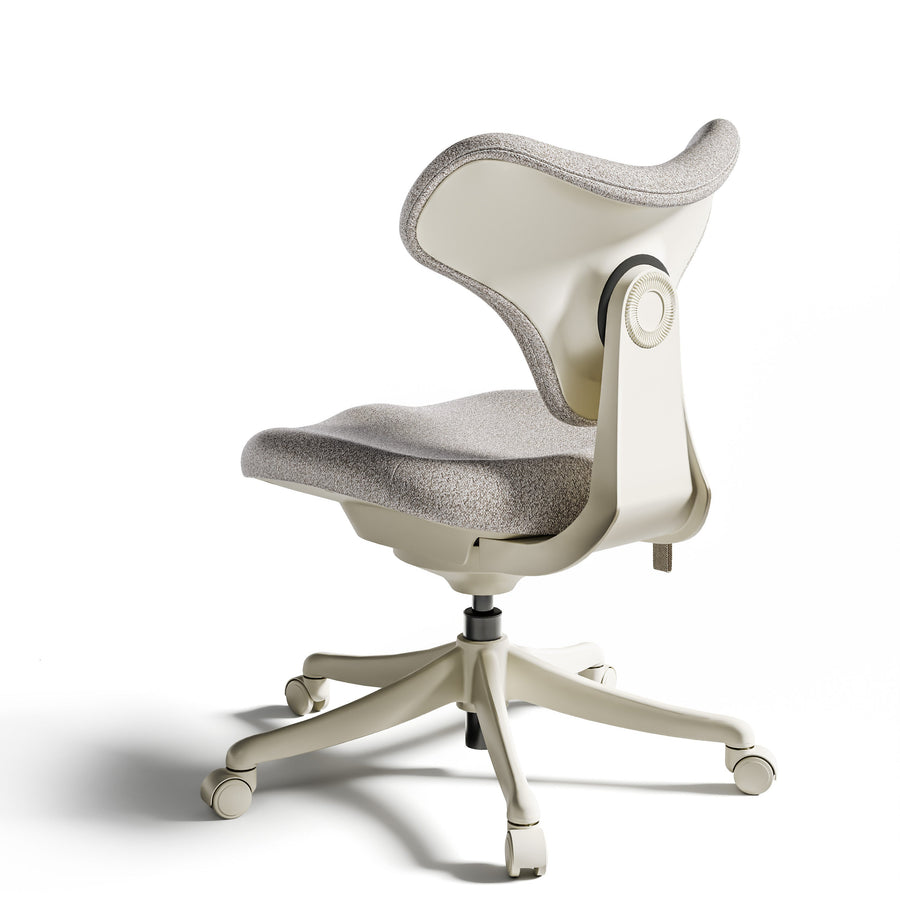
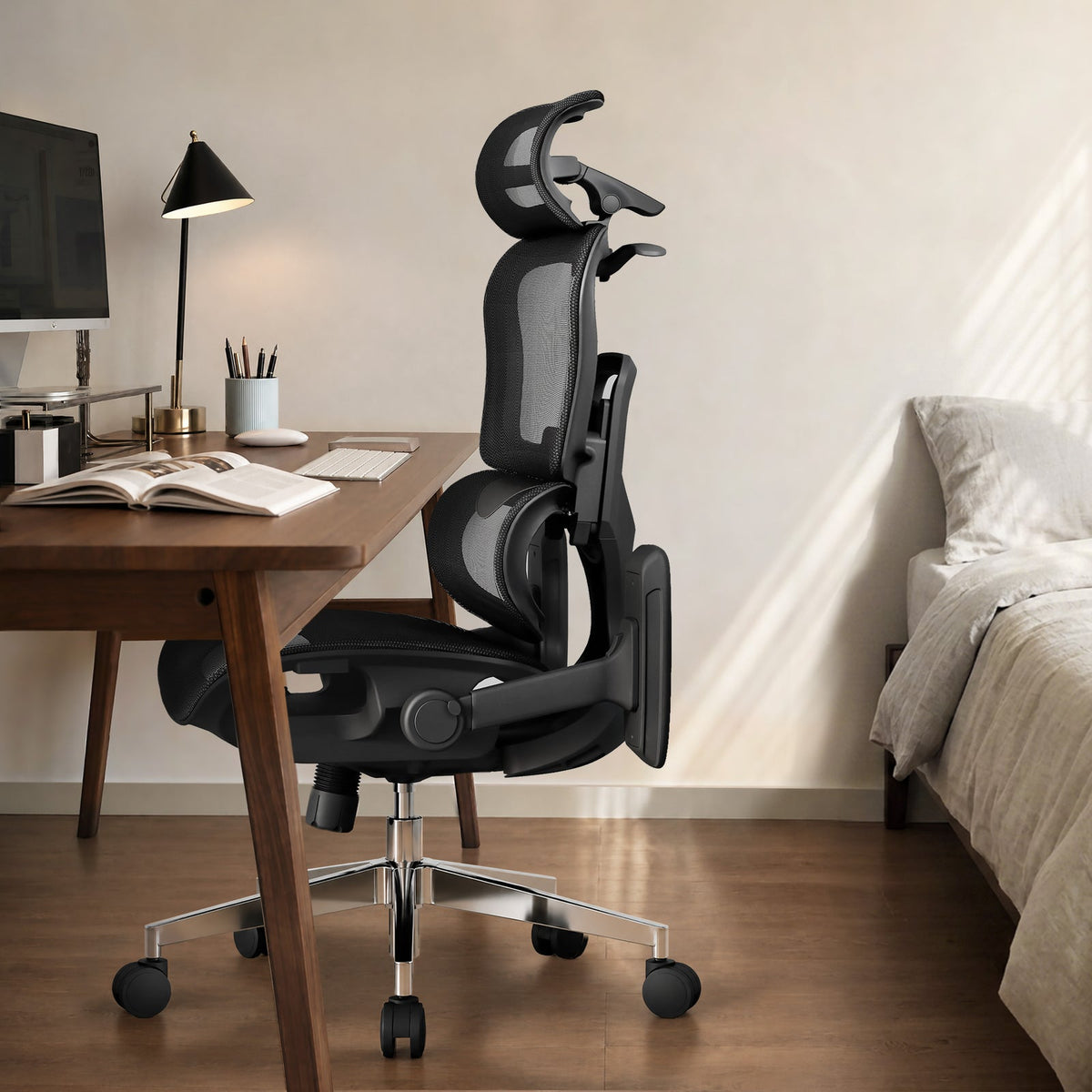
Repeat the tests at your working height on the OdinLake L3
For the OdinLake L3 FlexBreath, the current U.S. listing gives an approximate seat-height range of 18.5–22 inches and lists flip-back armrests. If the arm pads bump the desk, flip them back and repeat the typing test. This lets you see whether getting closer solves a reach problem while you check keyboard height separately. If the seat is already at the top of its range and you still shrug, try lowering the input surface.
WIRED’s October 2026 office-chair roundup draws on testing by people with different heights and builds. At home, run your own test with the keyboard, mouse, and desk you actually use. If your measurements show you need a different chair, see our guide to choosing an office chair for a fixed-height desk.
Which change should you make first?
Lower the keyboard and mouse if you already sit comfortably with your feet planted and the keys make you shrug. If raising the seat gives you a comfortable typing position and leaves enough room for your thighs, add a stable platform when your feet need support. Before you buy either accessory, write down the working key height, the height of any foot support, and the clearance under the desk.