The right ergonomic setup should adapt to your body, support frequent movement, and stay comfortable through a full workday.
If you enter receipts, reconcile printed statements, or turn handwritten notes into a spreadsheet at home, the paper often ends up wherever there is space. That may be beyond the mouse or flat beside your elbow. This guide helps you choose a document-holder position without sacrificing room to type. It is for recurring paper-to-screen work, rather than a desk that sees one occasional letter.
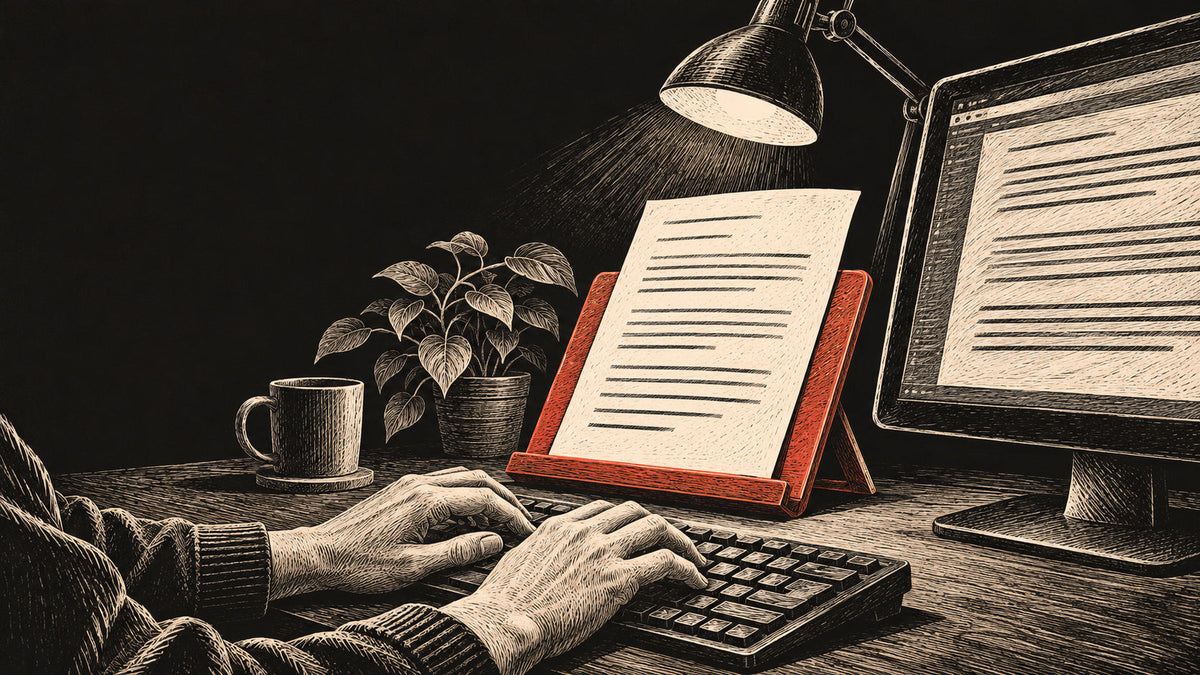
Start with the task: put frequently handled pages on a stable, low-profile holder between the keyboard and monitor when there is enough depth. For paper you mainly glance at, try a holder immediately beside the screen, near its viewing height and distance. Keep the keyboard and mouse within easy reach.
Decide whether you need to read, write, or turn pages
A receipt stack and a bound ledger ask different things of a stand. Before shopping, put one typical batch on your desk. Work through a few entries and notice what your hands actually do. Do you underline each amount? Flip a page after every row? Or mostly check the screen and occasionally consult a reference sheet?
OSHA’s workstation purchasing guide distinguishes screen-focused work from tasks that require frequent access to a document, including writing. It suggests a monitor-side position for the former and a position between keyboard and monitor for the latter. This is equipment guidance, not evidence that a particular holder treats neck pain.
Storage is a separate job. An upright file sorter can keep tomorrow’s paperwork tidy without being the right place to read today’s figures. Bring only the active pages into the reading area; keep the next batch elsewhere.
Try two positions before buying a holder
Between the keyboard and monitor
For repeated copying or marking, test an angled support behind the keyboard. Leave the keys where you can use them with relaxed shoulders. Then check whether the page covers the bottom of the display or pushes the screen farther away. If either happens, the holder’s footprint, ledge height, or angle needs reconsidering.
Colorado State University’s workstation setup guidance describes this arrangement for frequent document typing when space allows. It also recommends keeping a side-mounted holder close to the monitor and placing the most frequently viewed document in front of you. Let the actual task decide the layout.
Immediately beside the monitor
For occasional reference checks, position the page alongside the screen. Start near the same viewing distance rather than beside your forearm. Use either side if it works with your page-turning hand, lamp, and mouse space. There is no useful rule that every right-handed person must put paper on the left.
OSHA’s document-holder guidance recommends keeping source material near the monitor at approximately its height and distance. It also describes an in-line holder below the display. These are starting arrangements to adapt, not a requirement to raise every writing surface to eye level.
Match the support to your actual paperwork
| Your material | What to check before choosing |
|---|---|
| Loose reference sheets | A clip or ledge that holds the full sheet without covering figures you need. |
| Receipts of different sizes | A backing surface that supports small slips and lets you remove one without disturbing the batch. |
| Forms you annotate | A firm writing surface that stays put under a pen and remains within easy reach. |
| A ledger or binder | Published load capacity, enough support for its width, and a way to keep the needed page open. |
Measure the entire base, not only the advertised sheet size. Include space for the monitor stand and for turning a page. A monitor-mounted clip also needs a compatible mounting surface; check its instructions instead of assuming every thin display can support it.
For a shallow desk, first clear the active reading area and test the side position. A compact holder may be a better fit than a large writing slope. Do not buy a deeper stand and solve the resulting space problem by moving the keyboard to an awkward reach.
Run a five-minute check with real work
This is a practical editorial check, not a clinical test. Use a normal page with familiar information, then compare the two layouts.
- Type several entries. Notice whether reading the paper makes you lean away from your backrest or turn your whole body.
- Turn or mark the page. Check that the holder does not slide, tip, or require you to reach across the mouse.
- Read the screen again. Neither the page nor its clip should hide the fields you use.
- Check the light. Aim the lamp at the paper and look for reflections on the screen.
- Finish the batch. Give completed pages a separate place so they do not creep back into the keyboard area.
OSHA’s evaluation checklist calls for a stable holder large enough for the material and frequently used items within easy reach. If your desk changes between sitting and standing, repeat the checks in both positions. A setup that works while seated may need its document angle adjusted when you stand.
Keep the chair adjustment separate from paper placement
Set the chair for supported feet and a workable keyboard position before arranging the paper. Raising the seat just to read a low page can create another fit problem. If you use a laptop’s built-in screen for long sessions, start with our guide to separating the laptop screen and keyboard.
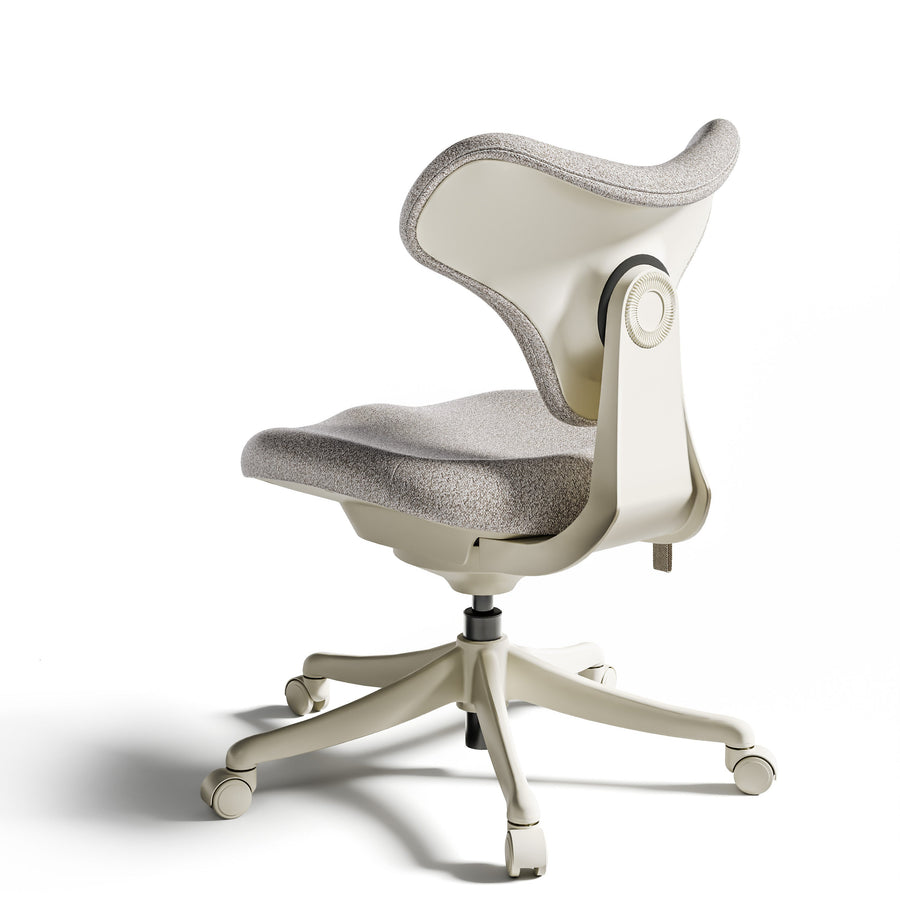
If you are also choosing seating, the OdinLake L3 offers seat-height and seat-depth adjustment. Its published seat-height range is 18.5–22 inches and seat-depth range is 19.69–21.66 inches. Check both against your proportions and desk: someone who needs a lower or shorter seat may need another chair. A different chair cannot make a distant page readable or create missing desktop space.
For mainly digital work, a dedicated document holder may add clutter rather than solve a problem. For frequent paper entry, choose the arrangement that lets you read, mark, and turn your actual pages while keeping the keyboard usable. Recheck it when the paperwork changes.
Guidance and product specifications checked November 20, 2026. The linked OSHA and Colorado State University pages do not display publication dates; they are ongoing institutional guidance, not new research. Cover illustration shows generic equipment.