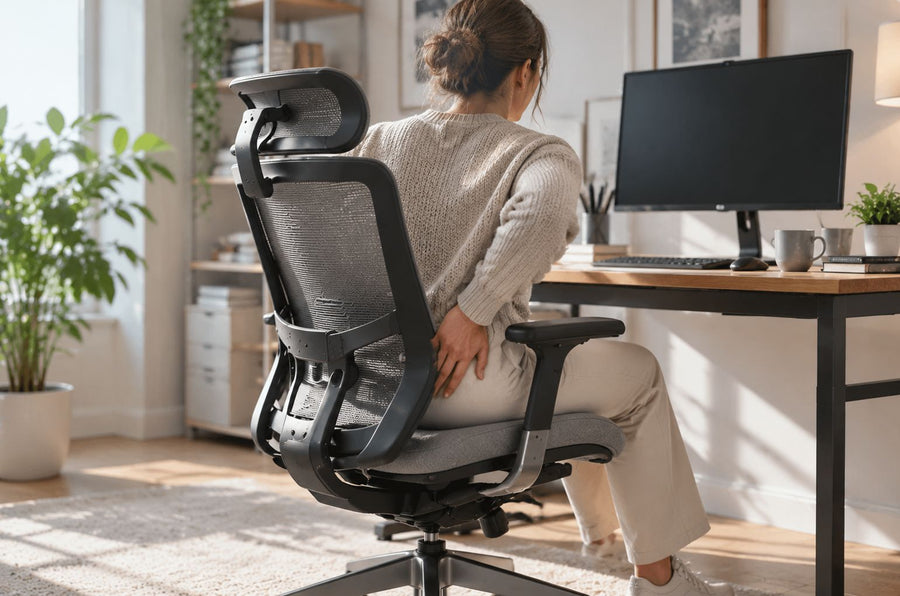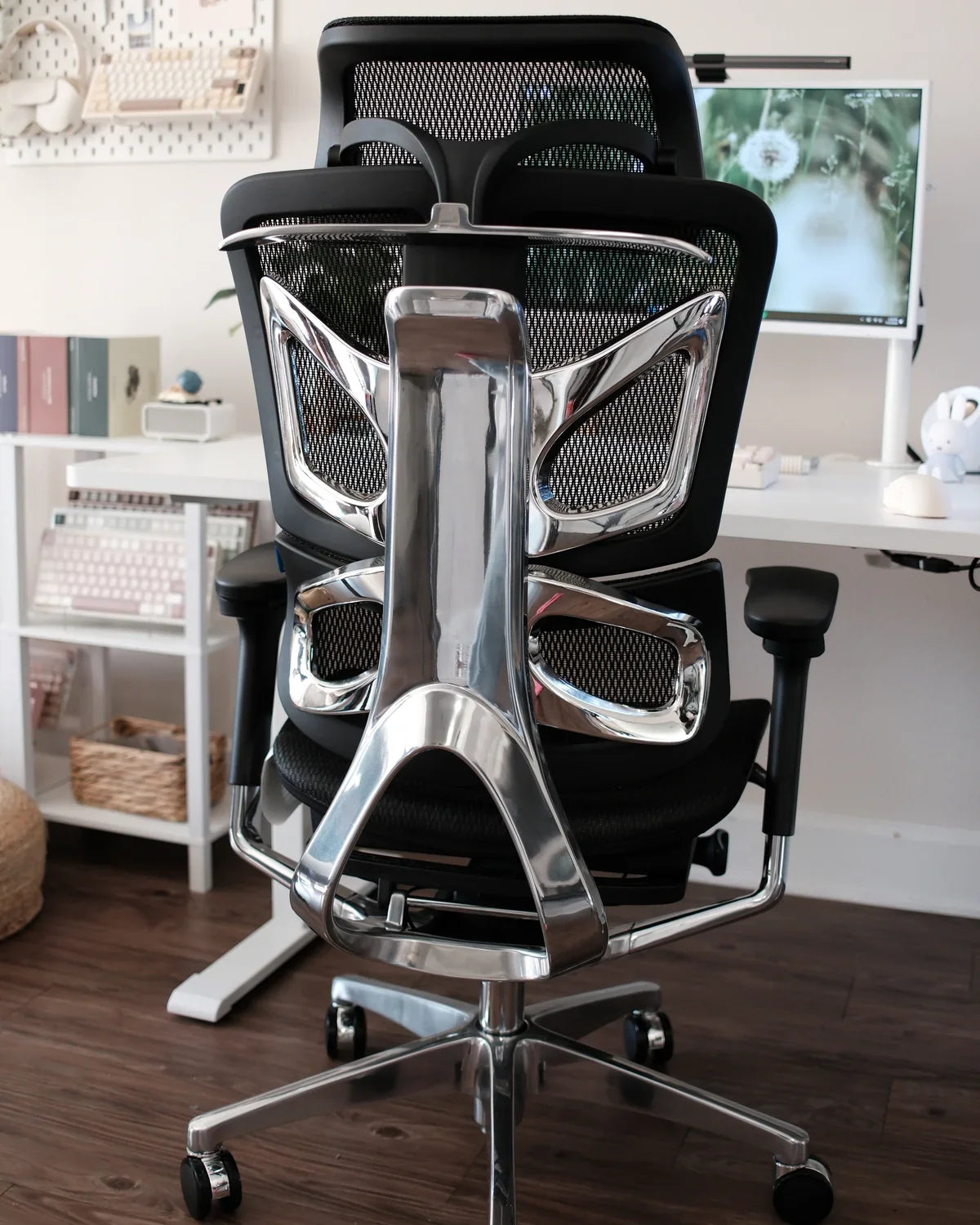
The right ergonomic setup should adapt to your body, support frequent movement, and stay comfortable through a full workday.
An office chair can lean to one side because the floor or mat is uneven, one caster is not supporting the base correctly, the base or center column is out of alignment, the seat is mounted unevenly, or a seat/tilt/backrest component is loose or damaged. The direction of the lean alone does not identify the failed part. Stop using the chair if you see a crack, bent base leg, separated joint, missing load-bearing fastener, damaged weld, loose seat, or sudden shift.
Do not start by replacing the gas lift. A typical office chair has one centered height-adjustment cylinder, not separate left and right pressure chambers. A cylinder that will not hold height is a different symptom. A side lean can involve the column or its connections, but you need to localize the lean before naming a part.
First determine what “leaning” means
People use “leaning to one side” for several different observations. Separate them before touching a fastener. The useful question is: which reference line is no longer level, and under what condition?
| What you observe | What it may localize | Do not assume |
|---|---|---|
| The complete empty chair points toward one side of the room | Floor, mat edge, caster support, base, column, or central connection | That the seat cushion or your sitting habit caused it |
| The seat pan is sloped but the center column looks vertical | Seat mounting, seat plate, tilt mechanism, or seat frame | That a height-adjustment cylinder is the only possible part |
| The backrest is off-center while the seat remains level | Backrest adjustment, bracket, anchor, or frame | That changing a caster will realign the backrest |
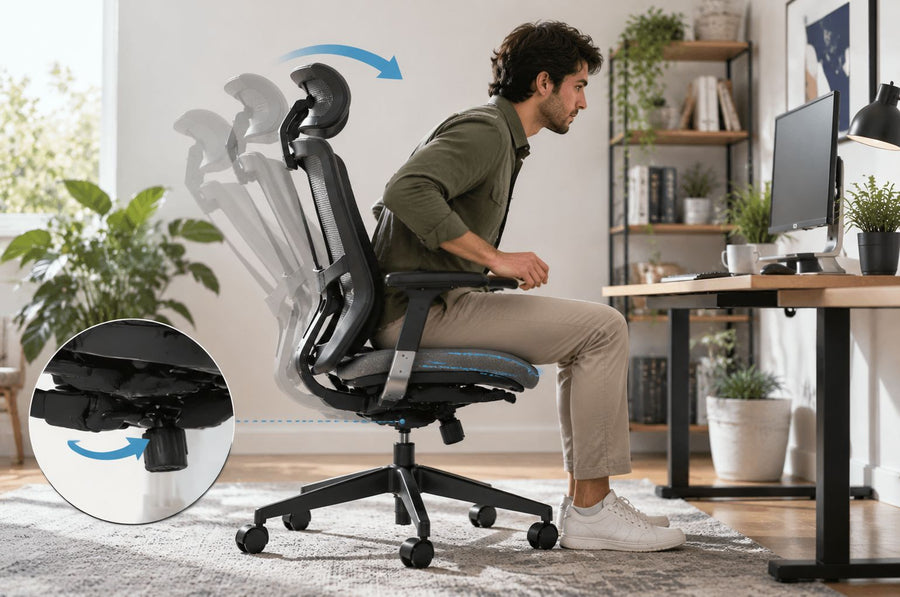
| The lean appears only during recline | Recline linkage, backrest connection, or an adjustment that is not engaged as intended | That tilt tension is a left-right leveling control |
| The chair looks level empty but feels uneven when occupied | Dynamic play, flexible seat loading, workstation contact, an added cushion, or how the chair is being loaded | That the user should compensate by leaning the other way |
| One armrest is higher | Different armrest settings, armrest mount, or an optical cue unrelated to the seat plane | That the complete chair is structurally tilted |
Use the seat frame or another rigid, manufacturer-defined reference where possible. Upholstery, mesh tension, headrests, movable lumbar sections, and independently adjustable armrests can look asymmetric without proving that the load-bearing structure is tilted.
Use stop signs before diagnostic tests
A chair is load-bearing equipment. Do not continue sitting in it merely to reproduce a dramatic movement. The U.S. Consumer Product Safety Commission's recall database documents office-chair remedies involving bases, seat connections, backrest anchors, and other components when failures create fall hazards. A recall for another model does not diagnose your chair, but it shows why the exact model label and a visible structural defect matter.
Remove the chair from service and contact the manufacturer, retailer, workplace equipment owner, or qualified repair provider when you find any of the following:
- a cracked, bent, split, or visibly distorted base leg;
- a caster socket that is broken or cannot retain the specified caster;
- a seat, backrest, arm support, or mechanism that shifts independently of its intended adjustment;
- a cracked weld, torn metal, elongated mounting hole, missing structural part, or metal fragments;
- a column or seat connection that appears separated or no longer fully seated;
- a fastener that repeatedly loosens, will not engage, or cannot be identified in the current manual;
- a sudden drop, clunk, uncontrolled recline, or change that began after impact, a move, or reassembly; or
- a model identifier that matches an active safety recall.
Do not weld, drill, bend, shim, tape, or stack washers under a load-bearing connection as a generic fix. Do not open a sealed tilt mechanism or puncture, heat, clamp, or disassemble a pressurized gas cylinder. If the current manual does not define the repair as a user task, document the symptom and escalate it.
Run an unloaded direction test on a level surface
This test does not certify the chair as safe. It helps identify whether the visible lean follows the chair's upper assembly or stays tied to the floor and base. Perform it only after the stop-sign inspection finds no obvious damage.
- Remove added variables. Take off loose cushions, bags, footrests, and objects hanging from the chair. Do not remove factory parts.
- Use one clean, hard, level surface. Place every caster on the same surface, away from a mat edge, rug, cable, threshold, floor joint, or debris. If you cannot verify a suitable surface, stop the test.
- Mark the room direction. Put a removable piece of paper on the floor at the side that appears low. Photograph the empty chair from directly in front and directly behind, with the camera held at seat height.
- Rotate only the upper chair. Without sitting down or shifting the base, swivel the seat and backrest 180 degrees. Take the same photographs again.
- Compare the direction. If the low side turns with the seat, investigate the seat, seat plate, tilt mechanism, or backrest assembly. If the low side remains toward the same side of the room, investigate the surface, casters, base, column, and their connections.
- Repeat at a second verified location. Move the complete empty chair to another clean, level area. If the observation changes or disappears, the surface or mat interface needs attention. If it persists, record the result for support.
Keep the base in the same orientation during the 180-degree swivel. If it rolls or rotates, the comparison is invalid. Do not use a wall, desk edge, camera frame, or uneven floorboard as your only level reference. A small bubble level may help compare a rigid seat frame, but it cannot tell you which internal part is damaged or whether the chair is safe.
Follow the branch the test identifies
| Branch | Safe inspection | Next action |
|---|---|---|
| Floor or mat | Check whether all casters share one surface and whether a mat edge, fold, soft spot, floor transition, or debris changes support | Correct the surface condition; then repeat the empty-chair test |
| Caster | Compare all caster bodies, wheel diameters, seating depth, tread condition, free rotation, and visible sockets | Clean only as the manufacturer permits; replace only with the approved complete caster set or specified part |
| Base or column | From two directions, look for a bent leg, crack, distorted hub, nonvertical column, uneven connection, or movement at the socket | Stop using the chair and send photos/model details to support |
| Seat mount or tilt mechanism | Look for missing or visibly loose manual-listed fasteners, a shifted plate, damaged weld, failed lock, or motion between parts that should be fixed | Tighten only user-serviceable fasteners exactly as the current manual specifies; otherwise stop and escalate |
| Backrest or upper frame | Reset documented backrest and lumbar adjustments; compare mounting points and look for loose anchors or frame damage | Use the model guide for adjustment; stop if an anchor, bracket, or frame is damaged |
| Only feels uneven when occupied | Remove aftermarket cushions and pocket objects, keep both arms off the desk, and note exactly when movement begins | Do not counter-lean; request an assessment if the empty chair is level but the loaded symptom persists |
The CCOHS office-furniture maintenance guidance identifies loosening bolts and screws, cylinders that fail to hold or seize, and debris in casters as normal categories to consider. It also directs users to the manufacturer's inspection schedule. That is a reason to inspect these systems separately—not permission to tighten every visible fastener or substitute a generic component.
Inspect casters and the surface as one system
A five-star base can still sit unevenly if one wheel is off the mat, one caster is not fully installed, one wheel cannot rotate, or mixed replacement casters have different dimensions. The CCOHS work-chair guidance recommends matching casters to the floor and keeping all five wheels on a chair mat so the chair is supported consistently.
Do not diagnose from wheel appearance alone. Roll the empty chair a short distance on the verified surface and observe whether every wheel rotates and swivels without lifting a base leg. Hair or debris can restrict a caster, but a cracked housing, bent stem, enlarged socket, missing wheel, or caster that will not stay seated is a parts/support issue.
If the chair has aftermarket casters, record the manufacturer, stem specification, wheel diameter, and whether all five came from the same approved set. One apparently compatible wheel can change ride height or load transfer. Do not force a stem into an unknown socket or grind a stem to make it fit.
Do not use tilt tension as a leveling control
Tilt tension changes the effort required for a documented reclining movement; it is not intended to raise one side of the seat. The control may look different or perform a different function on another model. Identify it from the current manual before adjustment.
OdinLake's office-chair tilt guide explains why model scope matters: its procedural directions are for the OdinLake O2, while other OdinLake models use different controls. If the chair leans only while reclining, return all documented left/right or independent backrest adjustments to matching positions, verify the recline lock as the manual describes, and make one small test change at a time. Stop if the lock will not engage, one side moves independently, or the mechanism produces a new clunk or jump.
Similarly, an under-seat knob is not automatically a tilt-tension knob. Use the control-identification method in OdinLake's under-seat knob guide before turning anything. Forcing an unidentified control can hide the original condition or create another problem.
Why the gas cylinder is often misdiagnosed
A chair that gradually drops in height points to a different diagnostic path from a chair whose rigid seat plane is lower on the left or right. Because the cylinder is centered, “uneven gas pressure on one side” is not a useful diagnosis for a conventional single-cylinder chair.
The center support can still be relevant if the column is visibly bent, the cylinder-to-base or cylinder-to-mechanism connection is damaged, or there is abnormal play at a joint. Those observations do not prove the cylinder itself is the failed component. Treat the cylinder, socket, base hub, and seat mechanism as separate interfaces. A model-approved replacement depends on dimensions, connections, load rating, and manufacturer instructions; do not buy from the word “universal” alone.
Build a support packet before ordering parts
A good support request lets the manufacturer distinguish a setup issue from a damaged component without asking you to keep sitting in the chair. Include:
- brand, exact model, variant, order number, purchase date, and seller;
- a clear photograph of the product label beneath the seat;
- front, rear, both-side, base, caster, and underside photographs taken while unloaded;
- a short video of the empty-chair direction test, if it can be recorded safely;
- whether the lean follows the upper seat after rotation or stays in one room direction;
- the floor or mat used, any aftermarket parts, and any recent move, impact, or reassembly;
- the first date observed and whether the condition is stable or worsening; and
- visible stop signs, noises, failed controls, or loose connections.
For an OdinLake chair, review the current OdinLake warranty policy and submit the exact model evidence through the listed service channel. Coverage and remedy depend on the product, component, purchase source, date, proof of purchase, warranty terms, and support diagnosis. The existence of a warranty does not mean that every lean is covered or that the user should disassemble the chair first.
Verify only an authorized correction
After a model-approved adjustment or repair, repeat the inspection from the beginning. Confirm the specified parts are present, approved fasteners are secured as instructed, all casters are seated, controls move only through their intended range, and the unloaded direction test no longer shows the unexplained lean.
Return the chair to occupied use only when the applicable instructions or repair provider say the work is complete and no stop sign remains. Test in a clear area on the intended floor, starting with the chair stationary and its normal controls in a documented position. Stop immediately if the seat shifts, the backrest releases, a base leg lifts, or the lean returns.
The success state is not “the chair looks straighter in one photograph.” It is a repeatable result: the same unloaded test is level on the actual work surface, the chair's intended adjustments operate normally, the support owner accepts the repair, and no structural warning remains.
Frequently asked questions
Is it normal for an office chair to lean slightly to one side?
Independent armrest, lumbar, backrest, or upholstery settings can look asymmetric, but a repeatable slope in the seat frame, central support, or base should be investigated. Do not define an acceptable structural lean without the model manufacturer's specification.
Can an uneven floor make an office chair lean?
Yes. A mat edge, threshold, rug, floor joint, soft spot, or one caster on a different surface can change support. Move the empty chair to a second clean, verified level surface and repeat the direction test before blaming a chair component.
Can a loose bolt cause a chair to lean?
A loose or missing fastener at a seat, mechanism, backrest, or other connection can permit unintended movement. Tighten only the fasteners identified as user-serviceable in the exact current manual, using its tool and torque instructions. Stop if the hole, fastener, plate, or surrounding material is damaged.
Does a bad gas cylinder make a chair lean to one side?
A height cylinder that fails to hold usually makes the complete seat sink rather than creating separate left and right heights. A bent column or damaged connection around the cylinder can create off-axis support, so inspect the complete center-support path instead of replacing the cylinder by guess.
Is a leaning office chair safe to sit in?
Do not sit in it when the cause is unknown and the lean is new, worsening, or accompanied by a crack, bend, loose seat, missing part, failed lock, sudden movement, or unusual noise. Remove it from service and obtain a model-specific assessment.
How can I show customer support that my chair is leaning?
Send the model label, unloaded front/rear/side photos on a verified level surface, and the results of the 180-degree direction test. State whether the low side follows the rotating seat or remains toward the same side of the room, and disclose aftermarket parts or recent reassembly.