A destination-first guide to keeping a usable desk whole, documenting it for sale or donation, separating accepted materials, and using local bulky-waste service only when needed.
The right ergonomic setup should adapt to your body, support frequent movement, and stay comfortable through a full workday.
If an old computer desk is still stable and usable, keep it whole and try reuse, sale, or donation before taking it apart. If it is unsafe or no organization will accept it, identify its materials and ask local facilities which parts they handle. Use municipal bulky-waste service only after those routes fail. An electric standing desk needs an additional electronics check; its motor, control box, handset, cables, frame, and desktop should not automatically travel through the same waste stream.
This guide is about the desk as furniture, not the computer that once sat on it. Remove every computer, drive, monitor, power strip, and personal document first. The useful outcome is a confirmed destination that has accepted the desk—not a dismantled pile that is harder to donate and still has nowhere to go.
First decide whether the desk should remain whole
Start with condition, not age. A dated desk can still be useful; a newer desk with a cracked support, swollen panel, or damaged lift system may not be safe to pass to someone else.
| What you find | Best first route | Evidence to collect | Do not do yet |
|---|---|---|---|
| Stable, complete, clean, and functional | Reuse, sell, give away, or donate as a desk | Dimensions, clear photos, model, hardware, and operating video if adjustable | Do not disassemble before the recipient confirms how it should arrive |
| Usable after a minor model-approved repair | Ask the manufacturer about the part, then reassess | Model label, exact defect, part photos, warranty or service record | Do not improvise a structural or electrical repair |
| Unsafe as a desk, but contains accepted recoverable materials | Material-specific recycler or reuse shop | Desktop composition, frame metal, glass, plastics, and electronic components | Do not assume curbside recycling accepts furniture or composite wood |
| Contaminated, structurally failed, or rejected by reuse and recycling programs | Local bulky-item or permitted disposal service | Collector rules, appointment, size limits, preparation instructions, and fee | Do not leave it beside a dumpster or curb without authorization |
Run a stability and condition check
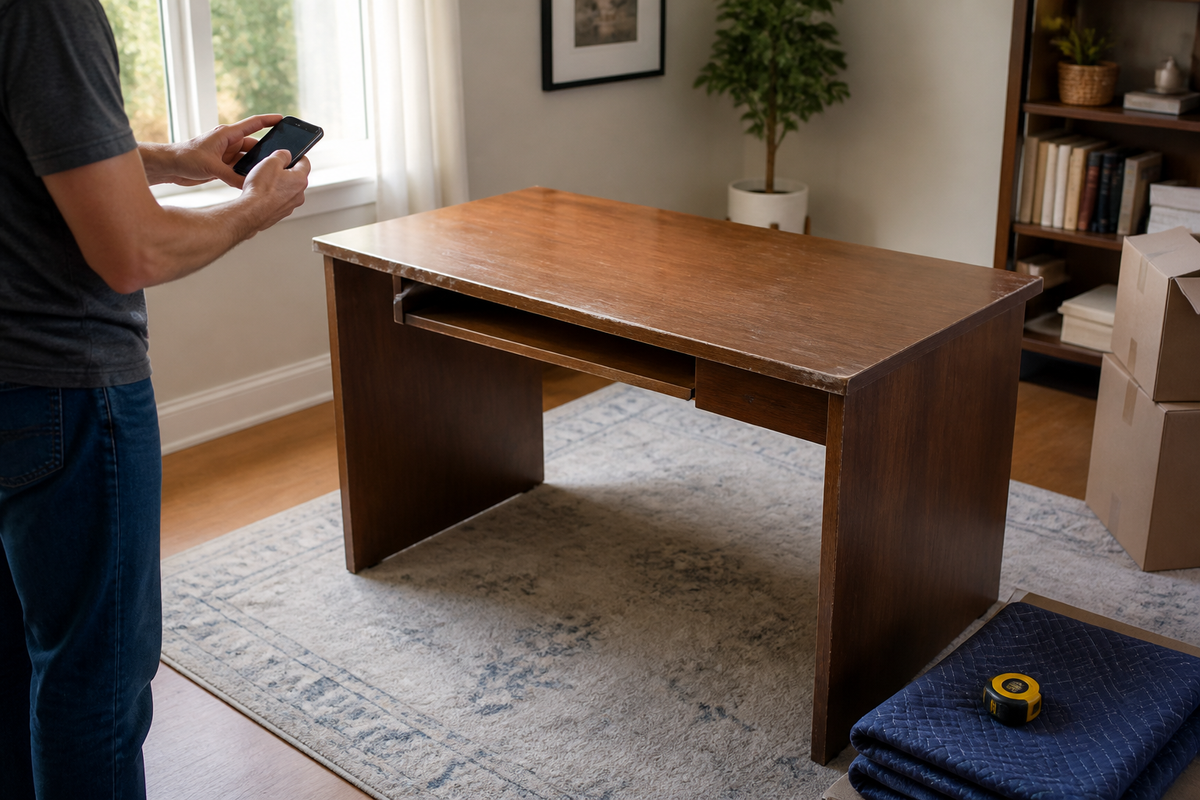
Unload the desk and inspect it on a level floor. Look at the underside, legs, crossbars, fasteners, joints, drawer supports, and every point where a top meets its frame. Press lightly in normal work directions; stop if a joint opens, a panel flexes unexpectedly, a glass surface is chipped, or a leg no longer sits securely. Water-swollen composite board, active mold, sharp broken edges, or a bent load-bearing frame are not cosmetic defects to hide in a listing.
Test an adjustable desk without opening it
If the desk still operates, remove equipment, clear the travel path, and run only its normal user controls. Record whether both sides rise evenly, the controls respond, cables stay clear, and the desk stops normally. Unusual heat, odor, noise, one-sided travel, damaged insulation, or a control fault means stop and contact the manufacturer. Do not open a motor, control box, lifting column, or power supply to make the desk look functional for a buyer.
Build a desk record before moving anything
A complete record makes every later route easier. A buyer can judge fit, a charity can decide whether to accept it, a recycler can identify materials, and a municipal service can tell you how to prepare it.
- Identify the desk. Photograph the brand and model label, serial or production information when present, the complete desk, underside, joints, controls, and damage.
- Measure the assembled form. Record overall width, depth, and height. For an L-shaped desk, include both wings and orientation. Also measure the largest component only if the manual permits disassembly.
- List what is included. Note drawers, shelves, cable trays, power accessories, fasteners, braces, keys, manual, and spare parts. Do not describe a part as missing until you compare it with the model documentation.
- Describe condition plainly. Separate surface wear from structural damage. Show scratches, swelling, chips, loose joints, stains, control errors, and repairs in close photographs.
- Confirm the route out. Record stairs, elevator size, doorway width, parking access, and whether loading help is available. A desk can be desirable and still be impossible for a recipient to collect safely.
Clean the desk only with a method suitable for its verified materials. The OdinLake guide to cleaning a computer desk without damaging the setup separates electronics, dry debris, desktop materials, and final inspection. Cleaning improves an honest listing; it does not repair a loose frame or conceal water damage.
Keep, sell, give away, or donate a usable desk
Reuse it when the structure still solves a real task
Reuse does not have to mean returning the desk to the same room. A sound desk may become a student station, sewing surface, packing table, or secondary workstation when its dimensions and load are appropriate. Keep the original braces and frame geometry. Do not turn a light-duty computer desk into a workbench for impacts, machinery, or loads it was not designed to carry.
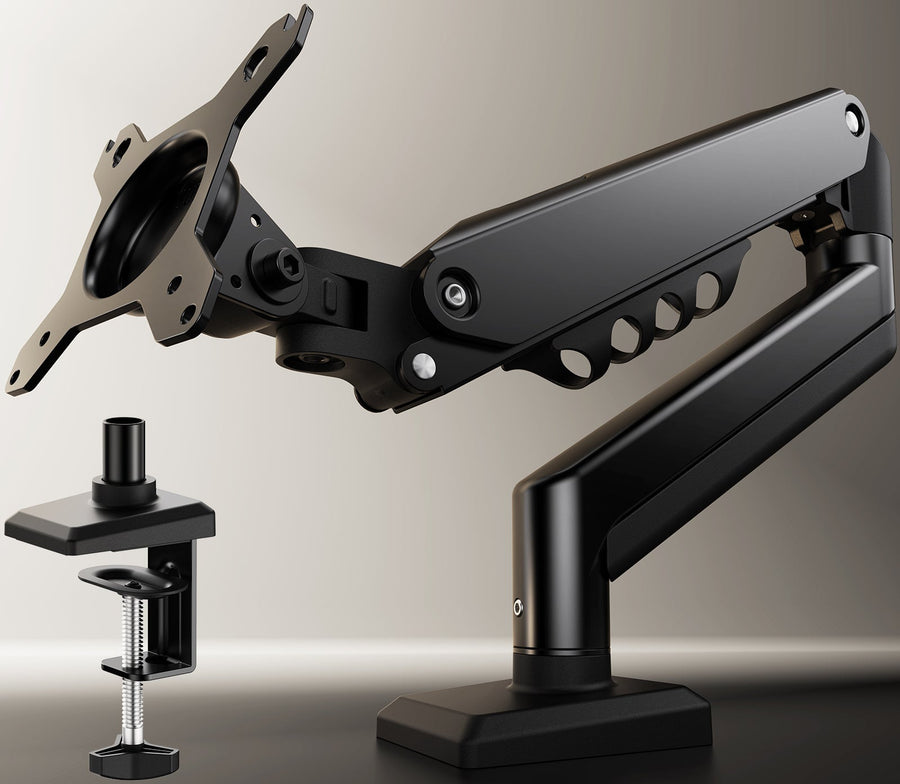
If the only problem is fit, compare the cost and waste of a modest change with replacement. A removable monitor arm, cable tray, or different room position may solve the problem. Cutting legs, drilling unknown laminated panels, or combining an old top with an unrelated powered frame requires verified material, fastener, and load information; it is not a default reuse shortcut.
Sell or give it away with pickup facts, not adjectives
A useful listing answers the next owner’s practical questions:
- Exact assembled dimensions and, if applicable, left- or right-hand orientation.
- Material as documented—not “solid wood” when it is veneer or laminate over composite board.
- Known model, color, hardware, accessories, and any missing parts.
- Photographs of all sides, the underside, labels, damage, and controls.
- Whether it is assembled, whether the manual supports disassembly, and the largest transport piece.
- Pickup floor, stairs, elevator, doorway, parking distance, and who must provide labor.
Price it from current local demand and actual condition, not the original receipt alone. If quick removal matters more than recovery value, an accurately described free listing may find a local reuse route sooner than an optimistic sale price.
Confirm donation acceptance before loading
Donation policies vary by organization and location. Ask whether the site accepts desks of this size and material, whether adjustable or powered desks are allowed, what condition is required, whether drawers must be empty, and whether the item should arrive assembled. Also confirm drop-off hours and pickup availability. A general “furniture accepted” statement is not approval for your specific desk.
The U.S. Environmental Protection Agency’s bulky-items guide identifies reuse as a practical route for non-upholstered furniture. That supports asking about local reuse first; it does not mean every charity or transfer station must accept every desk.
Separate materials only when the destination requires it

A desk that looks like one material may contain laminated composite board, solid wood edges, steel fasteners, aluminum or steel legs, molded plastic, adhesives, glass, cable trays, and electronics. EPA also notes that bulky furniture can be difficult to recycle because several materials are combined in different proportions. “Take it apart and recycle it” is therefore not a complete plan.
Wood and composite panels
Ask the receiving facility whether it accepts solid wood, untreated lumber, plywood, particleboard, medium-density fiberboard, veneer, or laminate. These are not interchangeable categories. Coatings, adhesives, embedded hardware, swelling, and contamination can change acceptance. Do not put a desktop in curbside paper recycling or a green-waste bin unless the local program explicitly lists that exact material.
Metal, glass, and plastic
A recycler may accept a clean steel or aluminum frame after nonmetal parts and loose hardware are handled as instructed. Confirm whether paint, attached plastic feet, fasteners, and minimum quantities matter. Glass tops require their own answer: tempered furniture glass is not automatically accepted with bottles and jars, and a chipped panel creates a handling hazard. Large molded plastic components may have no local recovery market even when they display a resin code.
Motors, controls, power docks, and batteries
For a powered desk, first identify the manufacturer’s supported service and disassembly boundary. The current OdinLake desk warranty information, for example, distinguishes the desktop panel, leg frame, and electronic or adjustable components. That is a useful reminder that a powered desk is a system of different component classes, not evidence that every component is recyclable in the same place.
Ask a local electronics program whether it accepts a standing-desk motor, control box, handset, power supply, power dock, or cable assembly before taking those parts there. The EPA’s electronics donation and recycling guidance directs consumers to state and community options and warns that batteries may require separate handling. Never put a loose lithium-ion battery in household trash or curbside recycling. Most desks do not contain a user-removable battery, so verify the actual component instead of assuming one is present.
Use local bulky-item service when recovery routes do not fit
Bulky-waste rules are local. Before scheduling, ask the city, county, transfer station, property manager, or contracted hauler:
- Is a computer desk accepted as a whole item, or must it be prepared in a stated way?
- Does collection require an appointment, tag, fee, or proof of residency?
- Where and when may it be placed, and how far from vehicles, hydrants, trees, or utility equipment?
- Are glass, electronic lift parts, power accessories, and metal frames handled separately?
- Are there size, weight, or quantity limits?
Follow the collector’s preparation instructions exactly. Do not leave hardware, sharp edges, drawers, or panels loose where they can shift. Do not place the desk at a curb, communal dumpster, donation bin, or commercial property merely because another item is already there.
Dismantle only after you know where the parts are going
Disassembly may make an accepted desk easier to transport, but it can reduce reuse value if the recipient wanted it intact. Obtain the manual and the destination’s instructions first. OdinLake owners can check the assembly videos and product guides or ask OdinLake support about the exact model. Use only steps and fasteners the documentation identifies as user-serviceable.
Preserve the assembly system
Photograph every cable route, brace, connector, and joint before removal. Use small bags for hardware and keep each bag with its component. Support panels while fasteners are loosened so a top cannot drop, twist, or tear out an insert. Keep matched legs, feet, crossbars, and electronics together. Do not hammer apart glued joints, cut a frame, or force a lifting column.
Plan the move around the heaviest and largest piece
Clear the route, protect edges, and use a cart or moving equipment suited to the load. OSHA’s heavy-lifting guidance recommends reducing loads, using mechanical means, and using more than one person for loads that cannot be handled safely. Although written for workplaces, the same principle is sensible at home: if a desk blocks your view, cannot be gripped securely, must turn on stairs, or feels unpredictable, stop and get adequate help rather than attempting a solo carry.
Stop when disassembly becomes destructive
Stop for stripped or hidden fasteners, cracked glass, swelling around inserts, a panel beginning to split, a bent frame under tension, a hot or damaged electrical part, or a component the manual does not identify. The next step is manufacturer support, a furniture professional, an appropriate recycler, or a hauler—not a larger pry bar.
Let the old desk explain what the replacement must fix
Before shopping, write the actual reason the desk is leaving: insufficient depth, wrong height, failed structure, difficult moving, poor cable access, unusable storage, wrong orientation, or a lift system that no longer has supported parts. Measure the room, route, chair clearance, equipment footprint, and usable reach. Replacing a desk without recording the failure often reproduces it.
If a height-adjustable replacement is justified, compare the documented dimensions, frame, desktop, electronics, service path, and end-of-life separability of current options in the OdinLake standing desk collection. Buying is the last step in this process, not the first: the new desk should solve a written requirement that the old one could not meet.
Frequently asked questions
Can I put an old computer desk in regular trash?
Do not assume so. A desk may be treated as a bulky item, and powered components, glass, or certain materials may follow different rules. Check the municipal or contracted waste program for your address, confirm whether an appointment or fee is required, and follow its preparation instructions.
Can a wooden computer desk be recycled?
Sometimes, but “wooden” is not specific enough. Solid untreated wood, plywood, particleboard, MDF, veneer, and laminate may be handled differently. Ask the receiving facility about the exact panel composition, coatings, adhesives, contamination, and attached hardware before dismantling the desk.
Where can I donate an old computer desk?
Contact local furniture-reuse organizations, charities, schools, community groups, or reuse areas at transfer stations. Confirm the desk’s dimensions, condition, material, power features, and whether it must arrive assembled before transporting it. Acceptance varies by organization and location.
Should I disassemble a desk before donating or disposing of it?
Only when the recipient, recycler, or collector asks for that preparation and the model documentation permits it. An intact desk is easier to assess for reuse, while an unplanned pile of panels and hardware can be rejected. If disassembly is requested, photograph the sequence and keep all hardware organized.
What should I do with an old electric standing desk?
Record the model and fault, ask the manufacturer about service, and identify the desktop, frame, motor, lifting columns, control box, handset, power supply, and any power accessories. Keep sealed electronics closed. Confirm local furniture, scrap-metal, and electronics acceptance separately rather than putting the entire desk into one recycling stream.
Is it better to sell or donate an old desk?
Sell when the desk is safe, complete, accurately documented, and local demand justifies the time. Donate when an organization has confirmed acceptance and reuse matters more than recovering value. Giving it away can be the fastest reuse route when pickup is the main obstacle. None of these routes is appropriate for concealed structural, electrical, mold, or contamination problems.