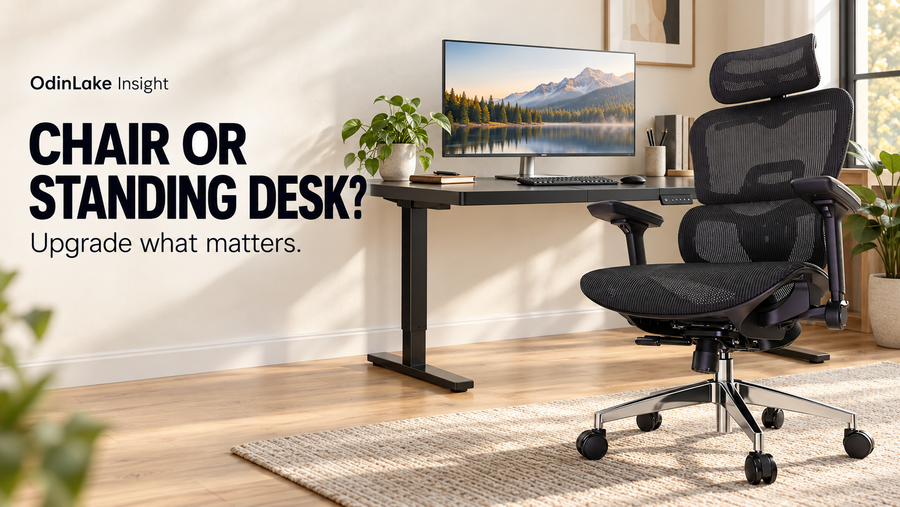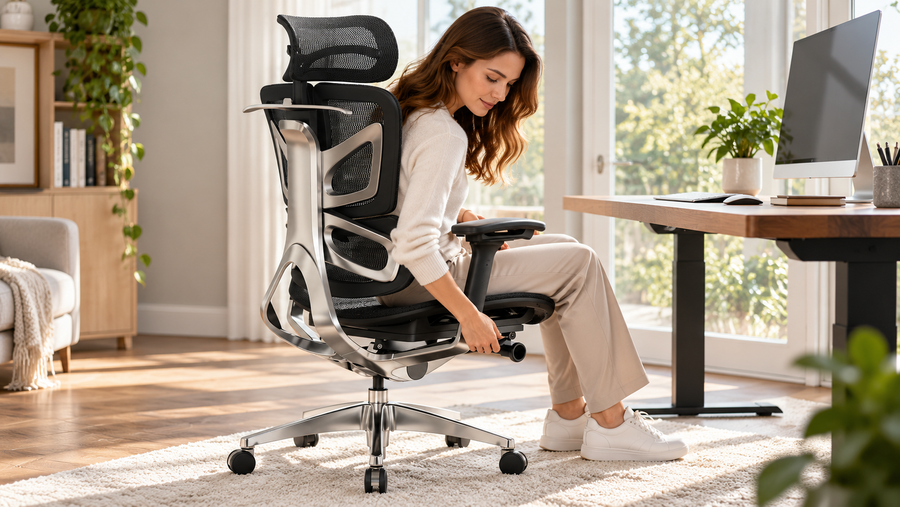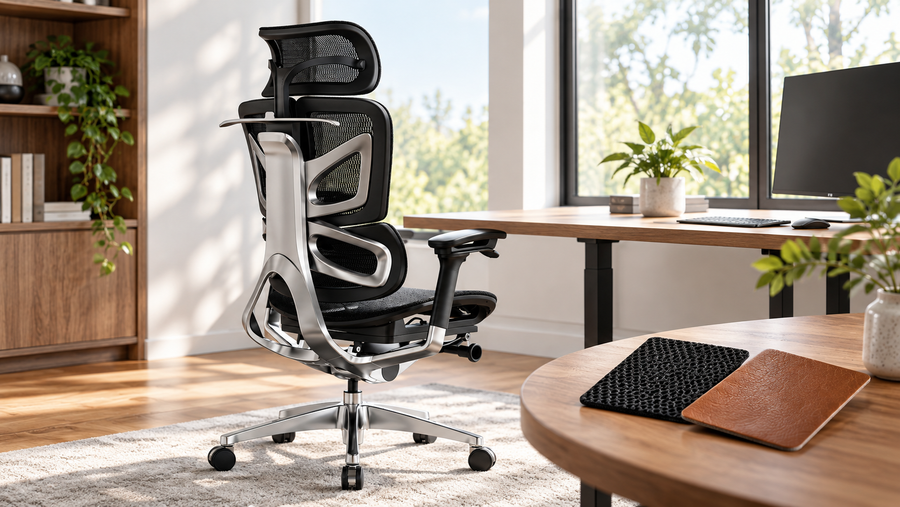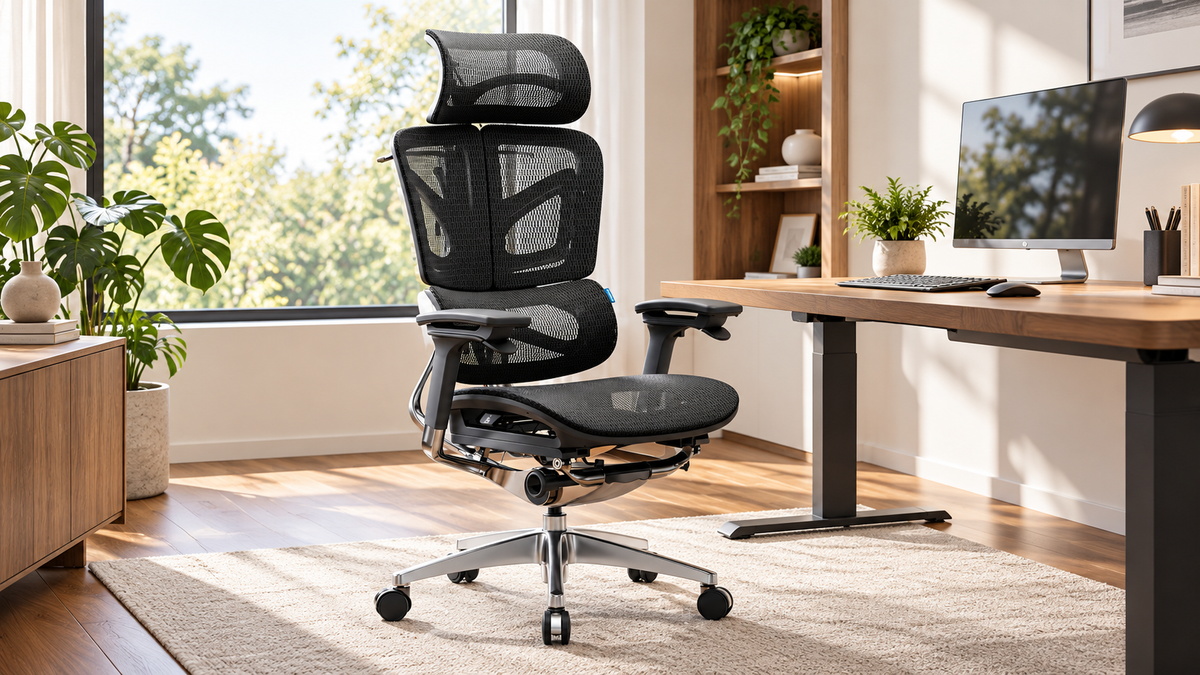
The right ergonomic setup should adapt to your body, support frequent movement, and stay comfortable through a full workday.
Plenty of people buy an office chair the way they buy a lamp: they look at the photos, check the price, and hope for the best. Then, a few weeks later, their lower back aches by mid-afternoon and the armrests sit at the wrong height. A chair you sit in for six to eight hours a day deserves a more careful decision than that. This guide walks through what actually matters, so you can finish reading and know exactly what to look for.
What Is an Ergonomic Office Chair?
An ergonomic office chair is built to be adjusted to your body instead of forcing your body to adapt to the chair. Seat height, seat depth, back support, armrests and recline are all designed to move, so that your feet, hips, spine and arms can settle into comfortable positions during long sessions at a desk.
The word "ergonomic" is not regulated in most markets, which is exactly why so many chairs use it loosely. A chair with a curved backrest and nothing else is not ergonomic. The adjustability is what counts.
Why So Many People Love Ergonomic Chairs
People who switch usually mention the same things. They notice less stiffness at the end of the day, they fidget less, and they stop having to stand up every twenty minutes just to relieve pressure. Remote and hybrid work also turned the home desk into a full-time workplace, so the chair stopped being a side purchase and became core equipment.
Why People End Up Buying the Wrong Chair
Three mistakes show up again and again:
- Buying by looks or by a "best seller" badge. A chair that suits someone 6'2" and 220 lb may not suit someone 5'3" and 130 lb.
- Counting features instead of checking quality. A long spec list means little if the lumbar support only moves in one tiny range or the armrests wobble.
- Never testing the adjustments. Many buyers set a chair up once, never revisit it, and miss half of what it can do.
7 Features to Check Before You Buy
1. Seat Height Range
Your feet should rest flat on the floor with your knees at roughly a right angle or slightly more open. Check that the chair's height range covers your leg length and your desk height. If you are shorter, look for a lower minimum height or plan on a footrest.
2. Seat Depth
You should be able to sit all the way back while leaving a small gap, about two to three fingers wide, between the front edge of the seat and the back of your knees. A seat that is too deep cuts into your legs. One that is too shallow leaves your thighs unsupported. A seat with depth adjustment makes this easy to fine-tune.
3. Lumbar Support
Look for support that matches the natural inward curve of your lower back. The best designs let you change the height, and sometimes the firmness, of the support. Fixed lumbar bulges work only if they happen to land at the right spot for your torso.
4. Backrest Height and Recline
A taller backrest supports the upper back and shoulders, which matters if you lean back during calls. Check that the chair reclines smoothly and that you can lock or tension it. A rocking mechanism that you cannot control will tire you out instead of resting you.
5. Armrests
Good armrests let your elbows rest close to your body with your shoulders relaxed. Height adjustment is the minimum. Width and angle adjustment, or armrests that slide, are useful extras. If you type, mouse and write all day, this is the feature most likely to affect your neck and shoulders.
6. Seat Material and Padding
Mesh breathes well and suits warm rooms. Foam with a fabric or leather cover feels softer at first, though it can run hotter. Whichever you choose, press into the seat: firm, evenly dense padding tends to stay comfortable far longer than very soft cushioning that flattens in a year.
7. Build Quality and Base
Check the weight rating, the gas lift, the caster quality and the frame material. A five-point base is standard and for good reason: it keeps the chair stable. Also check the warranty period. It tells you how much the manufacturer trusts its own build.
How to Test a Chair at Home
If you order online, use the return window properly. Sit in the chair for a full workday, not ten minutes. Set it up following the manual, then adjust one thing at a time. Check how you feel after two hours and again at the end of the day. Notice where pressure builds, whether your feet stay flat, and whether your arms are supported.
Which Ergonomic Chair Should You Choose?
Match the chair to your body and routine, not to a ranking list. If you sit for long stretches, prioritize lumbar support, seat depth and armrest adjustment. If your room runs warm, lean toward a breathable seat. If your budget is limited, spend it on the adjustments you will really use.
If you want to see how these features come together in one design, browse the OdinLake ergonomic chair collection or take a closer look at the OdinLake O3 (Ergo BUTTERFLY 753), which features WireControl™ embedded armrests.
FAQ
How much should I spend on an ergonomic office chair? Chairs with meaningful adjustability tend to start in the mid-range. Rather than chase a number, check which of the seven features above you will use daily, then compare chairs on those.
Is an ergonomic chair worth it for working from home? If your desk is your workplace for most of the day, yes. You spend more hours in the chair than in almost any other piece of furniture you own.
Do I need a headrest? Not necessarily. A headrest helps if you recline during calls or reading. If you sit upright most of the time, it is optional.
Can an ergonomic chair fix back pain? A chair can make long sitting more comfortable and support better posture, but it is not a medical treatment. If you have ongoing pain, speak with a healthcare professional.
Conclusion
A good ergonomic chair is one you can adjust to fit you and trust to last. Check the seven features, test the chair for a full day, and choose on fit rather than hype.