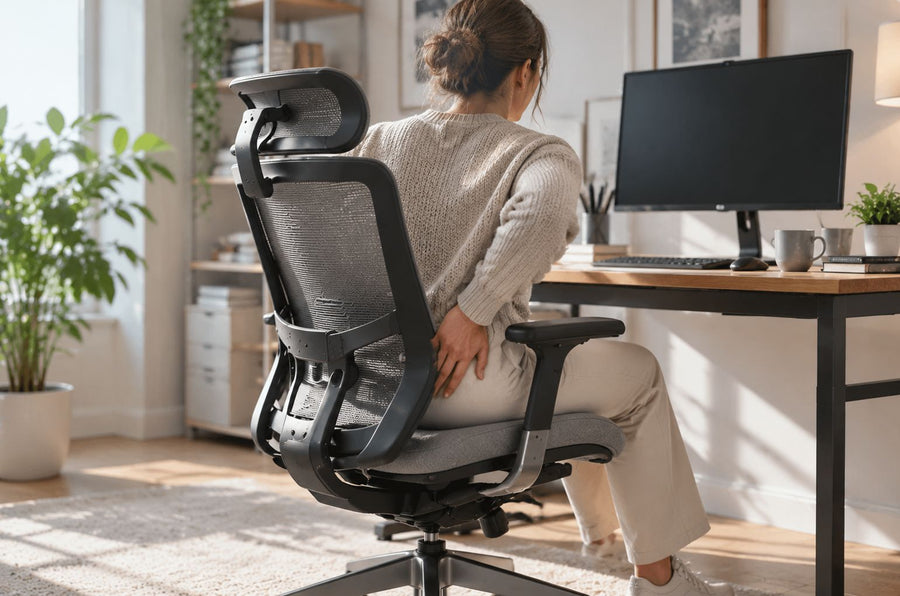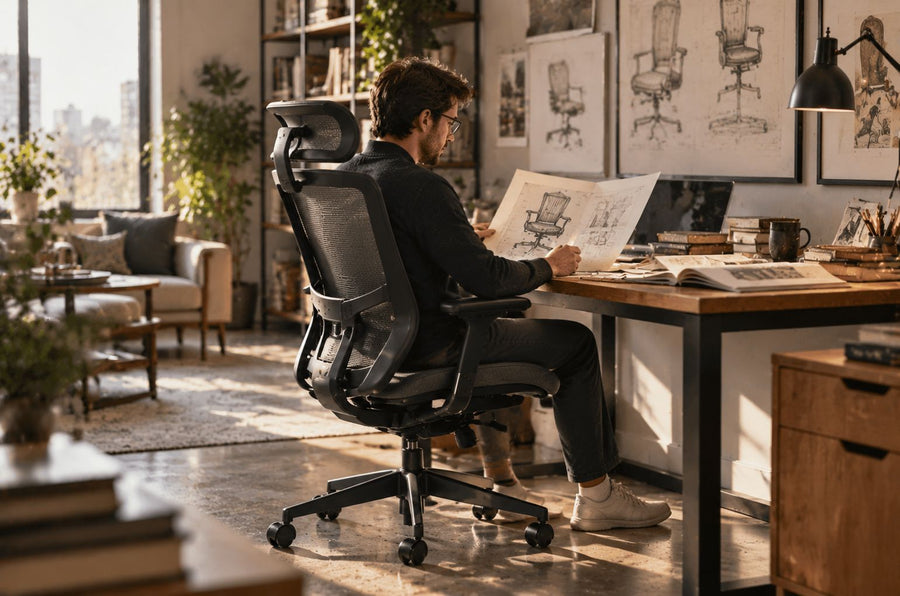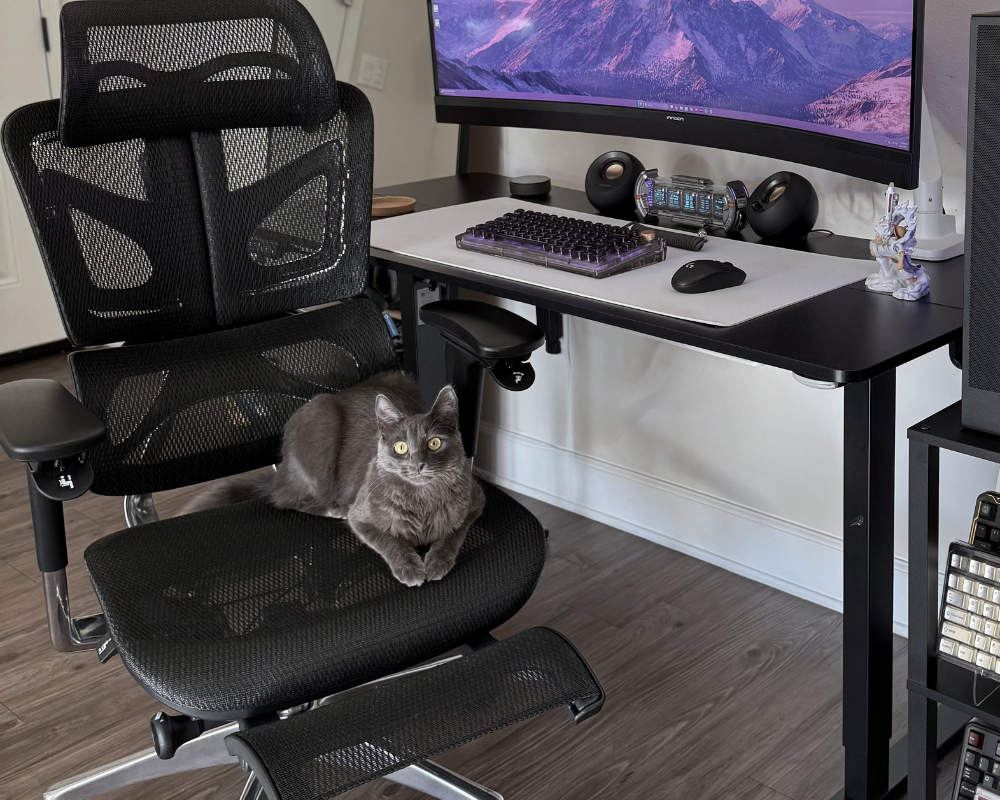
The right ergonomic setup should adapt to your body, support frequent movement, and stay comfortable through a full workday.
Workplace ergonomics centers on the design of workspaces to promote comfort when working long hours. An organized workspace minimizes muscle tension and helps employees have improved posture and attention.
Unsuitable workstations frequently lead to constant discomfort that worsens in the long term without remedy. Proper ergonomics will enable individuals to adjust their own chairs and screens every day during working time. In this article, we will talk about how to configure a healthy workstation.
What is Workspace Ergonomics?
Workspace ergonomics refers to the arrangement of the working space according to the body requirements of the user. It addresses the issue of comfort in the body posture to minimize the strain in day-to-day professional activities.
Good ergonomics promotes proper alignment and adjustment of chairs, desks, and screens. It aims to make a natural working environment. The strategy assists individuals to work with less physical strain each day.
Health Benefits of an Ergonomic Workspace
An ergonomic workspace will relieve the burden on muscles when sitting at the desk for extended periods. Correct cushioning and support reduces the chances of back and shoulder discomfort. Relaxed positions enhance blood circulation, which helps to maintain energy levels throughout the day.
A proper ergonomic setup aids mental concentration at work as well. These gains lead to healthy work patterns and minimal injuries in the long run. Additional comfort enhances overall work productivity.

How to Make Your Workspace Ergonomic?
An ergonomic workplace can be created by simply thinking about the positioning of furniture and other tools. Minor changes in desk chair and seat position might even save a lot of pain and tension.
This assists in the support of posture and makes the daily work easier and healthier.
1. Setting Up Your Desk and Chair
The correct arrangement of desks and seats is important for comfort and effective work.
Choosing the Right Chair for Posture Support
Your chair choice determines whether you maintain good posture or develop back strain. A quality chair supports the lower back yet allows natural movement. Adjustable features let the chair adapt to your specific body shape rather than forcing you to accommodate a fixed design.
Desk Height and Placement Tips
Seated elbow height dictates exactly where that surface needs to sit. Get your forearms floating parallel to the floor, and the typing mechanics feel natural. Hike the desk up, and your shoulders tense towards your ears; drop it down, and you’ll find yourself slumping forward before lunch.
Glare is another headache to manage. Windows directly behind or in front of you usually wash out the display, whereas light hitting from the side keeps the screen clear. Plus, keeping your daily gear within a specific "reach zone" stops the repetitive stretching that eventually strains your back.
Foot Positioning and Leg Comfort
Feet should rest flat on the floor with knees slightly below hip level. This position promotes circulation and prevents numbness in your legs. If your desk height doesn't allow proper foot placement, a footrest fills the gap. Adjustable chairs solve this problem by letting you customize the seat height to match your leg length.
The OdinLake O2 delivers precise spinal alignment through its three-section split backrest that keeps your back and neck straight. Its adjustable lumbar support and 4D armrests accommodate different body types, while the wire-control system offers memory settings for quick adjustments. FlexBreath mesh keeps you cool during long sessions, backed by a sturdy metal frame.
The OdinLake O3 takes a different approach with a butterfly split back and dynamic lumbar support that moves with you throughout the day. Five height adjustments suit various spinal structures, plus 3D armrests and a headrest add extra comfort. The metal frame supports up to 350 pounds.
|
Feature |
OdinLake O2 |
OdinLake O3 |
Generic Office Chair |
|
Back Support |
3-Section Split Backrest |
Butterfly Split Back (Dynamic) |
Fixed / Static Back |
|
Lumbar Support |
Adjustable Lumbar |
Dynamic Lumbar Support |
None / Fixed Curve |
|
Armrests |
4D Adjustable |
3D Adjustable |
Fixed / Non-adjustable |
|
Weight Capacity |
350 lbs |
350 lbs |
~200-250 lbs |
|
Material |
FlexBreath Mesh |
FlexBreath Mesh |
Standard Foam / Fabric |
|
Control System |
Wire-Control System |
Wire-Control System |
Manual Levers |
|
Price Range |
~$749 |
~$849 |
~$150 |
|
Best For |
Precise spinal alignment & cooling |
Dynamic movement & split-back support |
Short-term seating |
2. Monitor, Keyboard, and Mouse Placement
The right position of the monitor, keyboard, and mouse is important for comfort and minimizing strain. You have to keep your monitor at eye level to prevent pain in the neck. The keyboard and the mouse must be close to make your arms relaxed. You can also increase the preferred height with a convertible monitor stand, like the Odinlake Monitor Stand.
This stand raises one or two monitors to eye level so that you can look straight in front of you, without straining your neck. It also provides a laptop stand to place it at eye level. The monitor arm adjusts to your viewing position. It also releases tension and helps maintain a comfortable working position.

Organizing Your Workspace for Efficiency
Having a good arrangement will enable you to work better and concentrate on tasks. Keep things that you frequently use in sight. Get trays or drawers and store office supplies. Constantly clean up your desk of bulky stuff that you do not need. Use cable ties or sleeves to organize cables and avoid tangling; label them for easy identification.
An organized working environment helps in finding things easily. This arrangement reduces stress and prepares a more comfortable position for working long hours.
Incorporating Movement and Breaks
Movement in the workplace lowers stress and enhances concentration. Regular breaks and position alterations keep your body active. Alternative sitting and standing improve circulation and lessen fatigue during the day. The sitting-to-standing ratio during work can be changed with the help of sit-stand desks like the OdinLake S2 Standing Desk.
This desk contains a powerful electronic motor that carries approximately 200 pounds and is also tested to be durable. The height range is also one-touch-controlled. It also provides silent operation and three memory settings for fast adjustment. The surface is also spacious to place monitors and tools.
The OdinLake S1 Carbon Fiber Gaming Stand Desk is another alternative that can be used to facilitate movement and break routine. This sit-stand desk elevates or lowers your workspace 27.95 to 45.67" with an efficient power lift that has withstood 50,000 test cycles. It has one-touch control to ensure that the height changes, and one can sit and stand easily. It possesses three memory settings and a silent motor of less than 45 dB to run efficiently.
|
Feature |
OdinLake S2 Standing Desk |
OdinLake S1 Gaming Stand Desk |
Generic Fixed Desk |
|
Height Adjustment |
Mechanical (One-touch) |
Mechanical (One-touch) |
None (Fixed ~29-30") |
|
Height Range |
27.95" to 45.67" |
27.95" to 45.67" |
Fixed |
|
Motor Noise |
< 45 dB |
< 45 dB |
N/A |
|
Load Capacity |
~200 lbs |
~200 lbs |
~100-150 lbs |
|
Height Settings |
3 Presets |
3 Presets |
N/A |
|
Durability |
50,000 Lift Cycles |
50,000 Lift Cycles |
Standard Wear |
|
Material |
Wood |
Carbon Fiber |
Wood |
|
Price Range |
~$179 |
~$179 |
~$50 |
|
Best For |
Home office & heavy setups |
Gamers & carbon fiber aesthetic |
Basic writing tasks |
Common Mistakes in Workspace Ergonomics
Messing up the workstation setup kills productivity fast. Comfort levels drop, and pain sets in. Watch out for these errors.
1. Incorrect Chair Height
Dangling feet or cramped legs wreck your back. Get your soles flat on the floor. Drop the knees slightly below hip level to find the sweet spot. Knowing how to adjust office chair height for optimal comfort and posture is key to stopping the ache that creeps in after lunch.
2. Poor Monitor Placement
Neck cricks usually mean the screen sits too high or low. Aim for eye level. Shoving the monitor an arm's length away clears up the view. Fatigue hits harder when your eyes are fighting the distance.
3. Ignoring Keyboard and Mouse Position
Stretching for the mouse creates wrist tension you don't need. Keep the peripherals close. Ninety degrees at the elbow is the angle that works. RSI risks drop when you stop overreaching.
4. Neglecting Movement and Breaks
Staying glued to the chair guarantees stiffness. Move around every 30 to 60 minutes. Walking keeps the blood flowing and breaks up the tension.
FAQs
1. What are the 5 principles of ergonomics?
Safety, comfort, ease of use, productivity, and aesthetics. These principles guide the design of a workspace to fit the user's body.
They ensure that tools are within reach to minimize movements, while adjustable furniture allows for proper posture. They prolong health and make work more efficient.
2. Is it better to have your desk face a window or a wall?
Open windows allow you to have a view of nature. It may influence mood and even open up the space. However, the sun could shine on your screen.
Facing a wall minimizes visual distractions. Select the arrangement that works better with you. It must be able to help you concentrate and prevent distraction.
3. Is it better to sit lower or higher at a desk?
One should not sit too high or too low, as it puts strain on the back and shoulders. The correct height will make your posture right.
Sit with your elbows bent at a ninety-degree angle while typing. Maintain the flat position of your feet on the floor. It also lowers fatigue and stops soreness during extended working hours.
4. How to stop slouching at the desk?
Adjust your chair and monitor to help support your posture. Place your back on the chair and roll your shoulders back.
You need to strengthen your core to keep yourself straight. Take short breaks to stretch. A lumbar support chair will ensure that you are sitting efficiently.
5. What is the best chair for sitting long hours?
The most appropriate chair has good lower back support and height. An ergonomically tailored backrest supports the alignment of the spine. Breathable fabrics make you feel good when sitting for extended periods.
Choosing the most comfortable office chair for long hours is essential for avoiding discomfort. A strong structure guarantees longevity. The right chair lowers fatigue and avoids pain whilst maintaining healthy postures during working hours.
Conclusion
Workplace ergonomics is essential to comfort and sustainability. The suitable chair, desk, and monitor will help in lowering the strain and avert exhaustion. The workplace arrangement will enable you to work more effectively.
Regular breaks make your body active and concentrated. Minor modifications enhance a higher standard of posture and comfort. Adherence to ergonomic rules positively affects work habits and health.