A safe, model-aware guide to distinguishing seat swivel from caster rolling and recline, checking for a documented swivel lock, and choosing a non-destructive solution.
The right ergonomic setup should adapt to your body, support frequent movement, and stay comfortable through a full workday.
To stop an office chair from spinning, first check whether the exact chair has a manufacturer-documented swivel lock. If it does, use that control exactly as the manual directs. If it does not, locking the casters, tightening the tilt-tension knob, or engaging the recline lock will not normally stop the seat from rotating around the center column. Do not drill, pin, glue, wedge, clamp, or otherwise modify the gas lift or under-seat mechanism.
A freely swiveling chair may be operating exactly as designed. The real question is whether you need a documented lock for a special task, or whether the chair has started rotating, wobbling, binding, or drifting in a way that signals another problem. Use the checks below to separate those cases before changing anything.
Safe decision rule: use an existing swivel lock only when the current manual identifies it. If no lock is documented, keep the original swivel function, change the task setup, or choose a manufacturer-approved chair or accessory designed for fixed-facing work.
First, name the movement you actually want to stop
“My chair keeps spinning” can describe four different behaviors. Watch the seat, five-star base, casters, and backrest separately. The correct branch depends on which part moves.
| What you observe | What it probably is | Correct next check | What will not solve it |
|---|---|---|---|
| The seat and back rotate left or right while the base stays in place | Normal swivel rotation, a documented swivel-lock function, or a swivel-related fault | Find the model manual and its control diagram | Caster brakes or a chair mat |
| The whole chair moves across the floor | Caster rolling or floor slope | Use the office-chair rolling diagnosis | A swivel lock |
| The seat and back rock or recline but do not turn around the column | Tilt or recline movement | Identify tilt tension and recline lock with the tilt-control guide | Locking the wheels |
| The chair leans, wobbles, drops, scrapes, or rotates unevenly | Possible assembly, floor, component, or structural problem | Stop normal use and inspect the unloaded chair externally | Adding friction until the symptom disappears |
This distinction is more than terminology. A caster turns at the end of a base leg and lets the chair roll. The chair itself swivels around its center column. Tilt changes the relationship between the seat and back as you recline. A control that affects one motion should not be assumed to affect the others.
Why many office chairs swivel freely
Swivel is an intended workstation feature on many task chairs. The Canadian Centre for Occupational Health and Safety’s office-chair guidance includes a swivel mechanism among the features to consider. It also emphasizes fitting the chair to the person and workstation. Free rotation by itself is not a reason to alter the chair.
That does not mean every user must prefer unrestricted rotation or that every swivel chair fits every task. It means free rotation alone is not proof that the chair is loose or broken. If your goal is to face forward during a simulator, pedal, precision, transfer, or accessible-work task, treat fixed orientation as a functional requirement—not as a generic repair.
Run this no-tools swivel test
Perform this screening on a flat, clear floor. Remove bags and accessories from the chair, keep children and pets away, and do not reach under the seat while it is moving.
- Record the model. Photograph the product label and find the current manual for that exact model and revision. Look specifically for the terms swivel, rotation, swivel lock, or a matching control symbol.
- Park the base. Point the chair toward the desk and mark the position of one base leg on the floor with removable painter’s tape. This makes rolling visible without restraining the chair.
- Observe the empty chair. Turn the seat a small amount by hand and release it without pushing. Smooth rotation that stops when the input stops may be normal. Self-rotation toward the same direction, scraping, a repeated catch, wobble, or a new noise needs another check.
- Check the surroundings without dismantling anything. Look for a caster perched on a mat edge, a bag hanging from an armrest, or a cable pulling on the chair. Remove loose accessories and move the complete chair to a clear, level area if it can be moved safely. Record whether the empty-chair behavior persists; this observation does not identify a failed component.
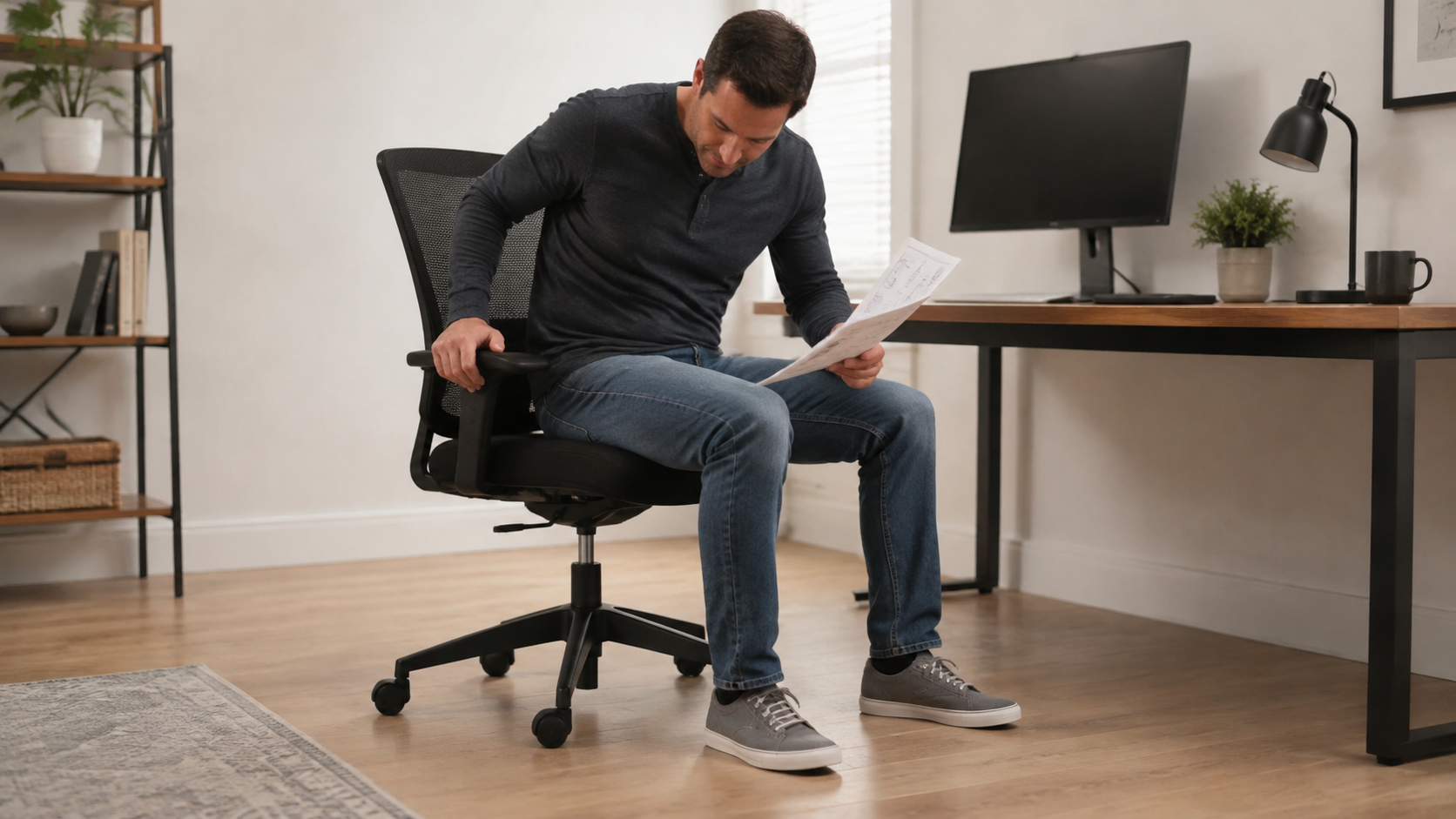
- Decide whether a seated check is appropriate. Do not sit if the empty chair turns unexpectedly, catches, scrapes, wobbles, or shows damage. If it behaves normally and the concern occurs only during ordinary desk work, sit slowly with both feet supported and hands off the desk. Stop immediately if the seat drops, the base lifts, a caster loses contact, or movement becomes unstable.
Do not spin the chair rapidly to “test the bearing,” and do not use full body weight to overcome a catch. The goal is to reproduce ordinary behavior with minimal input. If you cannot complete the seated pass confidently, keep the chair unloaded and move to manufacturer support.
If the manual lists a swivel lock
Use only the documented control and sequence. Before relying on it, check three things in the chair maker’s instructions: which chair and revision it supports, whether it locks seat rotation rather than recline, and which other adjustments remain usable while locked. A “universal” label on an accessory is not confirmation that it is suitable for your chair.
- Confirm the chair model, production revision, gas-lift or mechanism type, and any dimensional requirement named by the manufacturer.
- Check whether the lock is factory-installed, an approved option, or a separately supported accessory. A similar-looking part from another chair is not proof of compatibility.
- Follow the specified setup and operating position. This guide does not cover fitting aftermarket mechanisms; an accessory installation needs its own approved instructions.
- After locking, verify the function the maker says will change. Do not assume a swivel lock also stops rolling, tilt, or recline.
- Recheck seat height, desk clearance, approach, exit, and access to work items. A fixed-facing chair changes how you reach and turn at the workstation.
If you own an OdinLake chair, start with the current OdinLake assembly and product-guide library. If the manual does not name a swivel lock, contact OdinLake customer support with the model label and intended task before adding a third-party part.
If the chair has no documented swivel lock
Do not convert the center column into a homemade fixed joint. A gas-lift chair combines a sealed, pressurized height-adjustment component with load-bearing connections between the seat and base. A clamp, drilled screw, adhesive, wedge, hose clamp, zip tie, or improvised collar can load an area that was not designed to act as a rotation stop. It may also hide damage, block height adjustment, interfere with controls, or create a sudden release.
Choose one of these safer routes instead:
| Your actual need | Lower-risk route | Verification |
|---|---|---|
| You turn accidentally while reaching for the keyboard or mouse | Center the input devices, reduce reach, and bring the chair close enough that the armrests and desk do not collide | You can type and point with elbows near the body without pushing sideways through your feet or arms |
| Pedals or a simulator rotate the chair | Use a task-specific seat or manufacturer-approved swivel-lock system designed for the load and movement | The complete setup remains stable under normal pedal force and has a documented use case |
| You need a predictable transfer position | Have an occupational therapist, rehabilitation professional, facilities team, or equipment specialist assess the seat and transfer | The recommended equipment and procedure address both rolling and rotation without creating a new fall risk |
| You simply prefer a fixed-facing seat | Select a non-swivel chair or a chair with a documented swivel lock from the start | The chair still has a stable base, suitable seat height, task fit, and safe access and exit |
Reduce the turning force during ordinary desk work
For a chair that passed the empty-chair check, try this simple workstation adjustment. It addresses accidental turning during a task; it does not lock the chair or repair a faulty swivel.
- Put the keyboard directly in front of your sitting position and the mouse beside it, rather than across the desk.
- Approach the desk without an armrest pressing against its edge. Use the chair’s documented armrest adjustment if needed; do not remove structural parts to gain clearance.
- Settle with your feet supported. Avoid bracing one foot sideways against a desk leg to hold yourself facing forward.
- Repeat the task that caused the turning: type a few lines, move the pointer, or reach for the item you normally use. Watch whether the seat turns when an armrest touches the desk or when you push off with a foot.
- Change one source of contact or reach at a time and repeat. Success means you can do the task without repeatedly pushing yourself back into position. If the task itself requires resisting pedal force or staying fixed for a transfer, use the appropriate equipment route in the table instead.
When spinning is a symptom, not a preference
A chair that has always rotated smoothly is different from one that suddenly turns by itself, leans while rotating, catches at one angle, grinds, scrapes, or feels loose. Stop normal seated use if the change is accompanied by any of these signs:
- a cracked or bent base, seat plate, back support, or visible structural part;
- a caster that is missing, loose, partly seated, or not carrying weight;
- a gas-lift column that is dented, leaking, displaced, or visibly misaligned;
- a new drop in seat height, sudden wobble, base lift, or uneven contact with the floor;
- metal-on-metal scraping, grinding, a repeated hard catch, or a loose control;
- an unknown previous repair, drilled hole, added clamp, nonmatching part, or improvised restraint.
Inspect only accessible exterior parts with the chair unloaded. If the exact manual identifies external fasteners that the owner may check, confirm that the correct hardware is present and follow the specified tool and tightening sequence. Do not open the tilt housing, separate a press-fit cylinder, remove a bearing, or invent a torque value.
If the chair was recently assembled and rotation feels wrong, compare every part and orientation with the exact instructions. OdinLake’s office-chair assembly guide explains the difference between fastened, pressure-fit, and model-specific connections. A misaligned or damaged load-bearing joint should be corrected through the manufacturer—not forced into service because the chair still holds weight.
Prepare a useful support record
“It spins too much” is difficult for a support team to diagnose. Give them a short, reproducible record:
- brand, exact model, production or order information, and a clear photo of the label;
- whether the issue is seat swivel, caster rolling, or backrest tilt;
- whether it happens empty, seated, or only during a specific task;
- whether the behavior persists in a clear, level area with loose accessories removed;
- when the behavior began and whether the chair was assembled, transported, repaired, or struck beforehand;
- photos of the complete chair, base, all five casters, center column, under-seat exterior, and any visible damage;
- a short video recorded from a safe distance, if the chair can be moved without loading it.
Ask a precise question: “Does this model include or accept a manufacturer-approved swivel lock?” or “Does this empty-chair self-rotation indicate a service issue?” Do not ask support to approve a homemade device after it has already been fitted.
Verify the final setup
Whether you keep normal swivel, use a documented lock, rearrange the workstation, or change chairs, check the complete task rather than one motion:
- Approach and sit without the chair rolling away, rotating unexpectedly, or tipping.
- Face the primary work area with feet supported and the input devices within comfortable reach.
- Reach normal work items without a forced trunk twist or repeated sideways push.
- Use any approved lock only in its documented operating state; confirm height and other disabled functions before sitting.
- Stand and leave the chair without catching a foot, striking the desk, or relying on an uncertain restraint.
If the task fails at any step, return to the movement table. Do not keep adding friction or hardware. The correct outcome is predictable movement from a chair and workstation designed for the task.
Source check: September 9, 2026. This guide uses published ergonomic guidance and OdinLake product instructions; it is not a hands-on test or approval of an aftermarket locking device.
Frequently Asked Questions
Can you lock an office chair so it will not swivel?
Only some chairs or model-specific accessories provide a documented swivel lock. Check the exact manual and manufacturer support. If no compatible lock is named, do not drill, clamp, wedge, glue, or pin the gas lift or mechanism; choose a task setup or chair designed for fixed orientation.
Do locking casters stop an office chair from spinning?
No. Caster brakes can stop the chair from rolling across the floor, but the seat can still rotate around the center column. Use OdinLake’s rolling guide if the whole base moves; use the swivel checks in this guide if the base stays in place while the seat turns.
Does the tilt lock stop chair swivel?
Not unless the exact manual explicitly says it does. A tilt or recline lock controls backward rocking or a recline position. Swivel is rotation around the center column. Controls can share a housing, but their functions should not be inferred from location.
Why does my empty office chair rotate by itself?
Check for an uneven supporting surface, a caster on a mat edge, a hanging bag, or a cable pulling on the chair. If unexpected rotation persists in a clear, level area, keep the chair unloaded and ask the manufacturer to assess it. Wobble, scraping, a drop, or visible damage are reasons to stop use, not to tighten the swivel by guesswork.
Can I tighten a swivel office chair so it turns less?
Only if the current manual identifies a user-adjustable swivel-resistance control. A tilt-tension knob normally changes recline resistance, not swivel resistance. Do not tighten random fasteners or use tools on the center column in an attempt to add friction.
Can I use a hose clamp or wedge to stop the gas lift from rotating?
Do not improvise a rotation stop on a load-bearing or pressurized chair component. A clamp or wedge may interfere with height adjustment, load an unsupported surface, hide damage, or release unexpectedly. Ask the manufacturer about a purpose-built compatible option or select a chair that already meets the fixed-facing requirement.
What chair should I use for a simulator or pedal setup?
Choose a seat and base designed for that task, or a chair with a manufacturer-documented swivel lock and rolling restraint that are compatible with the applied forces. Verify the complete rig under normal use. A wheel brake solves rolling only; it does not prove the seat will remain facing forward.