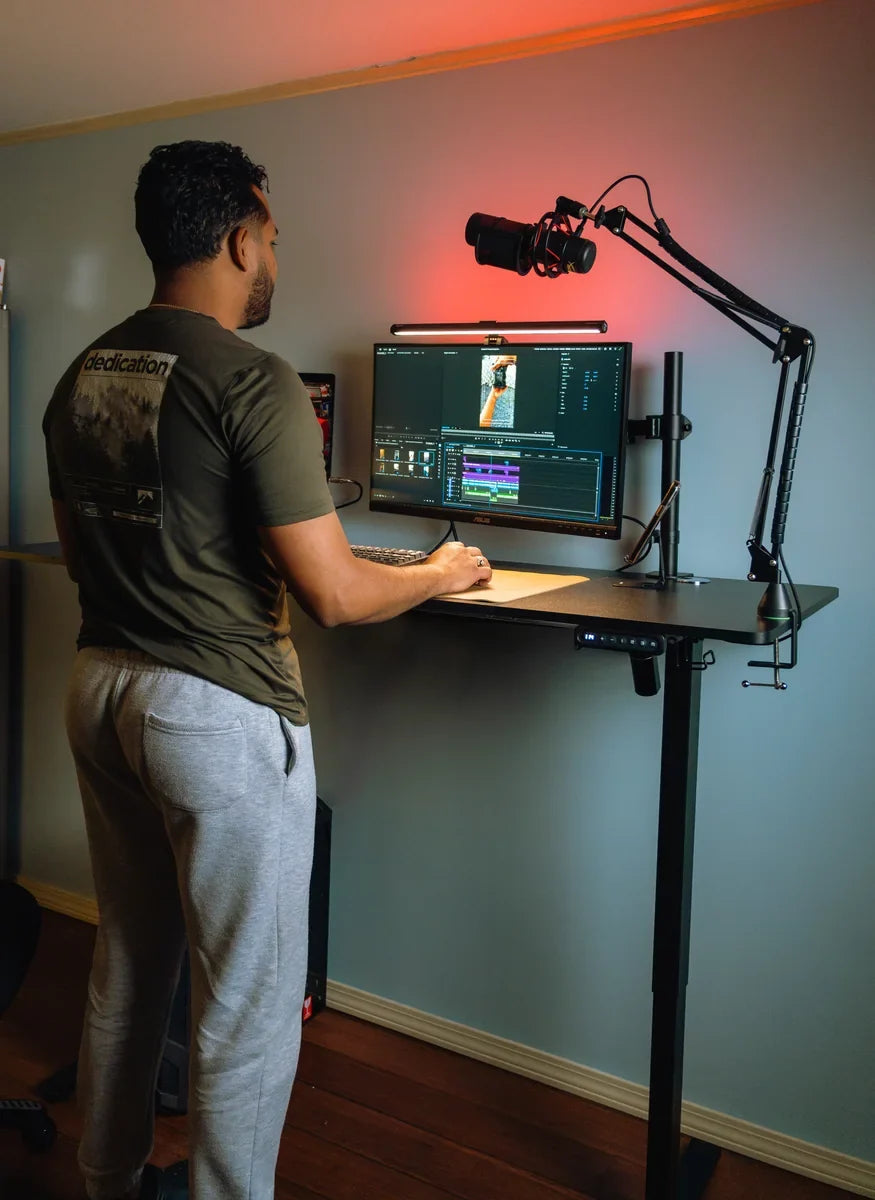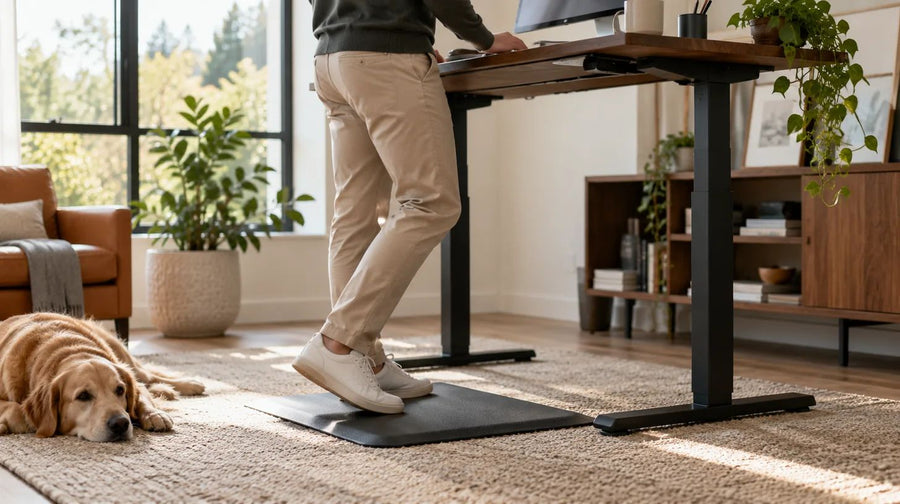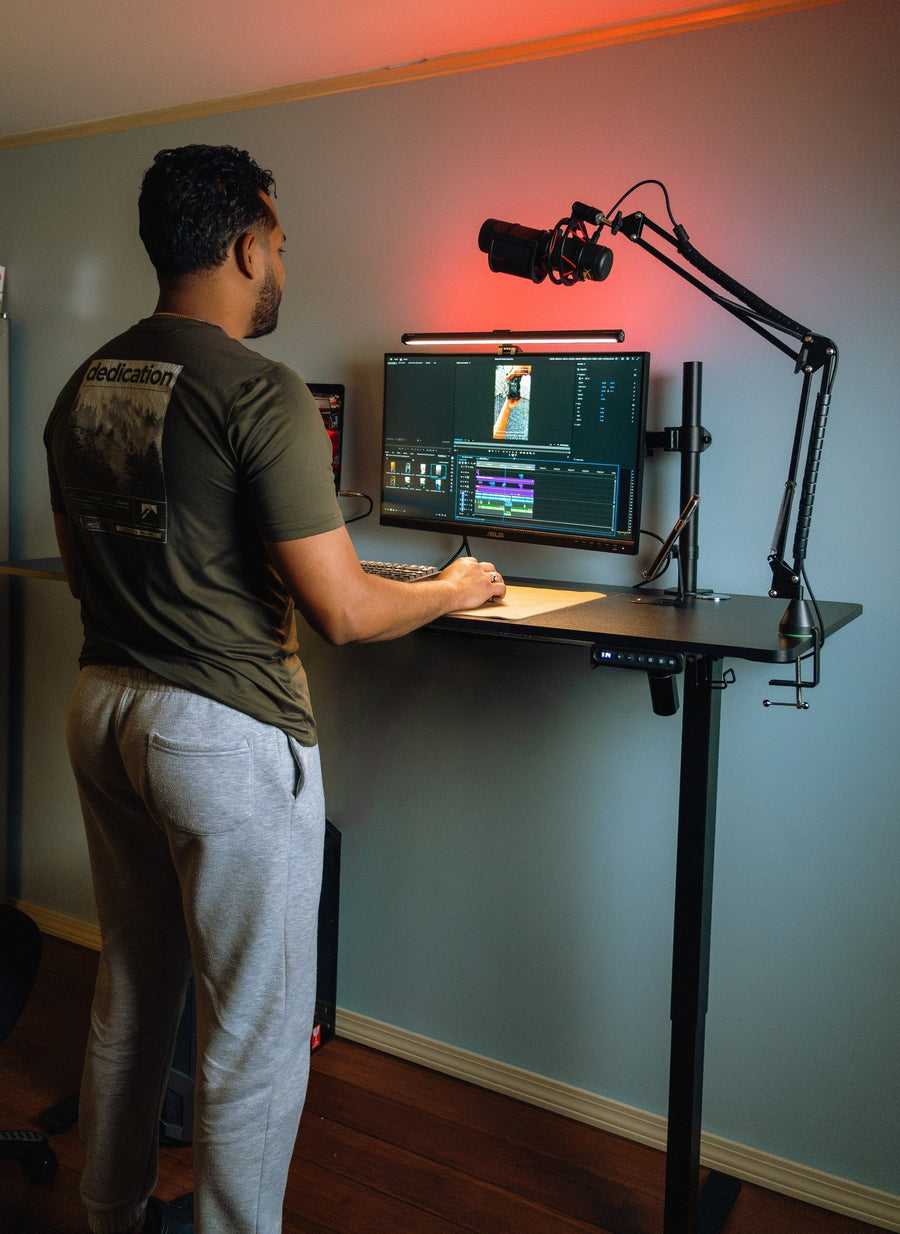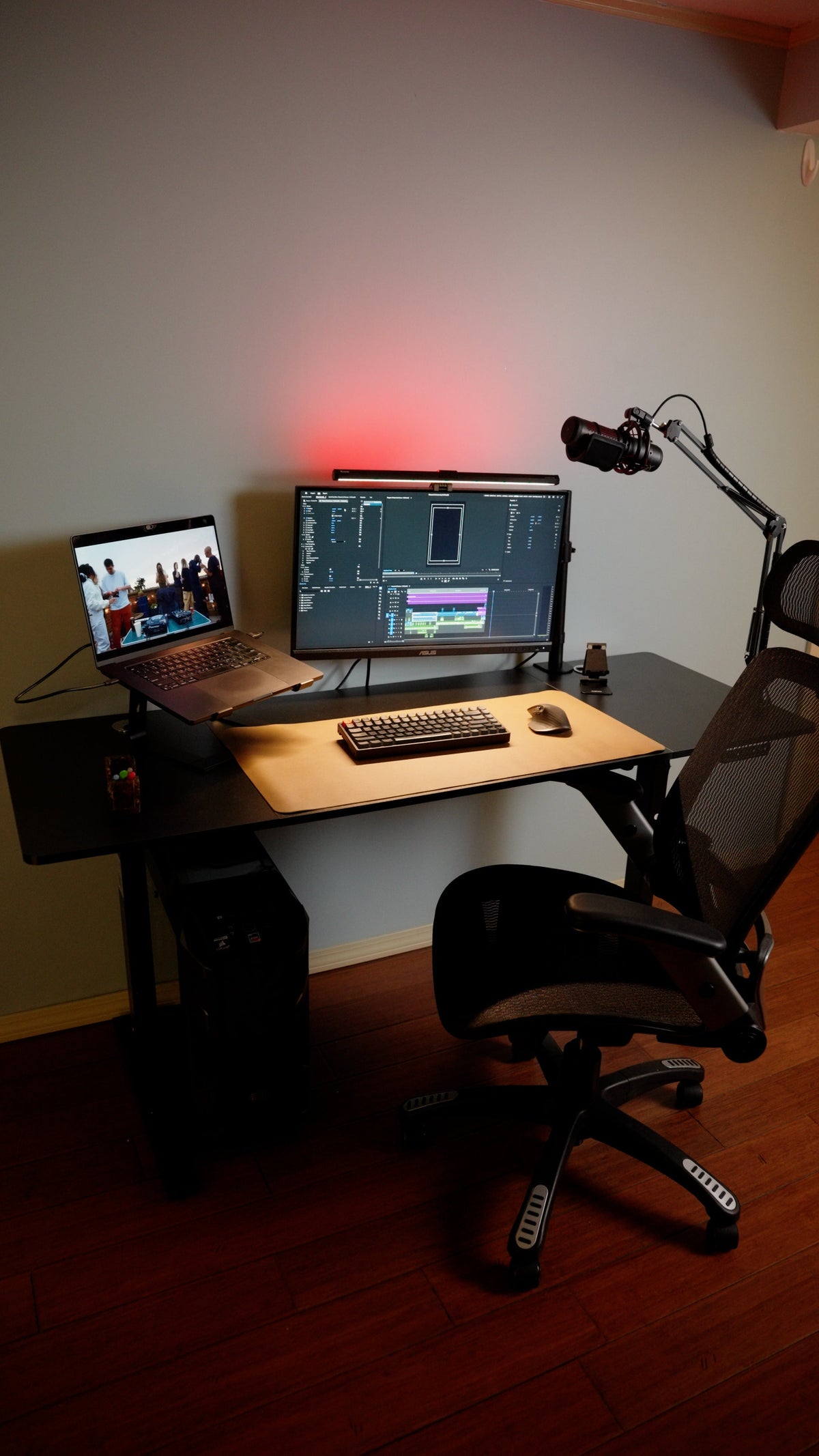
A rig-first decision guide to checking whether a standing desk fits your monitors, PC, controls, room, load, stability, and full-travel cable path.
The right ergonomic setup should adapt to your body, support frequent movement, and stay comfortable through a full workday.
A standing desk can be a good gaming desk when height adjustment solves a real fit, sharing, or mixed work-and-play problem—and when the complete setup remains stable, reachable, and safely connected throughout the desk’s travel. It is a poor buy if the main expectation is an automatic health or gaming-performance upgrade, or if a heavy monitor, PC, microphone, wheel, or flight-control setup cannot move safely with it.
Make the decision from your actual rig, not from a photo of an empty desktop. List every item, measure the room and working surface, add the real equipment weights, and check the attachment and cable requirements before comparing desk features.
Decide What You Want the Desk to Change
“Gaming desk” describes a use case, not a separate ergonomic standard. The useful question is whether an adjustable work surface fixes a limitation in your current setup.
| Goal | How height adjustment may help | What it cannot prove |
|---|---|---|
| Get the keyboard and mouse to a usable seated height | A desk with a suitable low range can bring the input surface to the user instead of forcing the chair too high. | That every desk goes low enough for every user, chair, and floor. |
| Share one setup | Different users can save or record their own tested heights. | That one monitor, mouse, chair, or controller arrangement fits everyone. |
| Use one desk for work and gaming | The surface can move between task-specific positions without rebuilding the room. | That standing improves reaction time, accuracy, focus, or rank. |
| Change position during a long session | Standing becomes an available option for menus, chat, strategy review, controller use, or another comfortable task. | That standing is comfortable for every game or should replace sitting for a prescribed number of minutes. |
Research on sit-stand desks largely comes from office work, not competitive gaming. A scoping review of 53 sit-stand-desk studies found that the desks reliably changed sitting and standing behavior, while health and work-performance findings were more limited and mixed. That evidence supports offering another position; it does not support a promise that a moving desk will make someone a better player.
Inventory the Rig Before You Shop
Create one line for every device and accessory that touches the desk or connects to something that moves. Include items that are easy to forget: monitor power bricks, USB hubs, capture cards, audio interfaces, controller chargers, speakers, desk lights, microphone arms, webcams, headphone hooks, and the desk’s own control box.
| Item | Record before choosing a desk | Decision it affects |
|---|---|---|
| Monitor and stand or arm | Total width, depth, weight, mount pattern, clamp or grommet requirements, and cable exits | Desktop depth, rated load, mounting area, viewing position, and stability |
| PC or console | Dimensions, weight, ventilation clearances, cable directions, and whether it will move with the desk | Surface area, under-desk compatibility, fixed-versus-moving cable path, and collision clearance |
| Keyboard, mouse, and desk mat | Combined footprint plus the mouse travel used in your games | Usable front-edge space and whether the surface supports low-sensitivity movement |
| Microphone, light, camera, speakers, or control pad | Footprint or clamp location, reach, weight, articulation, and cables | Edge access, load distribution, collision zones, and cable slack |
| Wheel, shifter, yoke, or flight controls | Exact mounting method, clamp opening, forces applied during use, and manufacturer-approved surface requirements | Desktop thickness, edge shape, reinforcement, stability, and whether frequent removal is practical |
| Power strip, UPS, router, and wall connections | Rated values, plug orientation, mounting method, fixed location, and cable lengths | Electrical plan and full-travel cable path |
Use manufacturer documentation for every weight, clearance, and mounting limit. Do not estimate a monitor’s weight from screen size or assume that a monitor arm’s stated capacity also approves the desktop. The arm, clamp, desktop, frame, and desk load rating are separate requirements.
Check the Fit in the Room and at the Controls
Measure three different spaces. First, mark the desk’s full floor footprint, including feet—not just the top. Second, reserve the chair and body zone used while seated, standing, entering, and leaving. Third, reserve the vertical and rear travel envelope for the desktop, monitors, arms, shelves, windows, wall art, and cables.
Then mock up the working surface. Painter’s tape on the floor or a piece of cardboard cut to the candidate desktop size can reveal whether the monitor depth leaves enough keyboard-and-mouse space. Place the real keyboard, mouse pad, speaker footprints, and paper outlines of the monitor bases or PC on the mock-up. If the layout only works after pushing a screen too close, blocking ventilation, or leaving the mouse with too little travel, the top is not large enough for that configuration.
OSHA’s computer-workstation purchasing guide recommends enough depth for the viewing distance and enough surface area for the monitor, keyboard, pointing device, and other task items. Its figures are purchasing guidance, not a universal gaming-desk specification. Your actual screen readability, game input, vision needs, and equipment dimensions still control the decision.
At the seated position, verify that the desk can meet the user without raising the chair so high that the feet lose stable support. Check thigh clearance, armrest clearance, and the ability to bring the chair close to the controls. At the standing position, check that the keyboard and mouse can stay near the body without elevated shoulders or bent wrists. The OSHA workstation evaluation checklist also calls for the pointing device to be near and at the same level as the keyboard, with the primary monitor directly in front of the user.
Stability Is a Setup Result, Not a Marketing Word
A desk can feel acceptable with a laptop and behave differently after adding a tall monitor arm, an ultrawide display, a tower near one edge, and a forceful steering input. Compare desks only after defining your intended load and attachment positions.
- Add the actual weight of every item that will move with the desktop. Leave the desk’s own top out only if the manufacturer’s stated capacity clearly excludes it.
- Confirm that the total remains within the current manual’s rated moving load. A lift rating is not permission to attach hardware anywhere on the top.
- Ask how the desk was evaluated at the height you expect to use. A low-position demonstration does not establish behavior at a taller extension.
- Check whether monitor-arm and peripheral clamps fit the edge profile, thickness, underside frame, cable tray, and any flip-top or beveled section.
- Keep heavy equipment positioned according to the desk and accessory instructions. Do not drill, reinforce, or add an under-desk PC mount unless both the desk and mount manufacturers approve the installation.
For a mouse-and-keyboard game, even small display movement may be distracting. A controller may be less sensitive to desk motion, while a wheel or flight-control setup can introduce much larger forces. There is no honest “gaming-stable” label that resolves all three cases. Test the intended controls, monitor arrangement, and height together.
Choose What Moves With the Desk
The simplest cable plan separates equipment into two groups. Items mounted to or resting on the desktop move with it. The wall outlet, network jack, floor-standing PC, UPS, and some speakers may remain fixed. Every connection between the two groups must accommodate the full height change without tension, pinching, scraping, or entering the legs and frame.
A PC on the desktop shortens many display and USB cable paths but uses surface area and moving-load capacity. A tower on the floor preserves desktop space but creates long fixed-to-moving connections and requires clearance so the desk cannot pull, crush, or unplug them. An under-desk mount moves the PC with the surface, but only when the mount, desktop, frame, ventilation space, and PC dimensions are all compatible.
Plan the complete route with the OdinLake guide to desk cable management for a moving workstation. The critical test is functional, not cosmetic: with the computer shut down if required by its instructions, move the desk through every intended height while another adult watches every cable and obstruction. Stop if anything becomes taut, catches, rubs a sharp edge, enters a pinch point, or pulls a plug or device.
Test Standing Play by Task, Not by Hype
The Cleveland Clinic Esports Medicine program evaluates the whole gaming workstation, including chair and desk height, monitor height and distance, and hand, wrist, and forearm positioning. A standing desk changes several of those relationships at once, so a saved height is only a starting point.
Try the raised position first during a low-consequence activity: settings, chat, inventory management, a replay review, or a familiar controller-based game. Recheck screen readability, mouse space, controller cable reach, audio controls, and the location of pedals or a footrest. If aim, key access, comfort, or equipment stability deteriorates, sit down and revise the setup. The desk is valuable because it offers a choice, not because every game must be played standing.
Do not copy someone else’s standing time or treat soreness as adaptation. Change position when needed and stop if you develop pain, numbness, tingling, weakness, dizziness, or loss of balance. Persistent or concerning symptoms belong with a qualified health professional, not a desk-height experiment.
Use a Go, Conditional, or Skip Decision
| Decision | Evidence from your setup |
|---|---|
| Go | The height range fits seated and intended standing use; the full rig fits the top; load and attachments are documented; the setup is acceptably stable; and every cable has a safe full-travel route. |
| Conditional | The desk fits only after a verified change such as a larger top, compatible monitor arm, longer approved cable, moving power strip, different PC location, or removal of a rarely used accessory. Price the complete solution before buying. |
| Skip | Your current fixed desk already fits; you do not expect to use the adjustment; the desk cannot reach the needed seated height; the rig exceeds documented limits; a clamp or top is incompatible; or stability and cable travel cannot be verified. |
If the answer is “go,” compare the current OdinLake standing desk collection by published dimensions, height range, load limit, desktop construction, edge and underside access, controls, warranty, and support documentation. Match those fields to your inventory; do not select a model from width or price alone.
Verify the Finished Gaming Setup
- Assemble and initialize the desk exactly as its current manual specifies. Keep the model, serial number, manual, and purchase record.
- Before loading equipment, inspect fasteners, feet, frame alignment, wall clearance, and the complete empty travel path.
- Add equipment in stages. Confirm monitor-arm and accessory-clamp installation against both sets of instructions.
- Route power and data cables, then perform a slow full-travel watch test. Keep people, pets, drawers, shelves, and chair arms out of the collision zone.
- Set seated and standing positions from the user’s actual keyboard, mouse, controller, and screen relationships. Save presets only after the setup passes.
- Test the real game controls at each intended height. Recheck wobble, screen movement, reach, cable slack, ventilation, and unexpected noise.
Stop using the lift if the desktop moves unevenly, a device shifts, a clamp loosens, a cable is damaged, or the desk reports an error. Remove load only as the manual directs and contact the desk or accessory manufacturer when the cause or approved limit is unclear.
Frequently Asked Questions
Are standing desks good for gaming?
They can be when the adjustable range fits the user and the complete gaming rig remains stable, reachable, within rated limits, and safely wired at every intended height. A standing desk is not automatically better than a fixed desk, and it does not guarantee improved gaming performance or health.
Can you comfortably game while standing?
Some people can, especially for controller use or lower-precision tasks, but comfort and control depend on screen position, input method, desk height, footwear, floor, and the individual. Test standing with a familiar, low-consequence activity first. Sit or change the setup if control, comfort, or balance worsens.
Do standing desks wobble while gaming?
Any desk can move under input forces, and behavior may change with height, floor, assembly, load distribution, monitor arms, and attached controls. Evaluate the candidate with a setup comparable to yours and test the finished desk at the actual play height. Do not infer high-position stability from an unloaded or low-position demonstration.
What size standing desk do I need for two monitors and a PC?
There is no universal size. Add the real footprints of both displays and their stands or arms, the PC, keyboard, mouse travel, speakers, and other controls. Mock up that arrangement and preserve viewing distance, ventilation, clamp access, and cable exits. Also check the combined moving load and the desk’s full room footprint.
Should a gaming PC sit on or under a standing desk?
Either location can work. On the desktop, the PC moves with the displays but consumes area and load capacity. On the floor, it needs longer fixed-to-moving cables and protection from tension or collision. An under-desk mount requires documented compatibility with the PC, top, frame, ventilation clearances, and desk manufacturer’s instructions.
Can I use a monitor arm on a standing desk?
Yes, when the monitor fits the arm, the arm’s clamp or grommet fits an approved part of the desktop, the top and frame can accept the attachment, and the complete moving load remains within the desk’s limit. Verify underside clearance and cable travel; never assume that a flat-looking edge is a suitable clamp point.