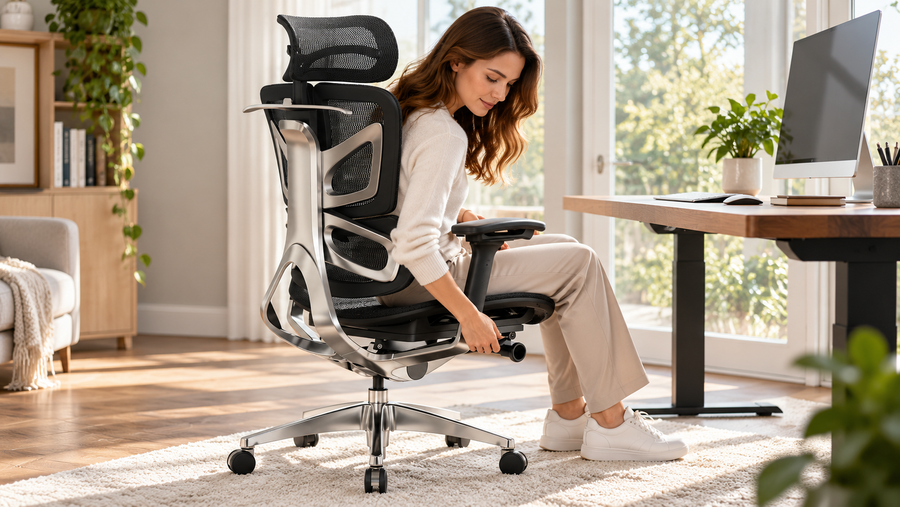
The right ergonomic setup should adapt to your body, support frequent movement, and stay comfortable through a full workday.
A better home office can begin with one well-chosen upgrade. The difficult part is deciding which one: an ergonomic chair, a standing desk, or a smaller change to the equipment you already own.
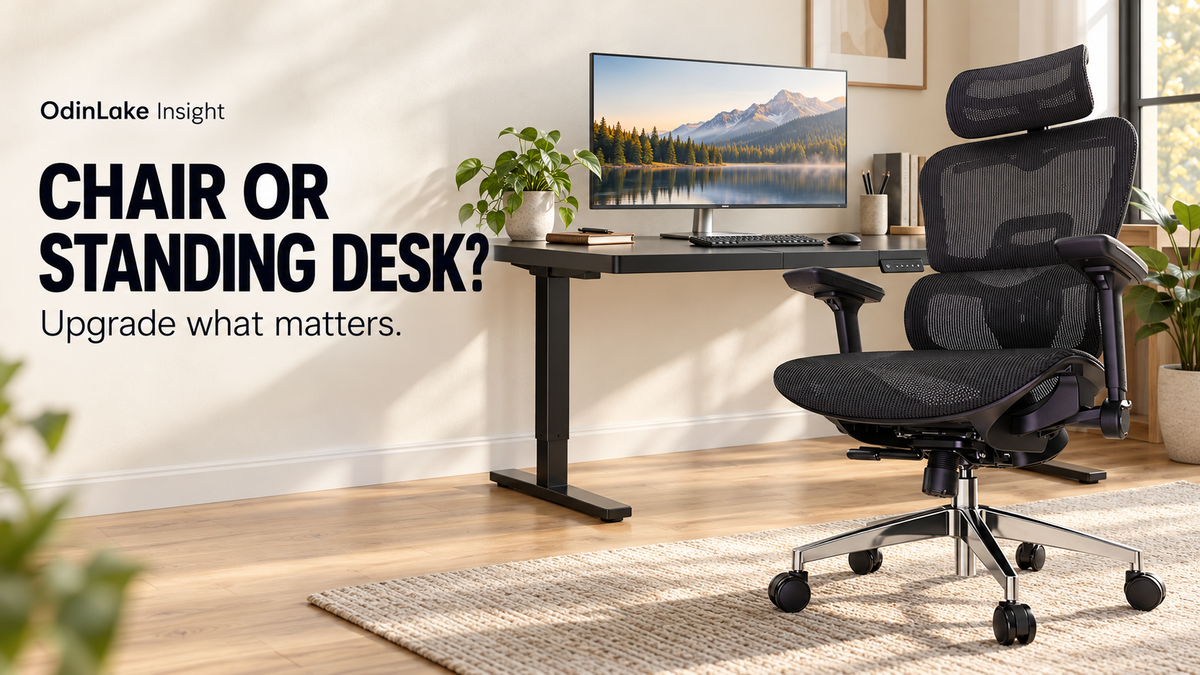
If your budget covers one major purchase this Black Friday season, start with the part of your setup that limits your everyday work. A chair supports seated tasks. An adjustable desk changes the height of your work surface. Knowing which problem you need to solve makes the shortlist much clearer.
Why setting a purchase priority matters this November
The latest U.S. shopping data give shoppers a reason to be deliberate. In its October 28 holiday update, the National Retail Federation reports that 64% of consumers are likely to wait until Thanksgiving weekend to do most of their holiday shopping. Both discounts and merchandise quality influence where people shop.
Meanwhile, BEA's October 29 release shows that September consumer spending rose 0.5% in dollar terms, while inflation-adjusted spending increased by less than 0.1%. These are broad consumer measures, not office-furniture sales figures. Our practical takeaway is to choose the improvement you need before deciding which offer to pursue.
Observe your current setup before replacing it
During an ordinary work session, write down the adjustment you keep wishing you could make. Is the seat uncomfortable even after you have adjusted it? Is the desktop at an awkward height? Are you constantly moving a laptop, keyboard, or stack of paperwork to make room?
First, try the controls and rearrangements already available to you. Clear objects from beneath the desk, move frequently used items closer, and check your chair settings. Use this short comparison to decide what deserves a closer look:
| What you notice | What to investigate first |
|---|---|
| The chair's seat or backrest does not suit you | Chair fit and available adjustments |
| The work surface is too high or too low | Desk height and keyboard position |
| You want to work in both seated and standing positions | An adjustable desk that fits both positions |
| Your screen is awkward to view, but seating feels comfortable | Monitor placement or a compatible stand |
| Clutter crowds your keyboard and mouse | Layout and storage before a furniture purchase |
This is a way to narrow your search. Several parts of a workstation may need to be adjusted together.
When an ergonomic chair should come first
Put the chair at the top of the list when your current seating cannot accommodate you comfortably, even after adjustment. A seat that is the wrong size, a backrest that does not meet your back, or armrests that interfere with the desk are useful starting points for comparison.
OSHA's chair guidance emphasizes a supportive backrest, a comfortable seat, supported feet, and armrests that allow relaxed shoulders. It also recommends adjusting the chair together with the desk, keyboard, and monitor.
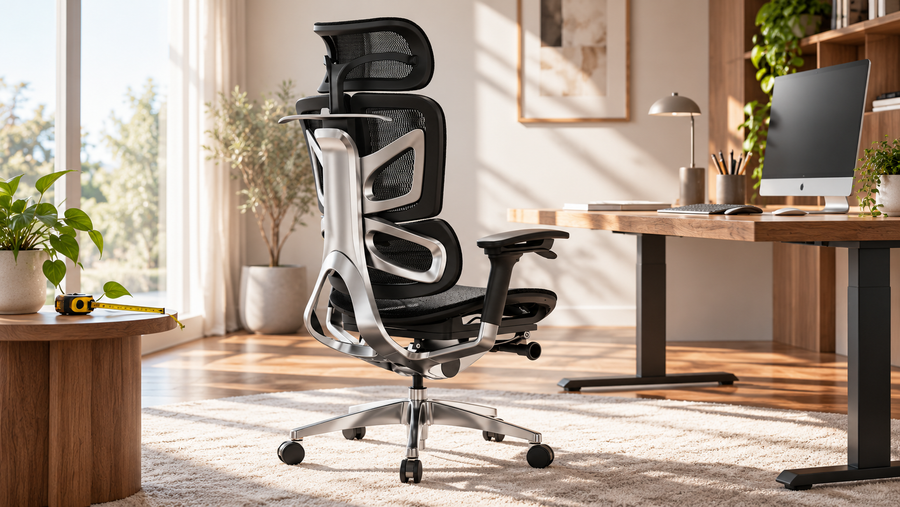
Before ordering, compare the candidate chair's dimensions and adjustment ranges with your body and workstation. Our office chair size guide can help you organize those measurements. Keep your preferred seat feel on the list as well; appearance alone cannot tell you whether you will enjoy sitting in it.
When a standing desk should come first
An adjustable desk is worth investigating when the work surface itself is the limiting factor, or when your current chair works well and you want the option to do some tasks standing.
Check the desk's lowest height as carefully as its highest setting. The range needs to work for your seated position as well as your standing position. Measure the space for your legs, the desktop depth, and the equipment you intend to use. OSHA's desk guidance highlights both leg clearance and enough surface space to position equipment appropriately.
Think through an actual transition: will cables reach safely, will the monitor remain usable, and will a nearby shelf obstruct the desk? A larger desktop may help with equipment layout, but only if it also fits the room and leaves a practical path around it.
When a smaller change is enough
Sometimes the most useful first purchase is an accessory, or the solution is a new arrangement. For example, a laptop user may benefit from separating screen placement from keyboard placement. A compatible monitor stand or arm can change screen height without replacing the whole desk.
OSHA's workstation checklist considers the screen, input devices, seating, and work surface together. It also encourages opportunities to change posture and activity, avoiding prolonged sitting or standing. A sit-stand desk can provide an option within that routine; regular movement still deserves attention.
Check attachment compatibility, load limits, and available space before buying an accessory. A useful small change should work with the furniture you plan to keep.
Build a shortlist around your priority
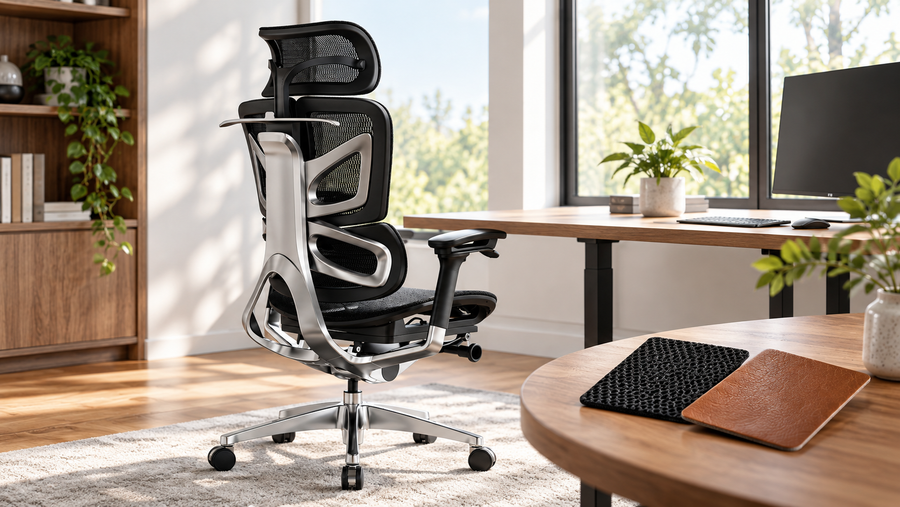
If seating is your priority, explore the OdinLake L3. Its FlexBreath mesh and CozyCloud cushioned seat options offer different material experiences: an open-weave mesh surface or fabric over high-resilience foam. Choose the feel you prefer, then check the measurements and selected configuration.
If desk height is the priority, compare the OdinLake S2 Standing Desk with your requirements. Its product page lists an adjustment range of 27.95–45.67 inches. Verify the dimensions and specifications of your chosen configuration, and make sure both ends of the range suit your intended use.
If you are considering both, plan them as a pair. Check how the chair, armrests, desktop, and under-desk space work together before placing separate orders.
Make a Black Friday comparison you can actually use
Create a short list with three columns: the everyday problem, the exact product configuration, and the total delivered cost. Include applicable taxes, shipping, and accessories you intend to buy. Compare like-for-like configurations, especially when an advertised starting price covers only one version.
Read delivery estimates, assembly requirements, warranty coverage, and return terms before checkout. Keep any return shipping costs and packaging requirements in your decision. Save the offer details so you can check them against your order.
You can also stagger the purchases. Upgrade the part that needs attention first, use the revised setup, and decide whether the second item would add enough value. A coordinated workspace can be built over time.
Choose the upgrade you will notice every day
Start with one sentence: “I want to change this part of my workday.” Then choose the chair, desk, or accessory that most directly addresses it. Explore OdinLake chairs or standing desks with that priority in mind, and let fit and usefulness guide the final decision.
November 2026 edition. Sources and product information checked November 2, 2026. Market data describe the periods stated above; product options, prices, availability, and purchase terms can change.