The right ergonomic setup should adapt to your body, support frequent movement, and stay comfortable through a full workday.
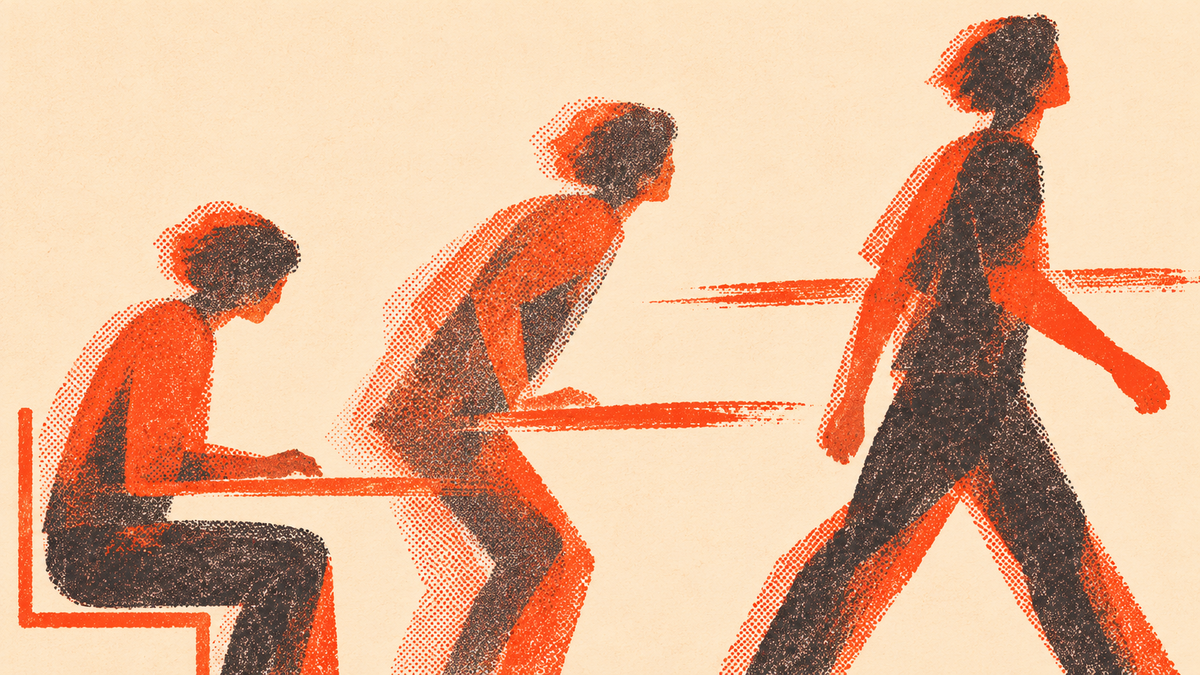
Your 10 a.m. call ends. You answer a message, open a document, and look up an hour later to find your standing desk still at the height you set before breakfast. If you work from home and already have a desk that moves, the useful question is when you’ll press the button. Try tying the change to a task you do anyway: stand for a short call, sit to edit a document, and walk when the call ends and you don’t need the screen.
That’s a routine you can try, not a rule about which posture suits every task. A discussion among remote workers raised a familiar problem: it’s easy to forget the desk can move. One thread doesn’t tell us how common that is. It does suggest a useful starting point: make the switch part of something already on your calendar.
Pick one switch you can remember
Look at tomorrow’s calendar. Pick one repeatable event where changing position won’t interrupt your work. An audio call you mostly listen to is a good candidate. Stand before you join. If the call turns into a screen share that requires detailed notes or careful mouse work, sit back down. You still made the change. There’s no need to stay standing until the meeting ends.
For the next switch, choose an event that gets you away from the desk entirely. After you send a finished draft, for example, take your cup to the kitchen before opening the next file. The point is to give yourself a reason to move that doesn’t depend on remembering another timer. If you spend most of the day in one long task, a quiet reminder can help; choose a time that leaves room to finish a thought or pause at a natural break.
Set up the two heights before your first call
Start with the seated height
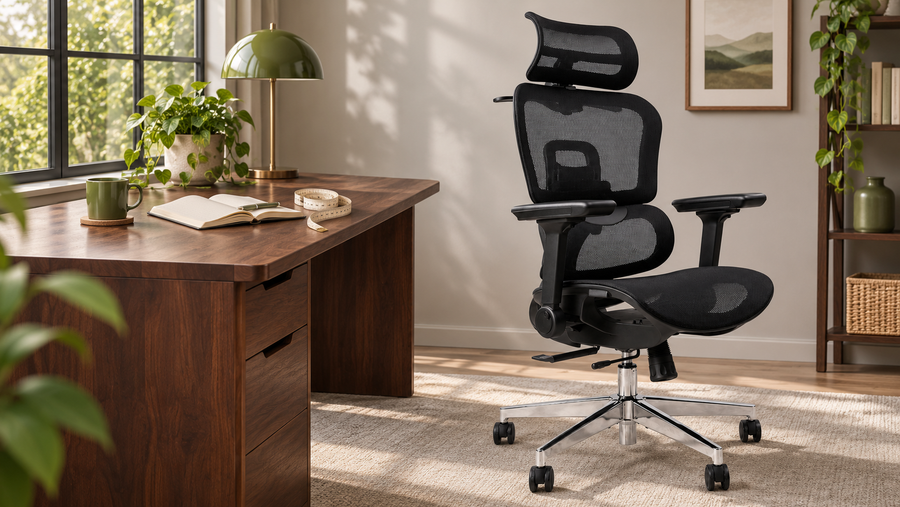
Adjust your chair so your feet are supported and you can sit back. Put your hands where you actually type. Bring the work surface to a height that lets your shoulders relax and your elbows stay close to your sides. Make sure the mouse isn’t parked so far away that you have to reach for it every time. If the desktop is too high even at its lowest point, don’t solve that by letting your feet dangle. Depending on the setup, a stable foot support or a lower keyboard surface may help. If you can’t make the seated setup fit, fix that before setting a routine.
Set the standing height separately
Stand in the shoes or slippers you usually wear while working. Let your arms hang, then bend your elbows and put your hands on the keys. Adjust until you can type without lifting your shoulders, reaching forward, or bending your wrists sharply. Look at the screen and check that you can read it without craning your neck. If raising the desk also moves your laptop screen, you may need to adjust the display separately. Our laptop workstation guide explains how to separate those two jobs.
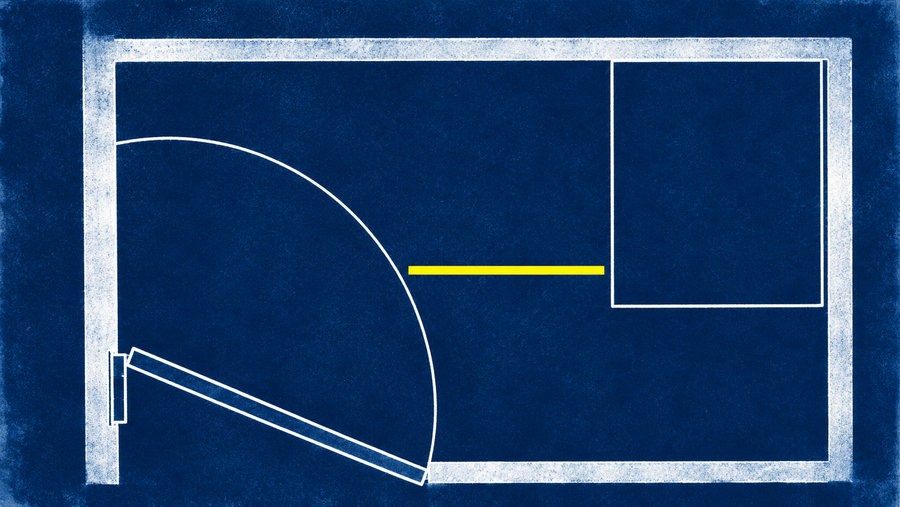
Run the desk between the two heights while watching the monitor cable, power cord, and anything mounted underneath. Move the chair clear and check for shelves, window ledges, and drawers along the desk’s path. Save the heights if your controller supports it; otherwise write down the display readings. If you’re shopping, the OdinLake S2 Standing Desk is one option to check. Compare the dimensions for your chosen size and the listed height range with both of your measurements. A desk that reaches your standing height but stops too high for seated typing won’t solve both sides of the problem.
What the evidence can tell you
The OSHA computer workstation guide recommends changing working positions during the day. That can include standing, changing seated posture, or getting away from the workstation. A 2018 BMJ trial among office staff in an English hospital trust found less sitting at work after a program that included a height-adjustable workstation, feedback, prompts, and coaching. The study tested the whole program. It doesn’t establish that buying a desk alone will have the same effect, and it doesn’t tell you exactly how long to stand during a call.
Start with a brief standing spell that feels manageable. If you’re tired, uncomfortable, or doing a task you handle better seated, sit or take a break. A work routine is not a treatment plan. If you need to avoid standing or have an accommodation, adapt the setup to that need; a seated position change or a break away from the screen may be a better cue.
Try it for one workweek
At the end of the day, note which cue you used and what got in the way. If you always miss the first-call cue because you join in a hurry, move it to the end of that call. If you stood but spent the whole time looking down at the screen, adjust the screen before trying a longer block. If cables snag or you have to drag the chair across the room, fix that friction first.
Keep the experiment simple enough to repeat on a busy day. A sticky note that says “stand before the team call” is enough. On days without calls, use a change of work instead: finish reviewing a spreadsheet, stand for the first few emails, then sit when you start the next block of detailed work. Keep whichever cue fits your day.
On Friday, keep the cue that worked on your busiest day. Add a second only if the first feels easy. You don’t have to hit a standing quota to make the desk useful. A better test is whether you have two workable setups and can switch between them without losing your place.