The right ergonomic setup should adapt to your body, support frequent movement, and stay comfortable through a full workday.
Most U.S. shoppers will see complete electric standing desks priced from roughly $150 to $1,000, with larger, solid-wood, L-shaped, or commercial-grade configurations extending beyond that range. The meaningful question is not “What is the average price?” It is “What does this particular desk cost once it can safely lift my setup through a height range that fits me?”
That distinction matters because two desks with the same sale price can be very different purchases. One may include a full desktop, memory keypad, cable tray, delivery, and a usable warranty. The other may be a frame-only listing, a smaller top, or a low-height range that never reaches the user’s seated position.
First Identify What the Advertised Price Includes
Before comparing models, label each listing as one of four product types:
- Desktop converter: a platform placed on an existing desk; it does not replace the desk.
- Frame only: lifting columns, feet, crossbar, controls, and hardware without a work surface.
- Complete straight desk: frame plus desktop, generally the clearest like-for-like comparison.
- Special configuration: L-shaped, executive, solid-wood, extra-wide, built-in storage, or integrated power.
A low frame-only price can become expensive after adding a compatible top, fasteners, freight, tools, finishing materials, and the time needed to build it safely. Conversely, a complete desk may look more expensive while producing the lower final invoice.
What Different Standing Desk Budgets Usually Buy
| Typical complete-desk budget | Likely trade-offs | Questions that reveal value |
|---|---|---|
| Under $200 | Smaller or split desktop, simpler frame, limited accessories, shorter coverage | Is the top included? What is the lowest height? Is the load rating for moving or static use? |
| $200–$450 | Common home-office sizes, electric lift, basic memory controls, laminate or engineered-wood tops | How stable is it at your standing height? Are replacement controls and legs available? |
| $450–$800 | Wider size choices, more refined frames, thicker or one-piece tops, added cable management | Does the added price improve height range, usable load, stability, surface quality, or service? |
| $800–$1,500 | Premium finishes, larger tops, high-capacity frames, complex shapes, extensive configuration | Which upgrades solve your actual space and equipment needs? |
| Above $1,500 | Solid hardwood, design-led systems, executive or commercial programs, specialized installation | Are delivery, assembly, field service, and long-term parts included? |
These are market bands, not quality grades. When this guide was reviewed on August 14, 2026, the OdinLake S2 product page listed a complete electric desk at $199, with a 24-by-63-inch option, a published height range of 27.95 to 45.67 inches, a 30-day return statement, and three-year warranty language. Treat every price as time-sensitive and verify the exact size and color selected before checkout.
Specifications That Explain the Price
1. Height range that fits sitting and standing
The lowest position is easy to overlook. A desk that reaches high enough for standing may still remain too high for comfortable seated keyboard work, particularly for a shorter user. Compare the published minimum and maximum with your measured seated elbow height and standing elbow height while wearing normal work footwear. Leave room for a keyboard tray, desktop thickness, or anti-fatigue mat if those are part of the setup.
2. Desktop size, shape, and construction
Width and depth determine whether monitors, input devices, speakers, notebooks, and task lighting can be positioned without crowding. A larger top also adds mass and leverage to the moving system. Confirm whether the top is one piece or multiple pieces, its thickness, edge shape, material, pre-drilled pattern, and compatibility with clamps.
An L-shaped desk costs more partly because it requires more surface, packaging, hardware, and a frame that controls a more complex footprint. It earns that premium only when the corner layout is useful and the room has enough clearance for the full moving envelope.
3. Usable lifting capacity
Add the weight of the desktop if the specification excludes it, then count monitors, arms, computer, speakers, dock, lighting, shelves, and anything stored on the surface. Do not shop exactly at the calculated total. Follow the manufacturer’s published limits and load-distribution instructions, and never use a dynamic lifting rating as permission to sit, climb, or ride on the desk.
4. Stability at your working height
All tall structures can move to some degree. What matters is whether the desk remains usable with your equipment, floor, height, and normal typing behavior. Leg geometry, foot length, column overlap, frame joints, top rigidity, load distribution, leveling, and floor condition all contribute. A maximum-height showroom shake test is not a substitute for checking the height you will actually use.
5. Controls and anti-collision behavior
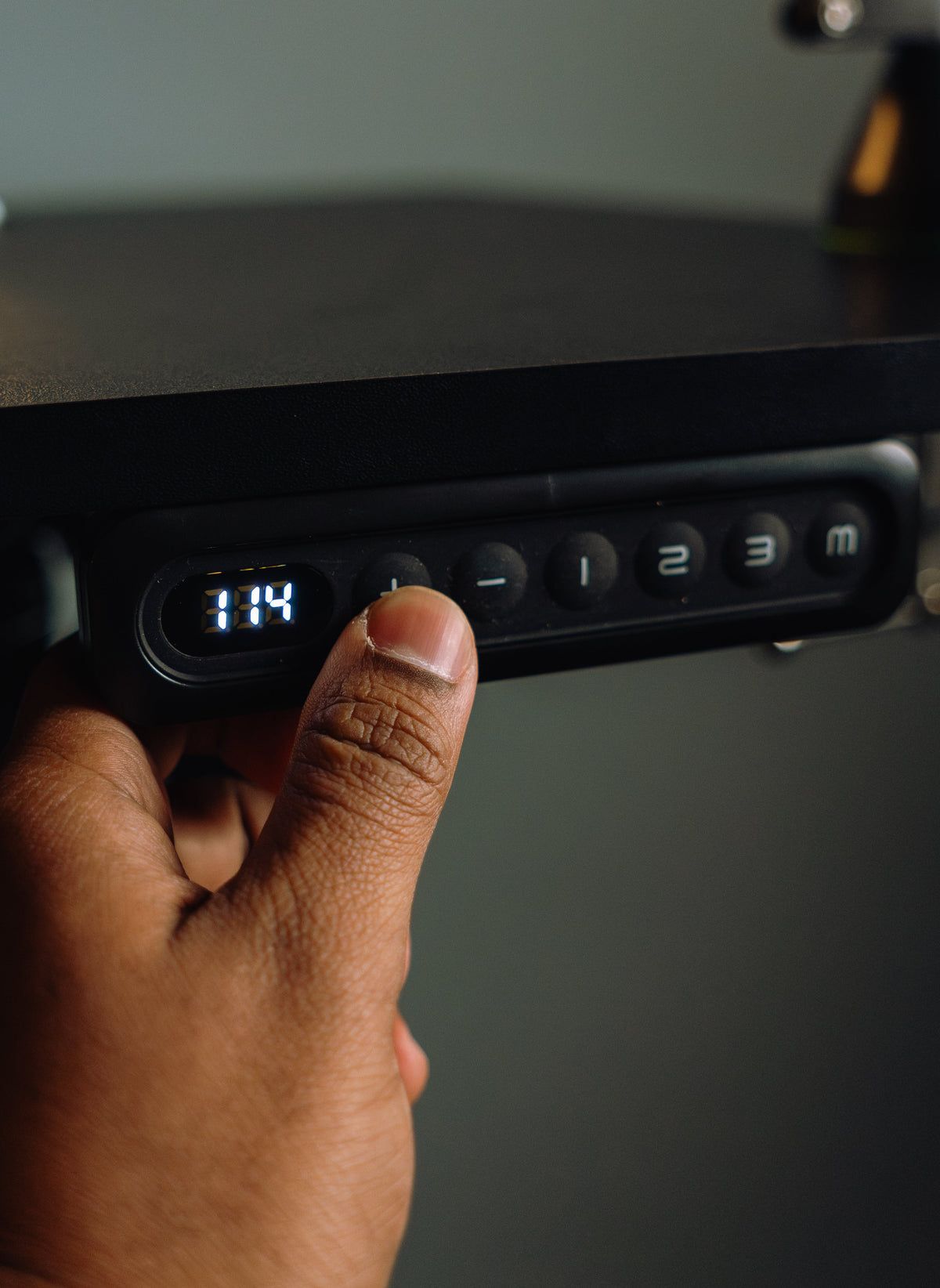
A basic up/down switch can be sufficient. Memory presets add convenience when the same person alternates often or several users share a workstation. Anti-collision behavior is a backup, not a safety guarantee: sensitivity and obstruction detection vary, and the travel path still needs a visual check every time.
6. Mechanical and electrical documentation
Ask what exact product and claim a certification or test statement covers. BIFMA identifies ANSI/BIFMA X5.5 as a standard covering desk and table products, including height-adjustable tables. Its separate X6.5 standard addresses home-office and occasional-use desks, tables, and storage. A seller should be able to distinguish a tested component from a complete product and name the applicable standard rather than relying on an unexplained badge.
7. Warranty and replacement pathway
Motors, control boxes, handsets, lifting columns, frames, and desktops may have different terms. Read the current warranty and return policy, note who pays freight, and confirm whether support can identify model-specific replacement components. A longer headline is useful only when the covered parts and claim process are clear.
Build a Complete Standing Desk Budget
Use one line for the desk and separate lines for everything required to make it work in your room:
- Desk or frame and desktop
- Sales tax and shipping
- Professional assembly, if needed
- Monitor arms and compatible reinforcement, if approved
- Cable tray, flexible power lead, and cable slack management
- Floor protection or leveling solution
- Keyboard tray or foot support needed to make the seated height fit
- Return freight or restocking exposure
Do not automatically add every accessory sold on the product page. First position the desk, monitor, keyboard, mouse, and power connection. Then buy only the accessories that solve a measured problem. A good cable plan matters, but it can be built inexpensively when it preserves the desk’s full travel, connector access, and strain relief.
Compare Desks With a Consistent Scorecard
Write the total price at the top, then score each desk only on requirements you have already defined:
- Fit: minimum height, maximum height, width, depth, knee clearance.
- Equipment: usable load, clamp compatibility, cable exits, moving clearance.
- Operation: speed is less important than controlled motion, useful presets, clear reset instructions, and understandable errors.
- Structure: frame design, desktop material, assembly joints, leveling.
- Ownership: warranty by component, returns, support contact, parts path.
- Preference: finish, edge profile, color, shape, and optional storage.
Reject any desk that fails a required dimension even if it wins the total score. For a broader pre-purchase process, the home-office standing desk guide covers room planning, fit, frame behavior, and accessory loads. Current OdinLake models and configurations are available through the standing desk collection.
When Paying More Is—and Is Not—Reasonable
A higher price is easier to justify when it buys a lower minimum height you need, a larger stable work surface, a documented capacity for a heavy multi-monitor setup, model-specific replacement support, or a shape that genuinely improves the room. It is harder to justify when the upgrade is an unused preset, decorative finish, oversized top that crowds the room, or an inflated list price used to make a routine sale look exceptional.
Do not choose a desk solely because it is cheap enough to “try standing.” A standing desk should let you alternate positions; it is not a requirement to stand all day. The better value is the desk that fits both working heights, moves your real equipment safely, and can be supported after the return window closes.
Frequently Asked Questions
How much should I pay for a standing desk?
Many complete electric home-office desks fall between about $200 and $800. Set the budget after confirming the height range, desktop size, load, stability needs, warranty, and included components.
Are cheap standing desks worth it?
A lower-priced desk can be worthwhile when its dimensions fit, the complete configuration is clear, and support terms are acceptable. Low price is a problem when it hides a frame-only listing, unsuitable height range, weak documentation, or expensive return.
Why are some standing desks over $1,000?
Large or solid-wood tops, complex shapes, high-capacity frames, premium finishes, commercial support, and installation can raise the price. Check which of those benefits applies to the exact configuration.
Is a dual-motor standing desk always better?
No. Motor count alone does not establish stability, lifting performance, sound level, service life, or fit. Compare the complete system’s published height range, load rating, frame design, controls, and support.
Does a standing desk price include the desktop?
Not always. Some listings are frame-only, while others include a specific top size and finish. Confirm the selected variant, carton contents, shipping, and compatible hardware before comparing totals.
What hidden costs should I plan for?
Possible extras include shipping, tax, assembly, monitor arms, cable management, power routing, floor protection, return freight, and accessories required to make the seated height fit.