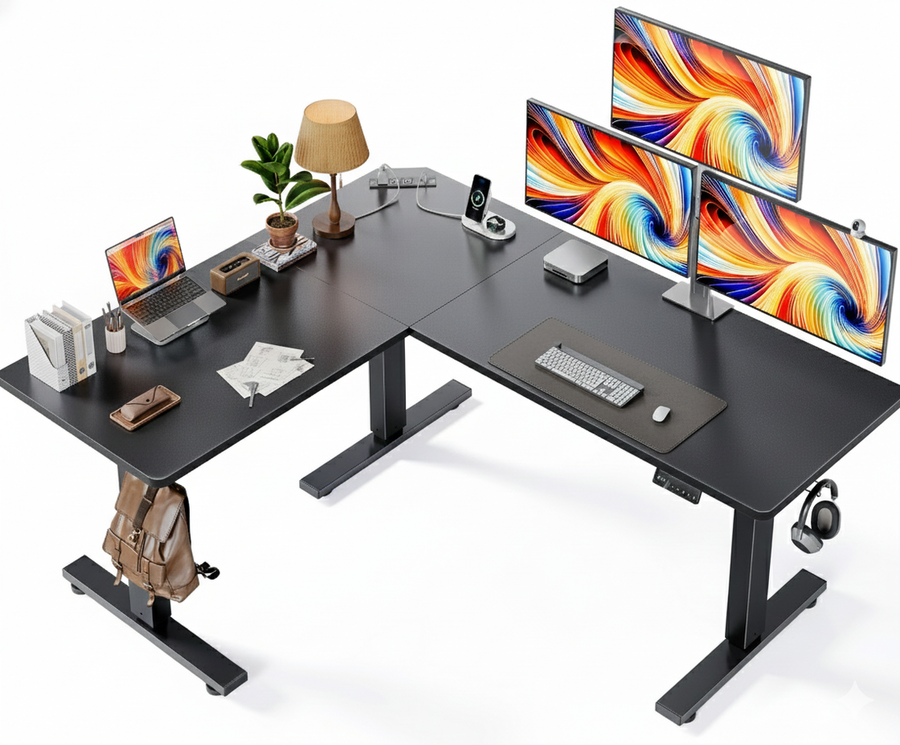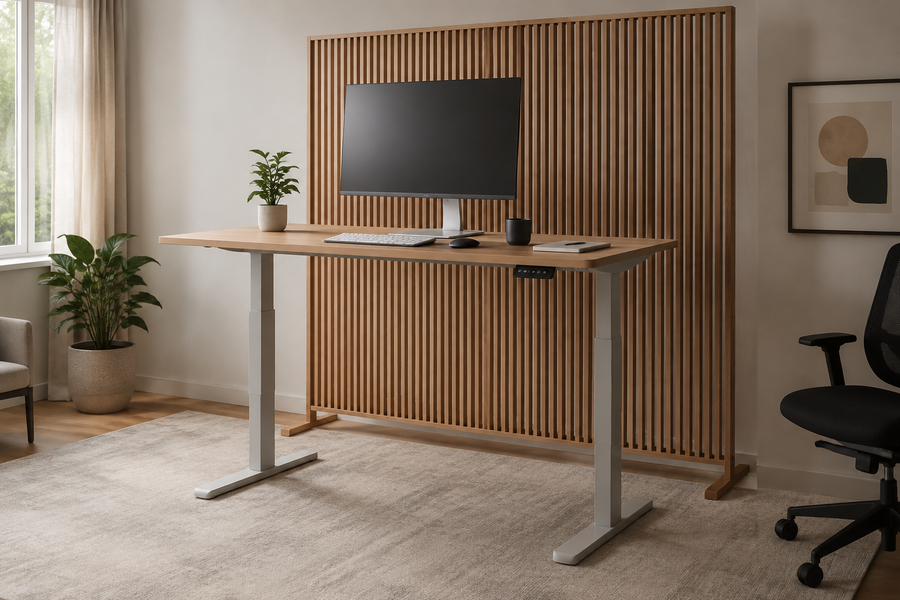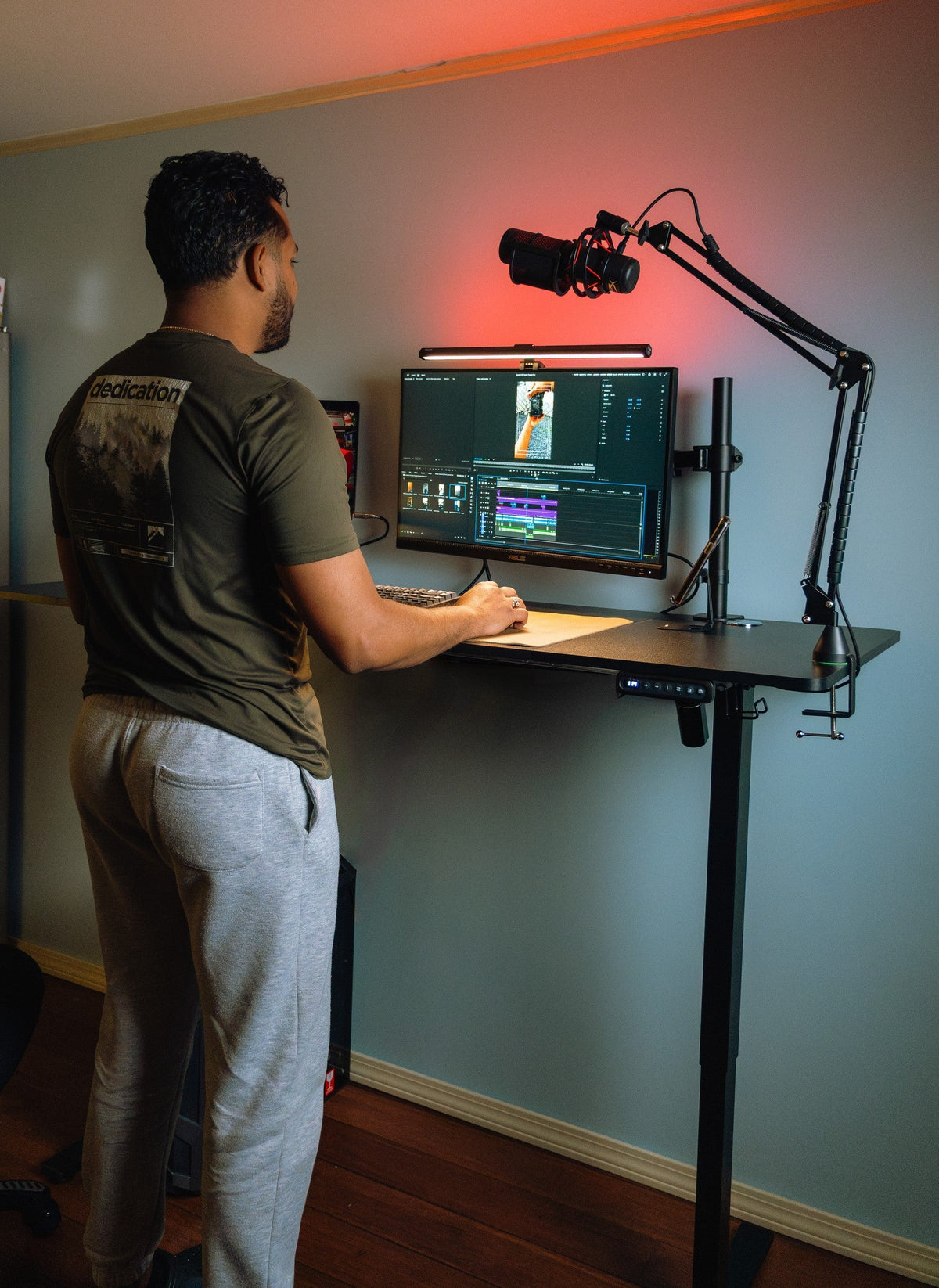
A practical guide to operating electric, crank, and spring-assisted standing desks, with safe checks for a desk that will not move.
The right ergonomic setup should adapt to your body, support frequent movement, and stay comfortable through a full workday.
To raise or lower a standing desk, first identify its lift type, clear the full travel path, and use the control made for that mechanism. On an electric desk, press the up or down control while watching the desk, cables, and equipment. On a crank desk, turn the handle steadily in the direction shown by its manual. On a spring-assisted or pneumatic converter, support the moving surface while operating its release handle. Stop if the desk moves unevenly, meets an obstruction, displays an error, or makes an unfamiliar sound.
Do not push down on an electric desktop, pull it upward by hand, sit on it, or copy a reset key combination from another model. Those actions do not make a powered frame “manual,” and they can turn a simple control or obstruction issue into damage. The safe process is short: identify, clear, move, observe, and verify.
Identify What Actually Moves
“Standing desk” describes several products that reach standing height in different ways. Before touching a control, look under the work surface and find the mechanism. The correct action depends on whether the whole desk, a desktop platform, or nothing at all is designed to move.
| Desk type | What moves | Usual control | Important limit |
|---|---|---|---|
| Electric sit-stand desk | The desktop and upper leg sections | Up/down keys or a keypad | Requires power and a controller that is not locked or in an error state |
| Hand-crank desk | The desktop through a geared frame | Folding or removable crank | Direction, travel, and effort vary by frame |
| Spring-assisted or pneumatic desk/converter | The desktop or an upper platform | Paddle, lever, or squeeze handle | The user normally guides the moving surface; load balance matters |
| Fixed standing desk | Nothing | No height control | It cannot be lowered or raised without an approved accessory or a different desk |
A desktop converter is easy to misclassify. Some converters use a motor, while others use springs, gas-assisted arms, or locking tracks. Find the product label and current manual before assuming that a visible handle works like a crank or that a powered model can be moved without electricity.
Clear the Desk’s Entire Travel Path
The area looks clear at one height but can become blocked during travel. Check above, below, behind, and beside the moving surface before every full transition.
- Move the chair, storage cart, filing pedestal, pet bed, and other objects away from the legs and desktop.
- Confirm that monitor, laptop, lamp, power, and accessory cables have enough slack for the next position without hanging below the frame.
- Keep hands, feet, loose clothing, children, and pets away from the legs, crossbars, hinges, and converter arms.
- Check that wall shelves, windowsills, monitor arms, microphone booms, and overhead cabinets will not meet the rising surface.
- Set loose or top-heavy items where they cannot slide or tip while the desk moves.
The Canadian Centre for Occupational Health and Safety includes cables, electrical access, storage, and layout among the factors that should not interfere with sit-stand adjustment. Its sit-stand workstation guidance also treats sitting and standing as positions to alternate, rather than making either one the permanent goal.
Use the Control That Matches the Lift
Start with a short movement of an inch or two. A short test reveals a snagged cable, unstable object, unexpected direction, or controller problem before the desk travels farther.
Electric desk: use the keypad, not hand force

- Check the display or indicator. A normal height reading or ready light shows that the controller has power. A blank screen, lock symbol, or error message needs a different response.
- Press the intended direction control. Use the up arrow or plus key to raise the desk and the down arrow or minus key to lower it. Some controllers move only while the key is held; others may support one-touch travel. Use the behavior documented for the exact model.
- Watch the first inch of movement. Both sides should begin together, the surface should remain level, and cables should stay loose. Release the key immediately if those observations differ.
- Stop at the useful height. Release the control before reaching an obstruction or an uncomfortable work position. Do not keep pressing at a physical travel limit.
- Let the desk settle, then test stability. The surface should stop fully and remain level before typing, leaning lightly for normal work, or moving equipment.
Preset buttons are shortcuts to saved positions, not substitutes for watching the desk travel. If you have not verified the saved height and clearance, move with the manual direction keys first. Programmed heights are covered separately by the controller’s manual and should not be guessed from another keypad.
Hand-crank desk: keep the motion steady
- Unfold or install the crank exactly as the manual shows, and keep its swing path clear.
- Turn it slowly in the documented direction while watching both legs and the desktop.
- Stop if effort rises sharply, the frame binds, or one side changes height differently from the other.
- When the target height is reached, return the crank to its storage position so it does not project into a walkway.
Do not attach a drill or improvised motor to the crank. The tool can apply speed or torque that the adjustment mechanism was not designed to receive.
Spring-assisted or pneumatic surface: support before release
- Stand centered in front of the moving platform and place one or both hands where the manual specifies.
- Support the platform before squeezing the paddle or release handle. The surface may rise when the lock releases, especially with little equipment on it.
- Guide the platform to the next supported position without putting fingers near arms, tracks, or hinges.
- Release the control and confirm that the platform locks before placing normal working pressure on it.
If the platform will not stay at the selected height, feels unexpectedly heavy, or rises too aggressively, stop. Do not change spring tension or add/remove counterbalance parts unless the current product instructions explicitly cover that work.
Fixed-height desk: do not force an adjustment that does not exist
A fixed standing desk has no lift path. If its work surface is wrong for the user, use a compatible, load-rated riser or converter, or choose an adjustable desk with a suitable range. Loose blocks, stacked furniture, and improvised leg extensions can create an unstable load-bearing structure.
If the Desk Does Not Move, Read the Symptom
A desk that will not lower does not automatically need a reset. Use the visible symptom to choose the next safe check, then stop before electrical or structural work.
| What you observe | Safe first check | Do not do |
|---|---|---|
| No display, light, sound, or movement | Check the wall outlet, power cord, control-box connections, and any inline power supply that the manual identifies | Open the controller, probe wiring, or continue after heat, smoke, sparks, or a burning smell |
| Display shows a lock message or symbol | Use the unlock sequence for that exact controller | Try random two-button combinations from another brand or model |
| Display shows an error code | Record the exact code and desk model, clear visible obstructions, and consult the current code table | Assume the same code means the same fault on every controller |
| Desk starts, stops, or reverses | Release the key and inspect the travel path, cables, wall, equipment, and load distribution | Hold the control while pushing the desktop through the resistance |
| One side is higher, or the desktop moves out of level | Stop movement, unload the desk safely, and contact model support | Stand beneath the desk, pull one leg, or keep cycling the frame |
If the desk is powered and unobstructed but still will not complete normal travel, follow the model-specific manual. A reset may be appropriate after power loss, setup, or a recognized control state, but the button sequence and endpoint behavior are not universal. Use the separate standing desk reset guide to decide whether reset is the right task before starting it.
Disconnect power and stop using the desk if you notice exposed wiring, liquid in an electrical component, repeated breaker trips, smoke, heat, a burning smell, cracked or bent structural parts, or a surface that cannot remain level. OdinLake owners can send the model, controller display, and photos of the full frame to OdinLake customer support instead of experimenting with a damaged system.
Set the Work Height Only After Movement Is Reliable
Getting the desk to move and choosing a useful height are separate jobs. Once the mechanism travels normally, start with the keyboard surface near elbow level, then check shoulder relaxation, forearm reach, screen position, leg clearance, and the actual task. The existing standing desk height guide explains that fit process without turning a controller problem into a posture problem.
A height number is a repeatable reference, not proof that the setup fits. Footwear, a keyboard tray, a thick desktop, a floor mat, and different tasks can change the useful position. Adjust in small increments and judge the result while typing or performing the work that the station must support.
OdinLake Models Show Why the Manual Matters
OdinLake’s current product pages illustrate two different electric-desk scopes. Checked August 27, 2026, the OdinLake S2 Adjustable Standing Desk lists an electric height range of 27.95 to 45.67 inches. The OdinLake S450 Standing Desk documents a dual-motor frame and a keypad with three preset heights. Those facts establish each model’s range and control features; they do not establish a universal button sequence for every OdinLake desk.
Before operating an unfamiliar desk, record its model label and photograph the controller. A clear model/controller pair gives support enough information to distinguish ordinary up/down operation from a lock, preset, initialization, reset, or error-code task.
Finish With a Short Travel Verification
After the desk reaches the intended height, move it a few inches in the opposite direction and return. Watch the same four things both ways: level motion, free cables, clear surroundings, and a complete stop. Then check that the monitor arm, lamp, microphone, computer, and power strip remain stable at both positions.
If the desk passes the short test but cannot travel safely through the full range, fix the clearance or cable route before saving presets. If it passes both directions and settles level, normal height adjustment is complete. Browse the current OdinLake standing desk collection only if the existing desk lacks the adjustment range or control type the workspace requires.
Frequently Asked Questions
How do I lower an electric standing desk?
Clear the space below the desk, confirm the controller has power, and press the down arrow or minus key for that model while watching both legs and the cables. Release the control when the desk reaches the intended height. If the desk shows a lock or error message, use the exact manual instead of forcing the surface downward.
Why won’t my standing desk go down?
Common visible states include loss of power, a locked controller, an obstruction, an active travel limit, or an error that requires model-specific instructions. Record what the display shows and whether the desk moves at all, then check the clear travel path and current manual. Stop if the desk is uneven or an electrical or structural warning appears.
Can I lower an electric standing desk without power?
Not unless the manufacturer provides a documented manual-lowering procedure for that exact frame. Pushing on the desktop or disconnecting drive components can damage the mechanism or create an uneven load. Restore power safely or contact the manufacturer for the model-specific option.
How do I raise a manual standing desk?
For a crank desk, clear the desk and turn the crank steadily in the direction specified by the manual. For a spring-assisted converter, support the platform, operate its release handle, guide it upward, and confirm it locks. Stop if resistance changes sharply or the surface does not remain level.
Should I remove everything before changing desk height?
A normally operating desk is intended to move with equipment that stays within its documented load and is stable on the surface. Remove loose, top-heavy, or obstructing items, and make sure cables have enough slack. If you are troubleshooting uneven motion or a suspected overload, unload the desk according to its manual before further testing.
How high or low should a standing desk be?
Use elbow-level keyboard height as a starting point, then adjust for the actual task, reach, shoulder position, screen, footwear, and leg clearance. The desk’s published range must include both a usable seated and standing position for the user. A saved number is useful only after the setup has been tested in both positions.