The right ergonomic setup should adapt to your body, support frequent movement, and stay comfortable through a full workday.
Quick answer: There is no single best office chair for back pain. A recommended chair for back pain should match your body dimensions, workstation setup, and support preferences rather than simply having the most features. The better choice is an ergonomic chair for back pain with suitable seat height and depth, adjustable back support, compatible armrests, and controlled recline that allows comfortable position changes throughout the day. This guide compares five fit profiles and then applies the same tests to current OdinLake control sets.
Read This Medical Boundary First
This article provides general workstation and product-selection information, not medical advice. Back pain can have many causes, and treatment depends on the type and cause. MedlinePlus advises seeking medical attention for severe pain, pain after an injury, or symptoms that concern you. Its chronic low-back-pain guidance says to contact a provider right away for numbness, loss of movement, weakness, or bowel or bladder changes. Review the MedlinePlus guidance and follow your healthcare professional’s instructions.
If a clinician, physical therapist, occupational therapist, or ergonomics professional has given you a specific restriction or support strategy, use that requirement instead of a generic “best chair” list.
Start With Five Best-Match Profiles
“Best” becomes useful only when it names the problem a chair must solve. Use these profiles to decide which specifications deserve priority; one user may fit more than one.
| User or workstation profile | Prioritize | Do not assume |
|---|---|---|
| Shorter lower legs or thighs | Low minimum seat height, short minimum depth, lower/narrower arms | A footrest fixes an over-deep seat |
| Sensitive or highly specific lumbar contact | Backrest/lumbar height plus pressure or depth control | Stronger lumbar pressure is better |
| Fixed or high desk | Armrest clearance, close input placement, stable foot support | The chair alone can correct desk height |
| Long mixed-task day | Controllable recline, reachable controls, several supported positions | One posture should be held all day |
| Warm room or heat-sensitive user | Breathable contact surfaces after dimension fit | Mesh automatically fits the body |
Replace Brand Rankings With Five Fit Gates
A chair should pass all five fit gates before upholstery, appearance, or extra controls decide the purchase. This is especially important when comparing office chairs for back problems or looking for office chairs for lower back problems, because the right support depends on body shape, sitting habits, and workstation setup.
- Leg support: The seat-height range supports the feet and thighs for the user.
- Seat depth: The user can sit against the backrest without the seat edge contacting the backs of the knees.
- Back support: The lumbar area reaches the inward lower-back curve and does not force the torso forward.
- Desk compatibility: Armrests and thighs clear the desk while keyboard and mouse remain close.
- Controlled movement: Recline and other controls can be used comfortably and provide more than one tolerable position.
Measure the User and Workstation
Record knee-to-floor height in normal work shoes, buttock-to-back-of-knee length, seated hip breadth, lower-back target height above the seat, relaxed elbow position, desk-top height, desk-underside clearance, and keyboard distance. Compare each number with the product’s minimum and maximum setting.
Do not accept “fully adjustable” as evidence. An adjustable seat can still have a minimum that is too high or deep. An adjustable armrest can still remain too wide. A lumbar system can move yet miss a shorter or longer torso.
Understand the Chair Features That Affect Fit
Seat Height and Stable Feet
Set the chair so the feet are supported on the floor and pressure is distributed across the thighs. If the chair must be raised to reach a fixed-height desk, use a stable footrest. If the keyboard is still too high, the desk or input surface is part of the mismatch.
Seat Depth and Backrest Use
A useful seat pan supports most of the thighs while leaving the knee area clear. Too much depth can cause the user to slide forward and abandon the backrest. Too little depth may not provide enough thigh support for a taller user. Check the shortest and longest positions.
Lumbar Height and Pressure
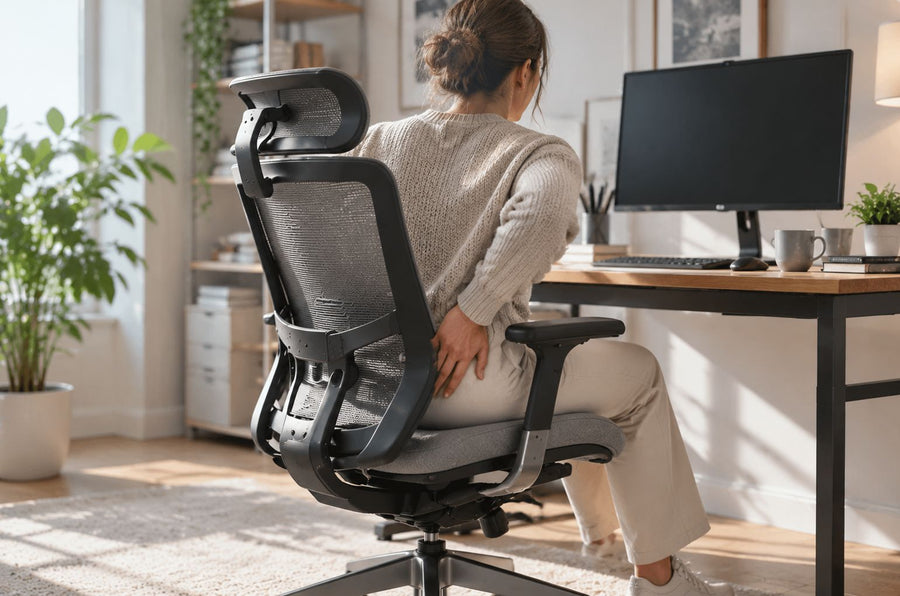
Position the most prominent portion at the inward curve of the lower back. Start with modest pressure. If the support feels like a hard point, lands in the pelvis or mid-back, or increases symptoms, change the height or depth. “More” support is not automatically better.
Recline and Tilt Resistance
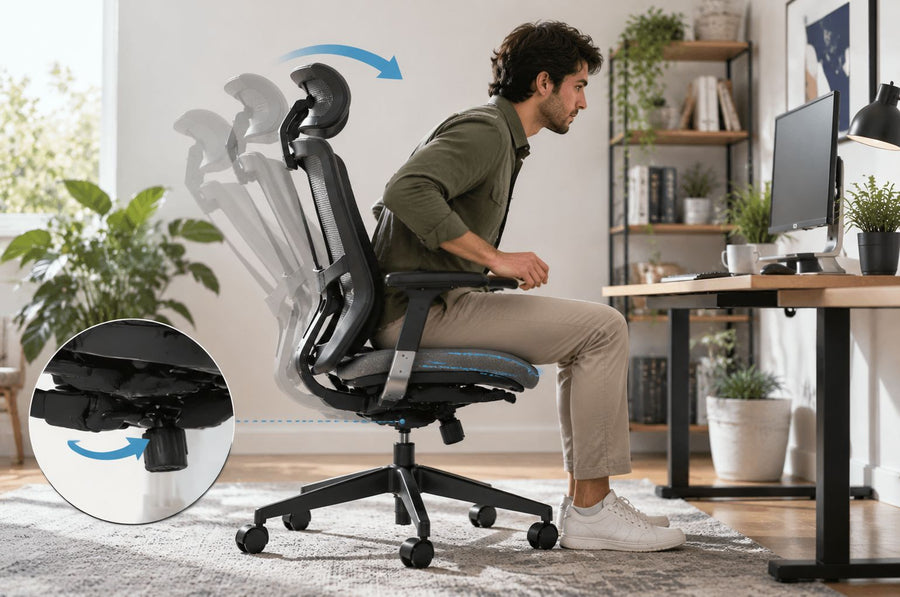
Recline should make position changes available without pulling the feet from support or throwing the user backward. Test resistance and return movement. A particular angle is not a treatment prescription.
Armrests and Keyboard Access
Armrests should meet the forearms lightly while shoulders remain relaxed. They must also let the chair approach the desk. OSHA recommends lowering, repositioning, removing, or not using armrests that interfere. Its office-chair guidance covers seat pans, foot support, backrests, and armrests as connected elements.
Use a Fit-Risk Matrix Before You Buy
| Observed mismatch | Feature to verify | What does not solve it |
|---|---|---|
| Feet dangle at the lowest setting | Lower minimum seat height or, when desk requires height, stable footrest | Extra lumbar padding |
| Seat edge meets the knees | Shorter minimum seat depth | Raising the chair alone |
| Lumbar pad lands in mid-back | Lower lumbar or adjustable backrest height | Stronger lumbar pressure |
| Shoulders remain raised | Lower armrests and input surface | Headrest adjustment |
| User leans toward keyboard | Desk access, keyboard distance, armrest clearance | A deeper recline lock |
| One position becomes uncomfortable | Controllable recline and task variation | Trying to hold “perfect posture” longer |
How Current OdinLake Models Differ
The following is a control-set comparison based on current OdinLake product records and product pages reviewed on August 11, 2026. It is not a medical ranking and does not predict pain relief.
| Model | Current fitting controls to investigate | Best reason to shortlist | Verify before choosing |
|---|---|---|---|
| O2 Ergo MAX 747 | 17.32–18.90 in seat depth, 19.41–23.62 in seat height, multi-section backrest, 4D armrests, recline | You need several independent upper-body and armrest adjustments | The relatively high minimum seat height and individual lumbar tolerance |
| O3 Ergo Butterfly 753 | 16.14–18.50 in seat depth, adjustable backrest height, recline, 3D armrests with integrated controls | You value seated access to controls and need a documented depth range | 18.90–22.95 in seat-height range against your leg measurement |
| L1 Ergo Upgrade 518 | Height- and depth-adjustable seat, dynamic lumbar support, 4D armrests, recline | You want broad adjustment categories in a current OdinLake model | The current seat-height and seat-depth endpoints, which were not stated in the reviewed page text |
If a decisive dimension is missing or inconsistent, ask OdinLake support before ordering. A missing minimum is not permission to assume that the chair fits.
Perform a Real Task Test
- Set the feet, seat depth, back support, armrests, and recline in that order.
- Move the chair to the actual desk and check clearance.
- Type, use the mouse, read, and join a call.
- Confirm that you can use the backrest during keyboard work.
- Change to another supported position and return.
- Note pressure points, increased symptoms, and controls that cannot be reached.
- Review current product documentation and purchase terms directly.
A short test can identify obvious mismatches but cannot guarantee long-term comfort. When symptoms are persistent or the fit problem is complex, a qualified professional can evaluate both the person and the actual workstation.
Adjust the Whole Workstation
Center the primary monitor, bring the keyboard and mouse close, and keep frequently used items within easy reach. Pairing your chair with an ergonomic desk with chair setup can also help keep the desk, chair, and screen positions aligned. A chair provides support, but regular position changes remain important throughout the workday.
conclusion
Choosing the best office chair for back pain is not about finding a chair with the most features, but finding one that fits your body, desk setup, and work habits. A good office chair for back pain should provide proper seat support, adjustable lumbar positioning, and comfortable movement throughout the day.
For users comparing ergonomic chairs for back pain, focus on fit rather than a universal ranking. The right ergonomic office chair for back pain can help improve workstation comfort, while users with lower back concerns should consider seat depth, lumbar support, and overall adjustability.
Frequently Asked Questions
What is the best office chair for lower back pain?
There is no universal best model. Choose by body dimensions, desk compatibility, tolerable lumbar contact, controlled recline, and a real task test. A chair may affect comfort and support but does not treat the cause of pain.
What is the best computer chair for back problems?
There is no single best computer chair for back problems because users have different body sizes, desk setups, and support needs. A suitable chair should provide adjustable seat dimensions, proper back support, comfortable arm positioning, and enough flexibility to change positions during the workday.
Is a firm or soft office chair better for back pain?
Neither is universally better. The seat should distribute pressure without bottoming out or creating hard edges, but material, body size, temperature, time, and individual tolerance all affect the result.
Where should lumbar support sit?
Place it at the inward curve of your lower back while you sit against the backrest. Adjust height and pressure until contact feels supportive rather than forceful; the correct point varies by torso.
Can an ergonomic chair cure or prevent back pain?
No chair can guarantee a cure or prevention. A fitted chair and workstation can remove certain mismatches and provide supported positions, but pain has many causes and may require medical assessment.
Are back pain chairs worth buying?
Back pain chairs are not designed to treat medical conditions, but a properly fitted ergonomic chair can help address workstation-related discomfort caused by poor fit, limited adjustment, or unsupported sitting positions.