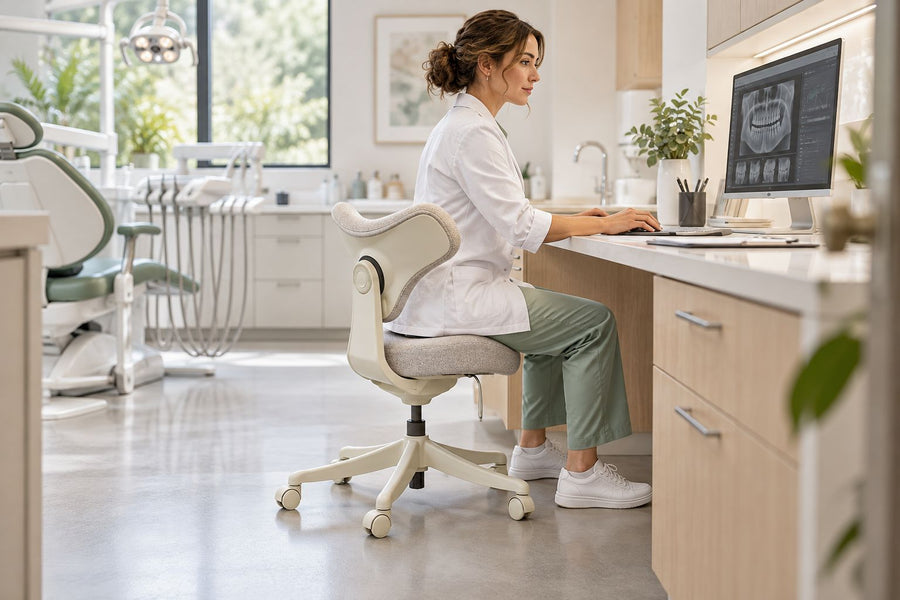
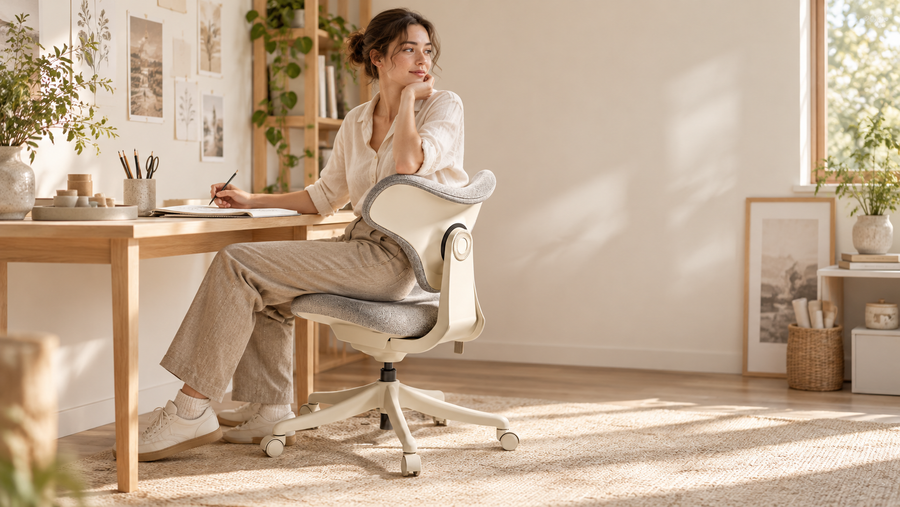
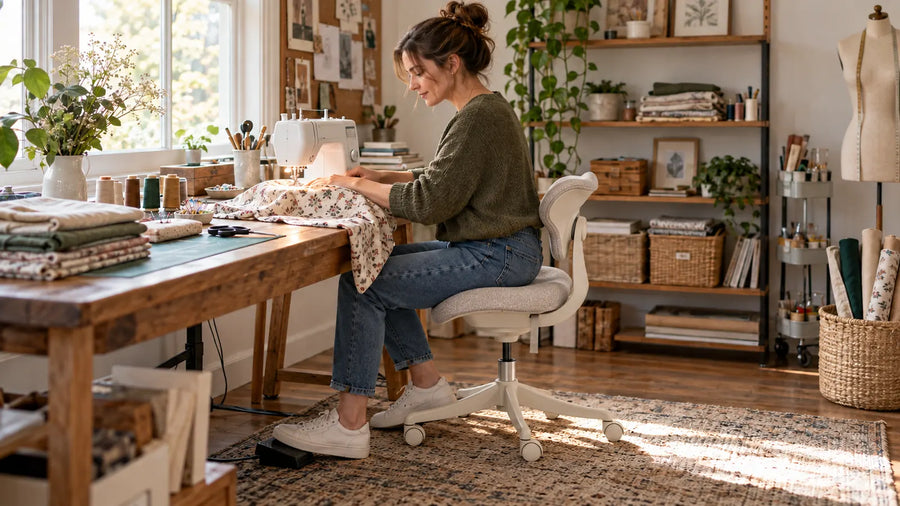
The right ergonomic setup should adapt to your body, support frequent movement, and stay comfortable through a full workday.
Lower back pain when sitting down can appear during desk work, driving, or studying. It may feel like an ache, stiffness, pressure, or a sharper pain when you sit, lean forward, or stand up.
Sitting-related pain is a symptom, not a diagnosis. It may involve muscle fatigue, poor chair fit, limited movement, or irritation affecting a spinal disc or nerve. This guide explains common causes, practical lower back pain relief, safe movement, and workstation adjustments. Persistent or severe symptoms require medical assessment.
Quick Answer: Common Causes and Fast Relief
Lower back pain while sitting often develops because the body remains still for too long or the chair does not support the lower spine, thighs, and feet correctly. Tight or strained muscles can also make sitting uncomfortable. Pain that travels into a buttock or leg with tingling, numbness, or weakness may involve nerve irritation.
For quick relief, stand slowly, walk for a few minutes, and return in a different supported position. Heat may ease stiffness, while a wrapped cold pack may feel better after a recent strain. Keep movement gentle and stop any action that worsens the pain. Prolonged bed rest is generally discouraged when no serious warning signs are present because inactivity can increase stiffness.
Why Does My Lower Back Hurt When I Sit Down?
Sitting time, chair fit, recent activity, and related symptoms may all contribute.
Sitting in One Position for Too Long
Even a supported posture can become uncomfortable when held for hours. Muscles fatigue, pressure stays concentrated, and people may slide forward or lean toward the screen. Stand, walk briefly, or recline slightly before discomfort becomes intense. Changing position matters more than trying to hold one supposedly perfect posture throughout the day.
Poor Chair Fit or Limited Lumbar Support
A chair may contribute to pain when its backrest does not meet the inward curve of the lower spine. A high seat can leave the feet unsupported, while an overly deep seat can stop the user from sitting against the backrest.
OSHA recommends a backrest that follows the spine’s natural curve, adequate lumbar support, and a seat height that lets the feet rest on the floor or a footrest.
Muscle Strain or Tightness
Lifting, twisting, unfamiliar exercise, or an awkward working position can irritate muscles and surrounding tissue. Tight hips and fatigued trunk muscles may also make sitting feel restricted.
Reduce activities that sharply aggravate the area while maintaining comfortable movement. Pain location alone cannot identify the exact structure involved.
Disc or Nerve Irritation
A spinal disc or another structure may irritate a nearby nerve, causing pain that travels through the buttock or leg with burning, tingling, numbness, or weakness.
These symptoms do not confirm a diagnosis. Increasing weakness, widespread numbness, or rapidly worsening symptoms need prompt care.
How to Relieve Lower Back Pain From Sitting
Learning how to relieve lower back pain starts with interrupting long sitting periods and avoiding movements that repeatedly trigger symptoms.
Change Position and Walk Briefly
Stand slowly and walk for several minutes. Gentle walking restores movement without adding the load of an intense workout. When you return, sit against the backrest instead of dropping into the same painful position.
Walking is a practical low-impact activity for many people. Stop and seek advice if it causes weakness, numbness, balance problems, or pain farther down the leg.
Use Heat or Cold Based on Comfort
Heat may help stiffness or muscle tightness. Cold may feel useful after a recent strain or when the area feels irritated. Wrap either source in a towel and protect the skin. Use the option that feels better. Neither method identifies or corrects the cause.
Try Gentle, Pain-Free Movement
Begin with a small range of movement. Avoid bouncing, forceful twisting, or stretching through sharp pain. Stop if symptoms travel farther into the leg.
OdinLake’s guide on how to relieve lower back pain adds practical ideas for movement, posture, and daily work habits. Use general self-care guidance alongside professional advice when symptoms are persistent or recurring.
Avoid Prolonged Bed Rest
Lying down briefly may help during a flare-up, but long periods in bed can increase stiffness. MedlinePlus advises staying as active as possible when no signs of a serious cause are present.
Reduce activity when needed, then build it back gradually.
When Lower Back Pain Needs Medical Attention
Arrange medical care when pain follows an injury, becomes severe, disrupts sleep, limits normal activity, or does not begin to improve. Fever, unexplained weight loss, persistent numbness, or increasing leg weakness also need assessment.
Seek urgent help for new bowel or bladder control problems, numbness around the genitals or inner thighs, or severe weakness in both legs. These symptoms should not be managed only with posture changes or home exercises.
How to Stretch Your Lower Back Safely
When learning how to stretch your lower back, use slow movements and a small range. There is no single stretch that suits every cause of pain.
Gentle lower back stretches may include pelvic tilts, knee rolls, and a single knee-to-chest movement. Each should create mild motion, not sharp pain. Stop if symptoms travel farther into the leg.
People with recent injuries or known spinal conditions should ask a healthcare professional which exercises for lower back pain are appropriate. The NHS also advises stopping an exercise when it makes the pain worse.
How to Sit With Lower Back Pain
A supportive position reduces unnecessary effort. Adjust the chair first, then arrange the desk and screen around it.
Support the Natural Curve of Your Lower Back
An office chair with adjustable lumbar support should fill the space between the lower back and the chair without pushing the torso forward. Sit fully against the backrest and place the support in the inward curve above the pelvis. Reduce pressure if it creates an exaggerated arch.
For users who shift frequently, the OdinLake L3 FlexBreath® Ergonomic Chair features a split Responsive Backrest with automatic elastic-tension sensing. Its lumbar section follows lower-back movement while the upper section allows freer shoulder motion. This may help maintain backrest contact as the user moves, but the chair does not diagnose or treat back pain.

Adjust the Seat Height
Set the chair so both feet rest securely on the floor and the knees remain around hip level. Use a footrest when raising the chair is necessary to match a fixed desk. The seat should support the thighs without leaving the feet hanging or creating concentrated pressure behind the legs.
Set the Correct Seat Depth
The seat should support most of the thighs while leaving a small gap behind the knees. If it is too deep, the edge may press against the legs or force the user away from the backrest. A shorter user may need to reduce the seat depth, while a taller user may need more thigh support. The correct setting allows full backrest contact without pressure behind the knees.
Keep the Keyboard and Mouse Close
Place the keyboard and mouse where they can be reached with the elbows near the torso. Keep the shoulders relaxed and the wrists aligned with the forearms. Armrests should support the forearms without lifting the shoulders or blocking access to the desk.
Position the Monitor Correctly
Place the monitor directly in front of you at a readable height and distance. You should not need to bend the neck or move the torso toward the screen. OSHA advises positioning it so the head and torso stay upright and the back remains supported.
For long laptop sessions, raise the display and use separate input devices. OdinLake’s guide on how to adjust an ergonomic chair correctly explains how the main chair adjustments work together.
How to Prevent Lower Back Pain During Workdays
Understanding how to prevent back pain at work starts with reducing continuous sitting and matching the workstation to the user.
Break Up Long Sitting Periods
Stand, walk, stretch lightly, or change tasks throughout the day. Short movement breaks are easier to maintain than one long session after hours of sitting.
Movement does not need to interrupt productivity. Phone calls, reading, and short discussions can often be completed away from the chair.
Alternate Between Sitting and Standing
A height-adjustable desk can make position changes easier, but standing all day creates another static posture. Sit for focused tasks and stand for calls, reading, or shorter activities. Change again when fatigue begins.The benefit comes from varying the position, not replacing continuous sitting with continuous standing.
Strengthen the Trunk and Hip Muscles
Learning how to strengthen the lower back should involve the abdominal, hip, gluteal, and back muscles that support daily movement. Begin gradually and seek guidance when pain limits exercise.
Walking, swimming, yoga, Pilates, and suitable strength exercises may help some people stay active, but the right routine depends on symptoms and health history.
Adjust the Entire Workstation
A chair cannot correct a setup that forces reaching, raised shoulders, or forward leaning. A well-matched ergonomic desk with chair setup makes it easier to position the monitor, keyboard, and mouse around the user rather than forcing the body to adapt to the workspace.
The OdinLake O2 Ergo MAX 747 combines a five-level height-adjustable three-section backrest, dynamic lumbar support, adjustable seat depth, 4D armrests, and a 90° to 135° recline. These adjustments help users match the chair to their proportions and vary seated positions. The O2 supports workstation fit and comfort; it is not a treatment for lower back pain.

Conclusion
Lower back pain when sitting down often reflects prolonged sitting, limited support, muscle fatigue, and poor workstation fit. Start by walking briefly, changing position, supporting the lower spine, and keeping the feet stable.
Avoid forceful stretching and prolonged bed rest. Seek medical care when pain is severe, persistent, linked to injury, or accompanied by neurological or other warning signs.
FAQs
Can an Ergonomic Chair Help With Lower Back Pain?
An ergonomic chair can improve fit and support, but it cannot treat every cause of back pain. Its value depends on correct adjustment, regular movement, and whether the seat, backrest, lumbar support, and armrests match the user and desk.
Why Does My Lower Back Hurt When I Sit Without Support?
Without a backrest, the trunk muscles work continuously to hold the upper body upright. As they fatigue, the user may round the lower back, lean forward, or shift weight unevenly.
What Should You Avoid With Lower Back Pain?
Avoid prolonged bed rest, forceful stretches, repeated movements that sharply worsen symptoms, and hours of sitting without changing position. Do not ignore new numbness, weakness, fever, unexplained weight loss, or bowel and bladder changes.
What Is the Single Best Exercise for Lower Back Pain?
There is no single best exercise for everyone. Walking is manageable for many people, while others may need mobility, strengthening, or clinician-guided work. The right choice depends on the symptom pattern and movements that do not worsen pain.
Why Does My Lower Back Hurt When Lying Down or Sitting?
Pain may worsen in either position because the body remains still, pressure stays concentrated, or the spine and hips rest at an uncomfortable angle. Persistent night pain or symptoms with fever, unexplained weight loss, numbness, or weakness should be medically assessed.