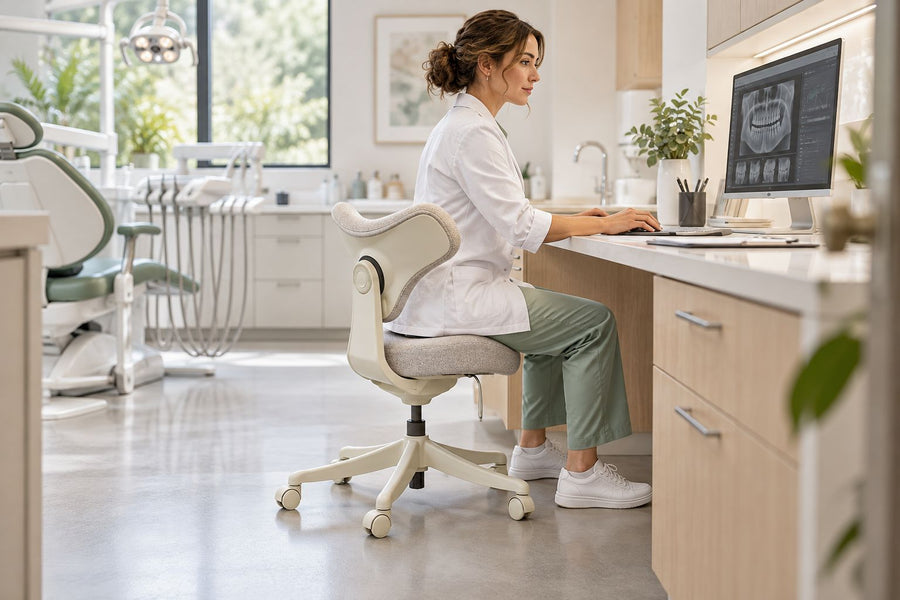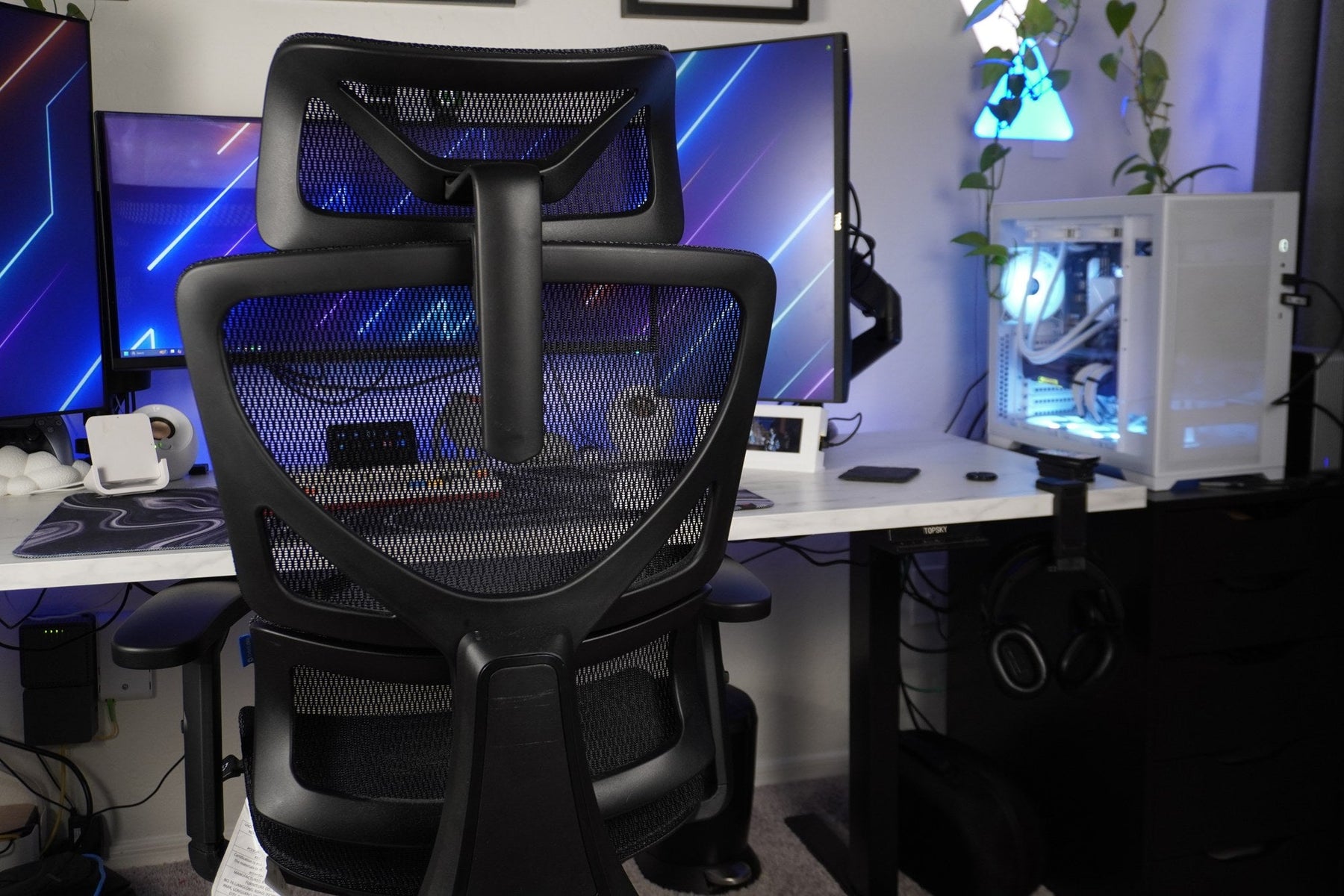
The right ergonomic setup should adapt to your body, support frequent movement, and stay comfortable through a full workday.
Most standard office-chair seats are roughly 18 to 21 inches wide, while the complete chair is usually several inches wider once you include the armrests and five-star base. Those numbers are useful for orientation, but there is no single width that fits every body, desk, doorway, and room.
The safe way to choose is to record four separate measurements: usable seat width, outside armrest width, base width, and the clear opening of your desk. This guide shows where to place the tape measure, how to compare the numbers, and what to do when a product page lists only one ambiguous “width.”
“Chair width” can mean four different things
A measurement is useful only when you know what its endpoints are. Retail listings sometimes use “width” for the seat, the armrests, or the chair’s widest point. Those are not interchangeable.
| Measurement | Where to measure | Question it answers |
|---|---|---|
| Usable seat width | Across the surface that actually supports the hips and thighs, between raised edges or fixed arms | Will my body have room without pressure at the sides? |
| Outside armrest width | From the outer edge of one armrest pad or support to the other, at the setting you will use | Can the chair approach or tuck into my desk? |
| Base width | Across the widest opposing caster or leg points | How much floor area does the chair occupy? |
| Overall product width | The widest fixed part named in the manufacturer’s diagram | Will the assembled chair pass through a doorway or narrow route? |
There is also a fifth dimension that rarely appears in a specification table: the chair’s movement envelope. Swiveling armrests, a reclining backrest, and rolling casters can use more room than the static footprint. A chair may fit beneath the desk while parked but still hit a drawer unit when you turn to stand.
Use the average as a reference, not a fit verdict
Current US product and guide listings commonly describe standard seat pans in the high teens to low twenties and complete task chairs in the mid-twenties. The OSHA workstation purchasing guide recommends a seat pan at least as wide as the user’s thighs and gives about 18 inches as a minimum reference, while warning that listed criteria may not fit every body type.
That is why “standard width” should start the comparison rather than end it. Two chairs with a 20-inch seat can have very different outside dimensions because of the armrest supports, frame, and base.
A first-party example makes the distinction visible. The current OdinLake L1 specifications list a 20.5-inch-wide seat cushion and a 27.5-inch overall width. The seat tells you about body room; the larger number is the safer starting point for desk, doorway, and floor-space checks.
Start the fit check with the person who will sit

A wider chair is not automatically more comfortable. The seat must provide room without side pressure, but it should not place the armrests so far away that you reach sideways for support. The CCOHS ergonomic-chair guidance says the seat should be wide enough to distribute pressure comfortably and allow position changes; armrests still need to provide usable support without interfering with the task.
Measure a known chair before measuring your body
If you have access to a chair that feels reasonably good, use it as a physical reference. Sit back in your normal working clothes, let the thighs rest naturally, and note three things:
- the usable seat width between any raised side edges;
- the remaining space at each side of the hips and thighs;
- the armrest spacing when the shoulders are relaxed and the upper arms stay near the torso.
Then write what needs to change. “About one inch more seat room, but the armrests no farther apart” is a better shopping instruction than “buy a large chair.” It separates the surface your body needs from the frame width the room must accept.
Do a pressure-and-reach test, not a ruler-only test
Sit for several minutes rather than perching for a few seconds. A seat is too narrow if its sides or fixed supports press into the thighs, restrict small position changes, or make entry awkward. A chair may be too wide for you if you lean sideways to find an armrest, spread the elbows away from the body, or cannot use both pads without lifting the shoulders.
Clothing, a wallet, and the way you shift during work can change the result. Leave functional room for ordinary movement rather than choosing a seat that matches the body measurement exactly. If one person will use the chair, fit that person; if several people will share it, the armrest and seat adjustments need to cover the group rather than an imagined average user.
Width is only one screen. Shorter users should also compare minimum seat height, minimum depth, lumbar position, and control reach; OdinLake's office-chair dimensions guide for short people provides a separate body-to-chair worksheet for that task.
Next, measure the desk opening you actually use

The desktop width is not the relevant number. Measure the unobstructed opening below it. Drawer pedestals, crossbars, cable trays, hand cranks, and thick legs can make the usable opening much narrower than the top.
Record the narrowest horizontal opening
Place the tape between the two closest fixed obstructions where the chair will enter. Compare that number with the chair’s outside armrest width at your intended setting. If the arms adjust inward or outward, use the setting that fits your forearms—not the smallest number in the product diagram.
If you want the chair to tuck in, it needs practical side clearance rather than a friction fit. The pads or supports should not scrape the desk, and you should be able to approach the keyboard without steering the chair through a precise slot every time.
Check vertical clearance at the same time
A chair can be narrow enough and still fail because the armrests are too high for the desk. Measure from the floor to the lowest obstruction under the work surface, then compare it with the armrest height at your seated working position.
Do not lower the armrests simply to make the chair disappear under the desk if that removes useful forearm support. Do not lower the seat if it causes you to reach up to the keyboard. The goal is not maximum tuck-in depth; it is a chair-desk relationship that lets you reach the work while the feet, back, and arms remain supported.
OSHA’s desk guidance also advises keeping adequate open space under the work surface so users can change posture. That means the final check should include knees, feet, and chair position—not only whether the armrests clear the desktop.
Map the floor space as a moving shape
For a small office, the base can matter more than the seat. Measure across the widest caster points and use painter’s tape to mark that diameter on the floor. Place the taped circle where the chair will sit, then add the movement you need to roll back and stand.
Run a one-minute movement rehearsal
With your current chair, simulate the daily sequence: pull in, type, turn toward storage, roll back, and stand. Mark the farthest caster position and any point where an arm or backrest approaches a wall. A replacement chair should fit that working envelope, not only the parked position in a staged product photo.
This test catches common conflicts: a five-star base meeting a desk pedestal, an armrest clipping a drawer pull, or a reclined backrest touching the wall. It also shows whether a narrow chair would truly solve the room problem or whether the desk placement is the real constraint.
Measure the delivery route before assuming the chair comes apart
Open each door fully and measure the actual clear gap between the door and frame. Check tight hallway turns and stair landings as well. Compare those openings with the widest rigid part of the chair or the largest approved assembly component.
Do not plan on removing the base, gas lift, backrest, or armrests unless the current manufacturer instructions describe that operation. Press-fit chair parts can be difficult to separate, and some armrests contain controls or structural connections. When the route is tight, assembling the chair in its final room is often the cleaner solution.
Use this four-number worksheet before you buy
You do not need a floor-plan app. Put these four numbers beside every chair you shortlist:
| Your measurement | Product measurement to compare | Pass condition |
|---|---|---|
| Body room required: ______ | Usable seat width: ______ | No side pressure; room for small posture changes |
| Desk clear opening: ______ | Outside armrest width at working setting: ______ | Chair reaches the work zone without scraping or forcing a poor arm position |
| Available floor envelope: ______ | Base width plus movement: ______ | Casters can roll, turn, and back out without collision |
| Narrowest delivery opening: ______ | Widest approved assembly component: ______ | Component clears the route without improvised disassembly |
Add the seat height and depth ranges after the four width checks. Width alone cannot rescue a chair that is too high for the user, too deep behind the knees, or too shallow to support the thighs. OSHA’s chair guidance specifically treats seat-pan sizing as a combination of width, depth, adjustment, and the users who will share the chair.
When a product page gives only one width
Do not guess what the number represents. Look for a dimension drawing, size-guide image, downloadable manual, or a specification table with labels such as “seat width,” “armrest spacing,” “base diameter,” and “overall width.”
If the page still gives one unlabeled number, ask the seller these exact questions:
- Is this measurement the seat surface, outer armrests, base, or widest fixed point?
- What is the usable seat width between raised edges?
- What are the minimum and maximum distances between the armrests?
- How wide is the caster base?
- Which parts are installed when the overall width is measured?
A reliable answer should identify the endpoints and units. “The chair is 25 inches wide” is incomplete; “25 inches from the outside of one arm pad to the other at the narrowest setting” is usable.
Match the chair to the constraint that cannot move
If the body needs a wider seat, do not squeeze into a narrow chair to preserve a drawer unit. Consider moving the drawers, choosing a desk with a wider opening, or selecting a chair with a wide seat but inward-adjusting or flip-up arms.
If the desk opening is fixed, look for published armrest spacing and height—not a smaller seat by default. If the floor area is fixed, compare base diameter and the real backing path. If the doorway is fixed, verify delivery components and assembly location before purchase.
When you are ready to compare models, use the same four-number worksheet across the OdinLake ergonomic chair collection. Consistent measurements make differences visible without turning a size label into a promise of fit.
Frequently Asked Questions
What is the average width of an office chair?
As a rough shopping reference, many standard office-chair seats are about 18 to 21 inches wide, and complete chairs are often in the mid-twenties once the armrests and base are included. Treat that as a market range, not a fit standard. Always confirm whether a listed width describes the seat, armrests, base, or entire chair.
How do I measure office-chair seat width?
Measure across the usable sitting surface at its widest relevant point, between raised edges, fixed supports, or arm structures. Do not include soft material that your body cannot actually occupy. Sit in the chair and confirm there is no side pressure and enough room for normal position changes.
How much wider should an office-chair seat be than my hips?
There is no single allowance that fits everyone. The seat should be wider than the body’s seated contact area so the sides do not press on the thighs, while the armrests remain reachable with relaxed shoulders. Comparing a known comfortable chair is usually more reliable than adding a fixed number to a body measurement.
Will a 27-inch-wide office chair fit under my desk?
It may, but compare the desk’s narrowest clear opening with the chair’s outside armrest width at your working setting. Also compare armrest height with the lowest obstruction under the desk. A 27-inch overall width might describe the base rather than the part that enters the desk opening, so check the dimension drawing.
Is a wider office chair more comfortable?
Only when the extra width solves a body-fit problem. Excess width can place armrests too far apart, use more floor space, and make a compact desk harder to approach. Comfort depends on compatible seat width, depth, height, armrest range, back support, and room for movement—not the widest seat available.
Does the chair base need to fit under the desk?
Not necessarily. The base usually stays on the floor in front of or partly beneath the desk while the seat and armrests approach the work surface. It does need enough unobstructed floor space to roll, swivel, and back out safely. Check pedestal legs, drawers, floor vents, and nearby walls against the full caster footprint.