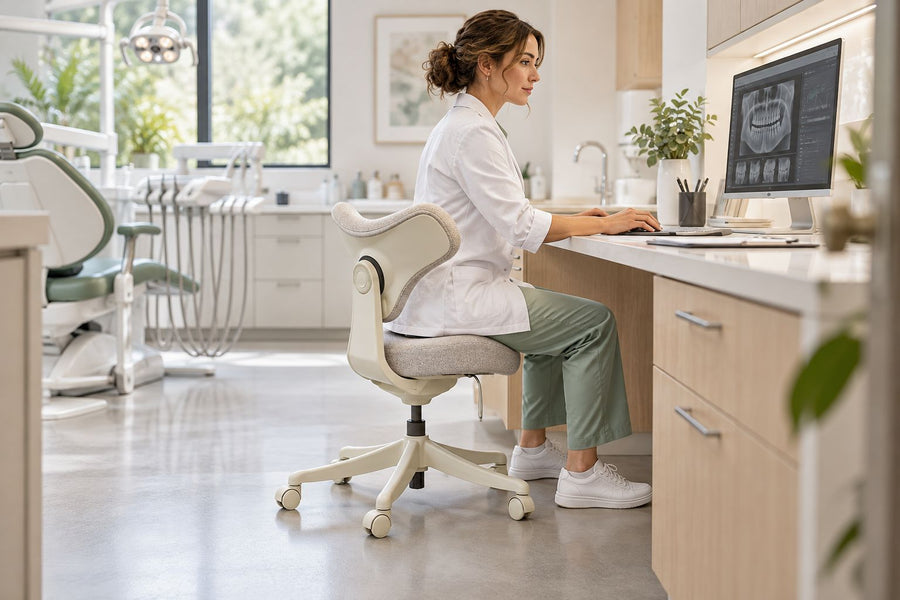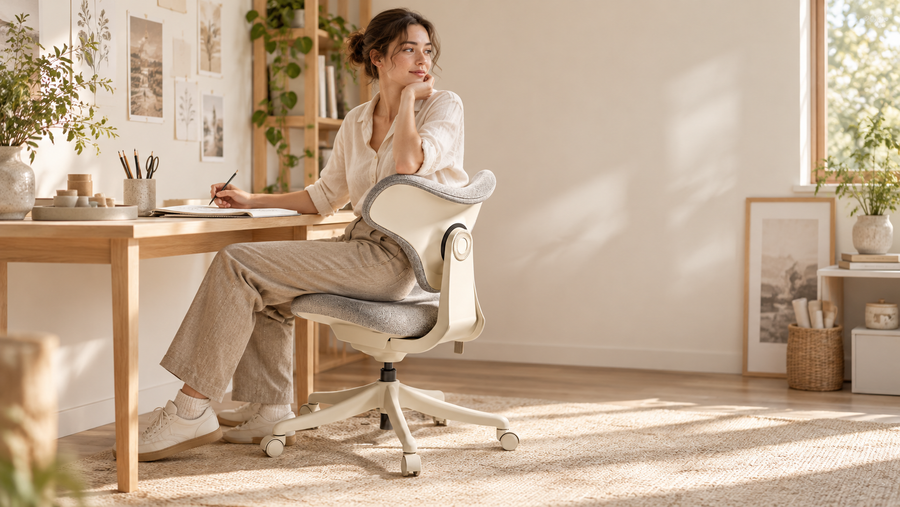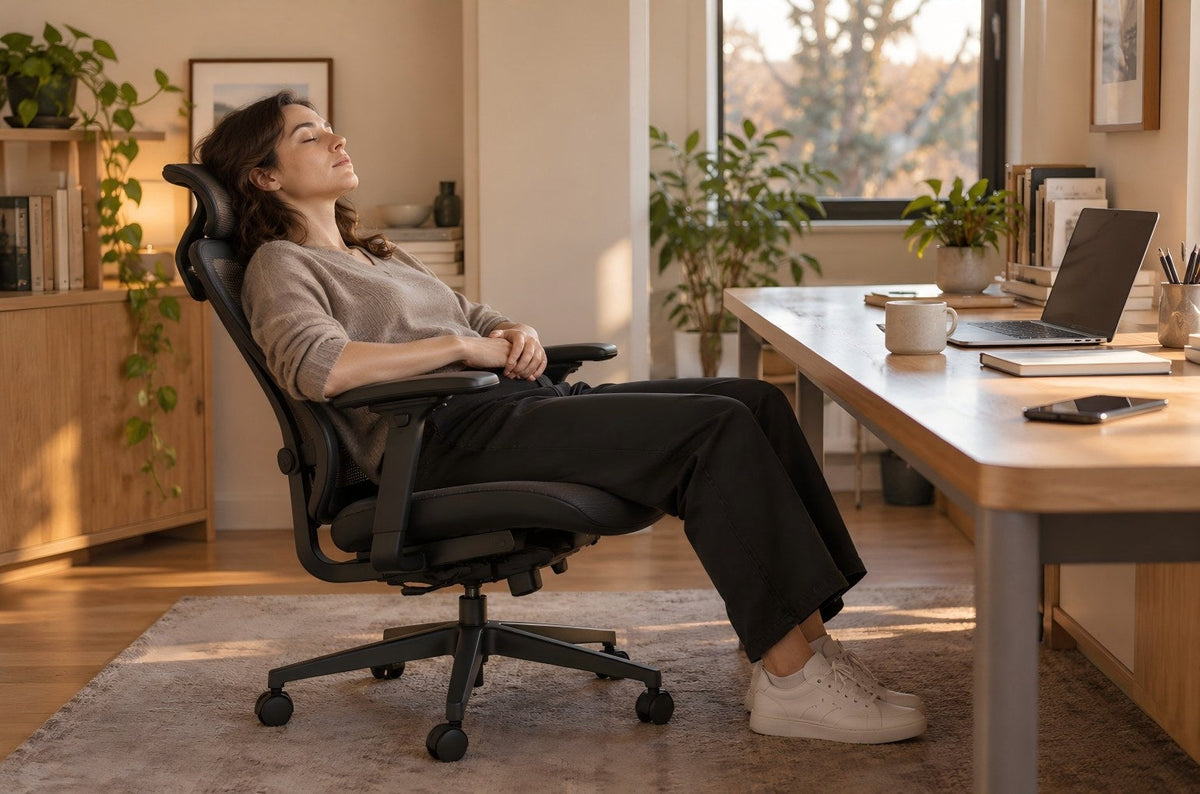
The right ergonomic setup should adapt to your body, support frequent movement, and stay comfortable through a full workday.
If you need to sleep, a bed, cot, sofa, or purpose-built recliner is a better default than a rolling office chair. A task chair may be suitable for a short, authorized rest only when its manufacturer allows the position you intend to use, the chair remains stable, your body is supported without improvised restraints, and you can enter and leave the position normally. Recline angle, headrests, and footrests do not turn every office chair into sleep furniture.
First decide whether this is a planned break or unplanned sleepiness. A nap can temporarily improve alertness, but it does not replace regular sleep. If you repeatedly fall asleep during the day or sleepiness affects your life, the chair setup is not the main problem to solve.
Start with the reason you need to sleep
“How can I nap during a permitted break?” and “Why do I keep falling asleep at my desk?” require different actions. Use this gate before adjusting any furniture.
| Situation | Immediate priority | Better destination |
|---|---|---|
| A planned, permitted short rest | Confirm workplace rules, coverage, wake-up plan, and a suitable location | A designated quiet room, cot, sofa, or purpose-built recliner when available |
| You are unintentionally nodding off | Stop driving, operating equipment, or doing another safety-critical task; tell the appropriate person at work | A safe rest location and a plan to address the fatigue, not an improvised chair position |
| You want to replace a night of sleep | Protect sufficient off-duty sleep and recovery time | Normal sleep accommodation rather than an office chair |
| You often fall asleep during the day | Record when it happens and arrange medical guidance | A healthcare evaluation; do not try to solve recurring sleepiness by buying a more reclined chair |
The Canadian Centre for Occupational Health and Safety overview of fatigue explains that fatigue can reduce alertness, attention, reaction time, memory, and judgment. If drowsiness appears before a commute, treat it as a transportation-safety issue. The UK Highway Code guidance on tiredness says not to begin a journey when tired and to stop in a safe place if sleepiness develops.
The NHS guidance on excessive daytime sleepiness advises seeking medical help when you often fall asleep during the day or sleepiness affects your life. That does not mean an occasional planned nap is a disorder. It means repeated unplanned sleep should not be treated as a chair-feature problem.
A nap recommendation is not a chair recommendation
NIOSH guidance on napping as a fatigue countermeasure reports that short naps of about 15 to 30 minutes can improve alertness and recommends using a bed or cot when one is available. The time range describes a fatigue countermeasure; it does not certify an office chair, set a universal nap duration, or prove that a particular recline angle is safe.
This distinction matters because current search results often repeat a single “ideal” chair angle, usually without naming the chair, its recline mechanism, its stability limits, or the evidence behind the number. An angle measured between a seat and backrest is not a complete sleep-safety specification. Two chairs at the same apparent angle can differ in base movement, tilt path, head contact, leg support, control behavior, and intended use.
Do not copy a degree value from a generic article. Check the exact model manual for its intended seated positions, control operation, load limit, warnings, and prohibited uses. If the manual does not describe a stable rest position, do not infer one from a product photo or from how far the backrest can move.
Use the furniture gate before considering a chair nap
A “yes” in one row cannot cancel a “no” in another. If any requirement fails, choose different furniture.
| Gate | Pass condition | Fail condition |
|---|---|---|
| Intended use | The model instructions allow the normal seated or reclined position you will use | You must exceed the stated range, defeat a control, add a part, or guess how the mechanism works |
| Chair condition | The seat, back, base, casters, and controls behave normally with no visible damage | The chair drops, rolls unexpectedly, wobbles severely, binds, cracks, tilts unevenly, or makes a new mechanical sound |
| Stationary support | The chair remains where placed on a level surface during an awake check | It drifts, a caster sits off a mat, or the position depends on loose objects wedged around the wheels |
| Body support | Your back and head can rest without holding a muscular position, forcing a joint, or pressing against a hard edge | Your head falls forward or sideways, you slide toward an edge, or a component creates pressure, numbness, tingling, or pain |
| Leg support | Your feet and legs have stable support permitted by the furniture instructions | You need a second rolling chair, the chair base, stacked boxes, a desktop, or another makeshift platform |
| Environment and exit | The area is clear, permitted, and away from traffic, stairs, hot equipment, moving machinery, and trip hazards; you can return upright and stand normally | You block a route, could roll into a hazard, cannot reach the normal control, or need help getting out |
The Canadian Centre for Occupational Health and Safety chair guide recommends checking chair stability, matching casters to the floor, and deciding whether a stationary work position would be more appropriate. Those are useful screening principles, but they still do not classify an office chair as sleep furniture.
Run the setup check while fully awake
Only continue if this is a planned, allowed rest and the furniture gate passes. The purpose of the check is to reject an unsuitable setup before you become less aware of movement or pressure. It cannot guarantee what the chair will do after your muscles relax.
- Identify the exact chair. Find the model label and current manufacturer instructions. Confirm the normal control sequence, load rating, and warnings. Similar-looking levers may perform different functions.
- Inspect without modifying. On a level surface, look for damaged mesh or upholstery, loose components, a bent base, uneven casters, an unstable seat, exposed hardware, or a mechanism that does not hold its intended position. Stop using a damaged chair.
- Clear the space. Move cables, bags, heaters, sharp edges, and rolling objects out of the possible chair path. Keep every caster on the same stable surface. Do not position the chair near steps or a traffic route.
- Enter from ordinary sitting. Sit normally before changing a documented control. Never stand or kneel on the seat or base, push off the armrests to climb in, or drop your weight into the recline.
- Use only a documented position. Move within the model’s intended range while awake. If the backrest springs forward, the chair shifts, or the position requires continuous bracing, return upright and choose another place to rest.
- Check contact from head to feet. Look for stable, broad support rather than one hard point. Your head should not need a strap or a pillow tied to the chair. Your legs should not depend on another wheeled chair or an object that can tip or slide.
- Rehearse the exit. Use the normal control to return upright, place your feet securely, and stand without grabbing nearby furniture. If this is difficult while awake, the setup is not suitable for sleeping.
- Keep a wake-up and recovery plan. If a short nap is allowed, use an alarm you can hear and allow time for grogginess to clear before driving or resuming a safety-critical task.
For the chair’s ordinary work setup, follow the OdinLake ergonomic-chair adjustment guide together with the model manual. A productive typing position and a rest position are different tasks; a setting that works for one should not be assumed to work for the other.
Do not turn improvised support into a hidden hazard
Many online tips focus on making a chair feel softer or holding the body in place. The more important question is whether the setup remains predictable when you are no longer actively balancing it.
- Do not tie your head or torso to the chair or attach a pillow with a strap around your body.
- Do not disable, clamp, or force a tilt mechanism, gas lift, spring, lock, footrest, or caster.
- Do not wedge loose objects under casters or place only some casters on a rug or mat.
- Do not bridge two rolling chairs, put your legs on a second chair, or stack boxes to imitate a bed.
- Do not use a desk edge, keyboard tray, armrest, or open drawer as a head or leg support.
- Do not cover a cracked seat, detached mesh, exposed frame, or unstable component with a cushion and continue using it.
- Do not assume that a headrest or retractable footrest is rated for unattended or overnight sleep.
If the chair needs any of these workarounds, the setup has already failed. Take the rest in appropriate furniture or postpone it until a suitable place is available.
After the nap, separate alertness from recovery
Do not stand and immediately begin a critical task. Return the chair upright, place both feet securely, pause, and check that you are fully oriented. NIOSH notes that temporary disorientation or reduced performance can occur after waking. Build recovery time into the break rather than using the entire break for sleep.
A short nap may improve alertness for a period, but it cannot repay ongoing sleep loss by itself. If you repeatedly need a nap to complete an ordinary day, record your sleep schedule, work hours, medicines that may cause drowsiness, and when the episodes occur. Share that record with the appropriate healthcare professional rather than extending the nap or buying a chair marketed for sleep.
Never use improved alertness after a nap as proof that it is safe to drive. If you remain sleepy, delay the trip and follow current workplace and transportation guidance.
Choose an office chair for work, not as a substitute bed
When comparing office chairs, prioritize the tasks they are designed to perform: stable seated work, body-to-desk fit, usable adjustment ranges, predictable recline, control access, and support during actual keyboard, mouse, reading, and break positions. A deeper recline may be useful for a brief awake rest, but it is not evidence that the chair is designed for sleep.
A product page should identify measurable features and intended functions. It should not promise better sleep, diagnose fatigue, or imply that a large recline angle protects every user. If you are replacing a worn or poorly fitting work chair, compare current options in the OdinLake ergonomic-chair collection against your work requirements and the model documentation. Keep the nap decision separate.
Frequently Asked Questions
Is it safe to sleep in an office chair overnight?
An office chair is not the default choice for overnight sleep. Use a bed or another purpose-built sleep surface when possible. A recline feature, headrest, or footrest does not prove that a task chair is designed for unattended or prolonged sleep.
What angle should an office chair be for sleeping?
There is no universal evidence-based angle that makes every office chair safe for sleep. Use only positions described by the exact model instructions, and reject the setup if the chair moves, springs forward, creates a pressure point, or does not support you without active bracing.
How long should an office nap be?
NIOSH has cited short naps of roughly 15 to 30 minutes as one fatigue countermeasure in certain work settings. That range is not a universal prescription, does not replace adequate sleep, and does not approve an office chair. Follow workplace policy and allow time for post-nap grogginess to clear.
Can I use a second office chair as a footrest?
No. Two rolling chairs can move independently and create an unstable gap. Do not bridge chairs or build a foot platform from loose objects. Use a suitable stationary rest surface instead.
Does a headrest make an office chair suitable for napping?
Not by itself. A headrest may support some awake recline positions, but its contact area, adjustment range, and intended use vary by model. If your head falls forward or sideways, or you need to strap a pillow in place, choose different furniture.
Why do I keep falling asleep at my desk?
Work hours, insufficient or disrupted sleep, stress, health factors, and medicines can all be relevant, and a chair cannot identify the cause. Stop safety-critical tasks when drowsy. Seek medical guidance if you often fall asleep during the day or sleepiness affects your life.
Can a reclining office chair replace a bed?
No. Recline describes a chair movement, not a sleep rating. Use the chair for its documented tasks and choose appropriate sleep accommodation for regular or overnight rest.