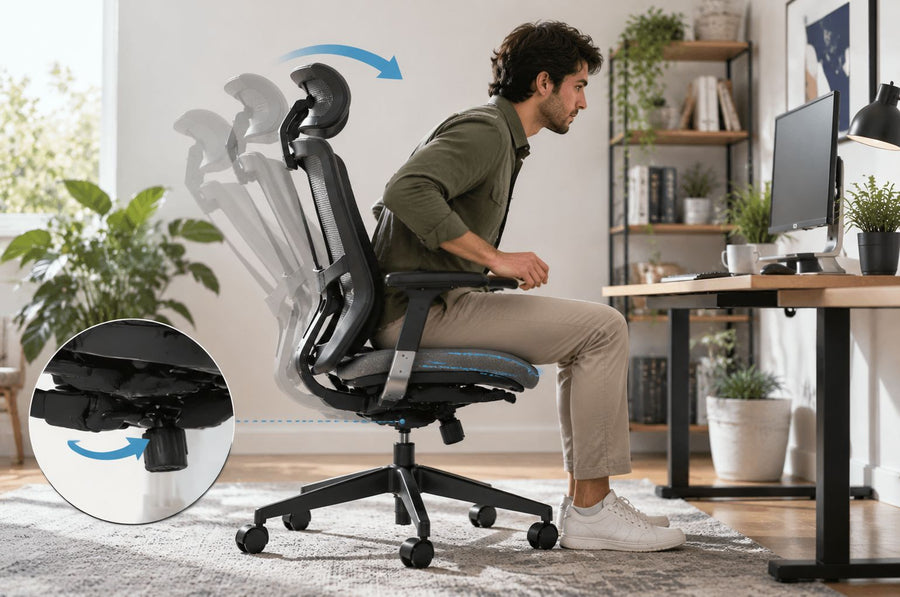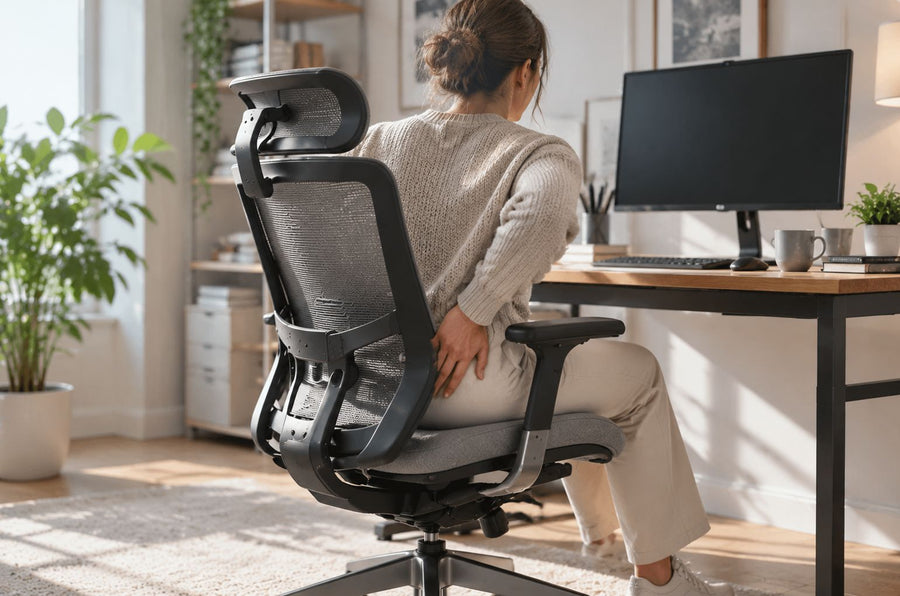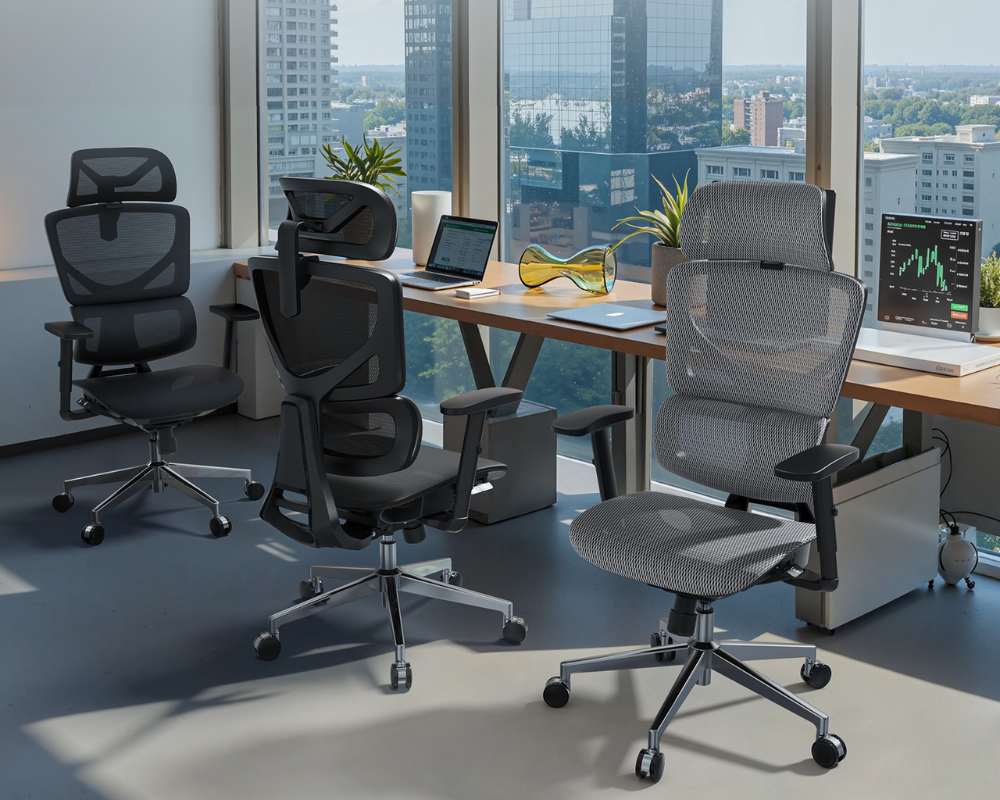
The right ergonomic setup should adapt to your body, support frequent movement, and stay comfortable through a full workday.
Quick Answer: Finding Your Perfect Match
The best ergonomic office chair for long hours must prioritize adjustable lumbar support, seat depth control, breathable materials, and multi-dimensional armrests. In 2026, the industry has shifted toward "dynamic ergonomics"—chairs that move with you rather than forcing you to sit still.
-
Back pain? Choose high-precision spinal support
-
8+ Hours? Choose breathable mesh + dynamic support
-
On a budget? Balance comfort and price
What Makes a Chair Truly Ergonomic?
Ergonomics is the science of designing the workplace to fit the user, not the other way around. A well-designed ergo chair helps maintain proper posture, reduce fatigue, and improve long-term comfort, especially during extended sitting sessions.
The 5 Core Elements of Ergonomics:
-
Lumbar Support:
Maintains the natural curve of the lower spine to prevent slouching. This is one of the most important features in any ergonomic office chair. -
Seat Height:
Ensures feet stay flat on the floor, keeping hips and knees at a 90° angle. A height-adjustable office chair allows users of different body types to achieve proper alignment easily. -
Seat Depth:
Relieves pressure behind the knees while keeping your back fully supported by the backrest. This is essential for long sitting sessions. -
Armrest Adjustability:
Supports arm weight to prevent neck and shoulder tension. Adjustable armrests are especially important for desk workers who spend hours typing. -
Backrest Tilt:
Allows micro-movements that help rehydrate spinal discs throughout the day and reduce stiffness. -
Additional Consideration:
Some users may also benefit from an office chair with a footrest, which can improve circulation and provide extra comfort during breaks or extended sitting periods.

Key Features to Look for in 2026
In 2026, office furniture is no longer just about padding; it’s about mechanical intelligence.
Adjustable Lumbar Support
-
What it is: A mechanism targeting the $L1-L5$ vertebrae.
-
Why it matters: Prevents "C-shaped" posture and disc compression.
-
Who needs it: Anyone sitting for 4+ hours; essential for sciatica sufferers.
Seat Depth & Cushioning
-
What it is: The ability to slide the seat pan forward or backward.
-
Why it matters: Ensures proper thigh support without cutting off circulation at the knees.
-
Who needs it: Tall or petite users who fall outside the "average" height range.
Breathable Materials (Mesh vs. Foam)
-
What it is: High-tension mesh for airflow vs. high-density foam for "sink-in" comfort.
-
Why it matters: Heat buildup leads to fatigue. Mesh keeps your core temperature regulated.
-
Who needs it: Mesh is best for "hot sitters"; foam is for those preferring a softer feel.
Armrest Flexibility (3D/4D)
-
What it is: Armrests that move up/down, forward/back, side-to-side, and pivot.
-
Why it matters: Prevents "Tech Neck" by keeping elbows tucked and shoulders relaxed.
-
Who needs it: Heavy typists and gamers who need precise desk alignment.
Best Ergonomic Chairs by Use Case (2026 Rankings)
Best for Long Working Hours (8+ Hours)
OdinLake O3 (Ergo BUTTERFLY 753)
-
Best for: Professionals and developers spending the majority of their day seated.
-
Why it stands out: The dual-wing backrest independently supports both sides of the spine.
-
Key features: Dynamic lumbar support, breathable mesh, 4D armrests.
-
Potential drawback: Premium feature set comes at a higher price point.
Best for Back Pain
-
Best for: Users dealing with lower back pain or posture issues.
-
Why it stands out: The three-section segmented backrest provides targeted spinal pressure.
-
Key features: Aggressive lumbar reinforcement, adjustable headrest.
-
Potential drawback: Support is firm; might feel "stiff" for those used to plush chairs.
Herman Miller Sayl Ergonomic Chair
-
Best for: users who want proven ergonomic support backed by expert recommendations
-
Why it stands out: its flexible backrest adapts to spinal movement and maintains natural alignment
-
Key features: dynamic back support, high adjustability, durable build, long warranty
-
Potential drawback: higher price compared to mid-range chairs
Best for Small Spaces
FLEXISPOT Foldex Ergonomic Folding Chair
-
Best for: Studio apartments and hybrid workers.
-
Why it stands out: Provides legitimate support while folding down for easy storage.
-
Key features: Compact footprint, foldable frame, breathable back.
-
Potential drawback: Limited advanced adjustments compared to full-sized models.
Best Budget Options
HON Ignition 2.0
-
Best for: Reliable performance under a limited budget.
-
Why it stands out: Delivers high-end synchro-tilt features at a mid-range price.
-
Key features: Adjustable lumbar, seat depth control, mesh back.
-
Best for: Budget users who prioritize lifestyle comfort features.
-
Why it stands out: Combines ergonomic basics with a memory foam seat and footrest.
-
Key features: 3D armrests, retractable footrest, memory foam.
|
Model |
Best For |
Key Strength |
Core Features |
Comfort Experience |
Space Fit |
Price Level |
|
OdinLake O3 |
8+ Hour Workdays |
Dynamic full-body support |
Dual-wing backrest, 4D arms, mesh |
Adaptive pressure relief with high breathability |
Medium–Large |
Premium |
|
OdinLake O2 |
Back Pain Relief |
Targeted spinal alignment |
3-section backrest, rigid lumbar |
Firm, corrective support for spinal decompression |
Medium–Large |
Upper Mid |
|
Herman Miller Sayl |
Style & Posture |
Flexible adaptive design |
Elastomer back, dynamic support |
Suspension-style flex with unfettered movement |
Medium |
Premium |
|
FLEXISPOT Foldex |
Small Spaces |
Foldable & space-saving |
Folding frame, compact mesh back |
Lightweight focus with basic lumbar cushioning |
Small |
Budget |
|
HON Ignition 2.0 |
All-Day Value |
High adjustability at a lower cost |
Synchro-tilt, seat depth control |
Balanced tension with standard mesh cooling |
Medium |
Budget–Mid |
|
OdinLake L2 |
Relaxed Home Office |
Lifestyle comfort features |
Memory foam seat, 3D arms, footrest |
Plush, soft seating with lounge-style reclining |
Medium |
Budget |
Common Mistakes to Avoid
Many people choose the wrong ergonomic chair not because of budget, but because they overlook key functional details that directly impact comfort and posture.
-
Choosing Looks Over Function: Most buy "Gaming Chairs" for the aesthetic. Instead, you should prioritize adjustment levers—racing seats are for G-force, not typing.
-
Ignoring Seat Depth: If the seat pan is too long, you’ll never reach the backrest. Instead, verify the seat is adjustable or fits your height.
-
Static Sitting: Most people sit still for hours. Instead, use the tilt mechanism to encourage blood flow.
How to Set Up Your Chair Properly
Even the best ergonomic chair will not provide full benefits unless it is adjusted correctly to match your body and workspace.
-
Seat Height: Thighs parallel to the floor, feet flat.
-
Lumbar Support: Place the curve in the small of your back (above the belt line).
-
Armrest Height: Relaxed shoulders, elbows at a 90° angle to the desk.
-
Monitor Height: Eyes level with the top third of the screen.

FAQs
What is the best chair for sitting 10 hours a day?
The OdinLake O3 is ideal. For 10+ hours, you need a dynamic mesh for cooling and a weight-sensitive tilt mechanism to prevent stiffness.
Are expensive ergonomic chairs worth it?
Yes. High-end chairs last 10+ years. When calculated as "cost per day," a premium chair often costs less than 20 cents over its lifespan.
Is mesh better than foam?
Mesh is superior for temperature regulation; foam provides better initial pressure relief but can trap heat and sag over time.
Final Verdict
Choosing the right chair can significantly improve your comfort and productivity over long hours.
-
Best Overall: OdinLake O3
-
Best for Back Pain: OdinLake O2 or Herman Miller Sayl
-
Best Budget: HON Ignition 2.0 or OdinLake L2
Ready to protect your posture? Focus on the features that match your body type to ensure your 2026 setup is as healthy as it is comfortable.